Inventory Management WordPress: Complete 2026 Guide

Running inventory through WordPress sounds simple until you actually do it at scale. Stock counts that looked accurate this morning are off by lunchtime. A SKU that should be available is showing as out of stock on Amazon. The plugin you installed last quarter is now fighting with the shipping extension you added last week. This is the reality most WooCommerce founders run into within their first year of growth.
Inventory management WordPress workflows fail not because WordPress is bad, it is actually one of the most flexible ecommerce platforms available, but because the default tools were not built for the complexity that comes with multi-channel selling, variable products, and high order volumes. This guide walks through what good inventory management WordPress practices look like in 2026, what to avoid, and how to build a system that scales with your store instead of against it.
What "Inventory Management WordPress" Actually Means
The phrase covers a wider scope than most founders realize. It is not just about counting stock. It includes:
- Tracking quantities across simple and variable products
- Keeping stock accurate across multiple sales channels
- Managing inventory across multiple warehouses or fulfillment locations
- Routing orders to the right location automatically
- Forecasting demand based on sales velocity
- Generating purchase orders for suppliers
- Recording stock movements for accounting and compliance
A real inventory management WordPress setup handles most or all of these. A weak setup handles two or three and forces your team to spreadsheet the rest.
Why Default WordPress Inventory Falls Short
WooCommerce's built-in inventory features are intentionally minimal, quantities, low-stock notifications, "out of stock" badges. That is by design. WooCommerce is a storefront platform first, and inventory operations are deliberately left to plugins.
This works fine until any of these become true:
- You list the same product on Amazon, eBay, or another marketplace alongside WooCommerce
- You ship from more than one location
- Your catalog has heavy variation depth (clothing, configurable products)
- Order volume regularly exceeds what one person can manually reconcile
- You sell perishable goods, lot-tracked items, or anything with regulatory requirements
At that point, default inventory management WordPress capabilities stop being a foundation and start being a bottleneck.
The Three Categories of Inventory Management WordPress Tools
Not every plugin does the same thing. Understanding the categories helps you avoid buying the wrong solution.
Category 1: Basic Stock Trackers
These extend WooCommerce's native inventory with more reporting, low-stock email alerts, and supplier records. Good for stores under 500 SKUs that sell only on their WordPress site.
Limitations: no real multi-channel support, weak handling of variations at scale, and no path to multi-warehouse operations.
Category 2: WooCommerce Stock Sync Plugins
These focus on synchronizing stock between two or more WooCommerce stores, or pushing stock from your WordPress site outward to specific marketplaces. Useful for niche cases like multi-store networks or single-marketplace integrations.
Limitations: usually one-way sync, limited integration count, often poll-based rather than webhook-based.
Category 3: Full Multi-Channel Inventory Platforms
These connect WooCommerce to the entire ecommerce ecosystem, marketplaces, shipping carriers, accounting tools, 3PLs, and treat WordPress as one channel among many. The inventory data lives on a central platform, with WooCommerce updating in real time.
This is where stores serious about scale end up. The earlier you adopt a platform like this, the less migration pain you will face later.
What Good Inventory Management WordPress Looks Like in 2026
A mature inventory management WordPress setup follows a few clear principles, regardless of which specific tools you use.
Single Source of Truth
One system owns the canonical stock count. WooCommerce, marketplaces, and warehouses all read from and write to that source. According to Wikipedia's overview of inventory management, centralized data is the foundation of accurate operations across distributed sales channels.
Webhook-Driven Updates
Modern inventory updates happen instantly via webhooks instead of through scheduled polling. Cloudflare's documentation on webhooks explains why event-driven architectures handle high-velocity stock changes far more reliably than time-based polling.
Variation-Level Tracking
Each SKU, including every variation of a parent product, has its own stock count, its own reorder threshold, and its own sync rules. Plugins that only track parent products break at scale.
Buffer Stock by Default
Smart setups hold back 1 to 3 units per SKU as a safety buffer to absorb sync delays and rapid order bursts. This is the simplest oversell prevention technique that actually works.
Clear Ownership Boundaries
Decisions about which system owns which data type are made explicitly. WooCommerce typically owns the product catalog and storefront experience; the inventory platform owns stock counts, order routing, and sync logic.
Logging and Audit Trails
Every stock change, every order import, every webhook event is logged. When something goes wrong (and at scale, something always does), the logs tell you exactly what happened and when.
How to Build a Reliable Inventory Management WordPress Workflow
Here is the practical sequence we see working for most growing WooCommerce stores.
1. Standardize your SKU naming convention before anything else. Inconsistent SKUs across channels are the most common cause of sync failures. Decide on a format and apply it everywhere.
2. Audit your current channel and warehouse setup. Document where you sell, where you ship from, and where stock physically lives. This map determines what your inventory tool needs to handle.
3. Choose a tool that matches your scale today plus the next 18 months. Buying for today only means you will migrate again soon. Buying for three years out means paying for features you will not use.
4. Pilot on staging. Never test inventory plugins on a live store. Clone your production environment, connect a staging instance of the inventory tool, and run synthetic orders through the system for at least a week.
5. Migrate one channel at a time. Connect WooCommerce to your highest-volume marketplace first. Validate accuracy for 7 to 14 days before adding the next channel.
6. Set up monitoring before you need it. Low-stock alerts, sync failure notifications, webhook health monitors, configure all of these before your first peak season, not during it.
The Plugin Conflict Problem (and How to Avoid It)
This is the silent killer of inventory management WordPress setups. Multiple plugins that update the same WooCommerce database tables, typically the stock count, order status, or product fields, can produce silent data corruption that takes weeks to diagnose.
Common conflict scenarios:
- Two stock sync plugins both writing to the WooCommerce stock count
- A shipping plugin and an inventory plugin both modifying order status
- A bulk editor and a marketplace connector competing on product updates
- Caching plugins serving stale stock data
The fix is structural, not patchwork. Pick one tool that handles each function and resist the temptation to stack overlapping plugins. If you find yourself running 6+ inventory-related plugins, you almost certainly have conflicts you have not diagnosed yet.
How Nventory Approaches Inventory Management WordPress
Nventory.io is a webhook-driven inventory and order management platform built specifically for WooCommerce stores running multi-channel operations. Instead of stacking plugins, it connects your WordPress store to one platform that handles inventory, orders, and fulfillment across every channel.
The free Nventory plugin on WordPress.org installs in about 10 minutes and connects your WooCommerce store to Amazon, eBay, Walmart, TikTok Shop, Etsy, Shopify, and 30+ other channels. Stock updates flow bidirectionally in under 5 seconds, variations sync at the SKU level, and the architecture deliberately avoids the database conflicts that fragile plugin stacks create.
Importantly, Nventory does not replace WooCommerce, it complements it. WordPress remains your storefront, your customer-facing experience, and your content hub. Nventory handles the operational layer behind the scenes.
Performance Considerations for WordPress Inventory Tools
Heavy inventory plugins can slow your WordPress admin and, in worse cases, your checkout. When evaluating any tool, ask:
- Does it run database queries on every page load, or only on admin pages?
- Does it process sync operations as background jobs, or block user requests?
- Is it compatible with your caching plugin?
- What are the PHP memory and version requirements?
- Has it been tested with your hosting environment?
The best inventory management WordPress tools run heavy operations server-side, off your WordPress instance entirely. That is the architectural advantage of platforms like Nventory: the heavy lifting happens on dedicated infrastructure, not on your hosting account.
When to Move Beyond Inventory Plugins Entirely
There is a point where a plugin-only approach hits a ceiling, no matter how well-built the plugin is. Signs you have reached it:
- 5,000+ SKUs across 4+ channels
- Multiple warehouses or 3PL relationships
- Compliance requirements (lot tracking, expiration dates)
- Demand forecasting becoming a business priority
- Dedicated operations staff who need ERP-style workflows
At that scale, your inventory platform should be the system of record, with WordPress as one of several connections rather than the center of gravity. Modern platforms like Nventory are designed for exactly this transition: start as a WooCommerce plugin, grow into a full operating layer.
Final Thoughts
Good inventory management WordPress workflows are not about finding one magic plugin, they are about choosing tools that share data cleanly, avoiding plugin conflicts, and building processes that scale with your business. Start with a single source of truth, use webhook-driven updates, track variations at the SKU level, and monitor before things break.
If you are ready to test a multi-channel inventory platform built specifically for WooCommerce, download Nventory free from WordPress.org and connect your first channel this week. Visit nventory.io to learn more about integrations, pricing, and migration support for stores moving away from stacked plugin setups.
Frequently Asked Questions
For multi-channel WooCommerce stores, Nventory offers the broadest feature set in the free tier on WordPress.org, including real-time sync, variation-level tracking, and 30+ native marketplace integrations. ATUM and Smart Manager remain solid options for single-channel setups.
Yes, for very small stores. WooCommerce's built-in inventory tools handle quantities, low-stock notifications, and basic out-of-stock logic. Plugins become essential when you cross 500 SKUs, add a second sales channel, or need any kind of automation.
The inventory platform connects to each marketplace's API (or via official partner channels), receives webhook events when sales happen, and pushes stock updates outward to keep every channel in sync. Modern systems do this in under 5 seconds; older systems polled at 15-minute intervals.
A well-built plugin should add minimal load. The key indicators: webhook-driven (not cron-based), runs heavy operations on external servers, and is compatible with caching. Always test on a staging site with realistic traffic before committing.
Each variation needs its own SKU, its own stock count, and its own sync rules. Plugins that only track parent products will fail at scale. Look for variation-level inventory management as a non-negotiable feature, especially if you sell apparel, footwear, or configurable products.
Reputable platforms use HTTPS, API tokens with scoped permissions, and audit logs for every data change. Avoid plugins that do not document their security practices clearly. For regulated industries (food, beauty, supplements), look for SOC 2 compliance.
Related Articles
View all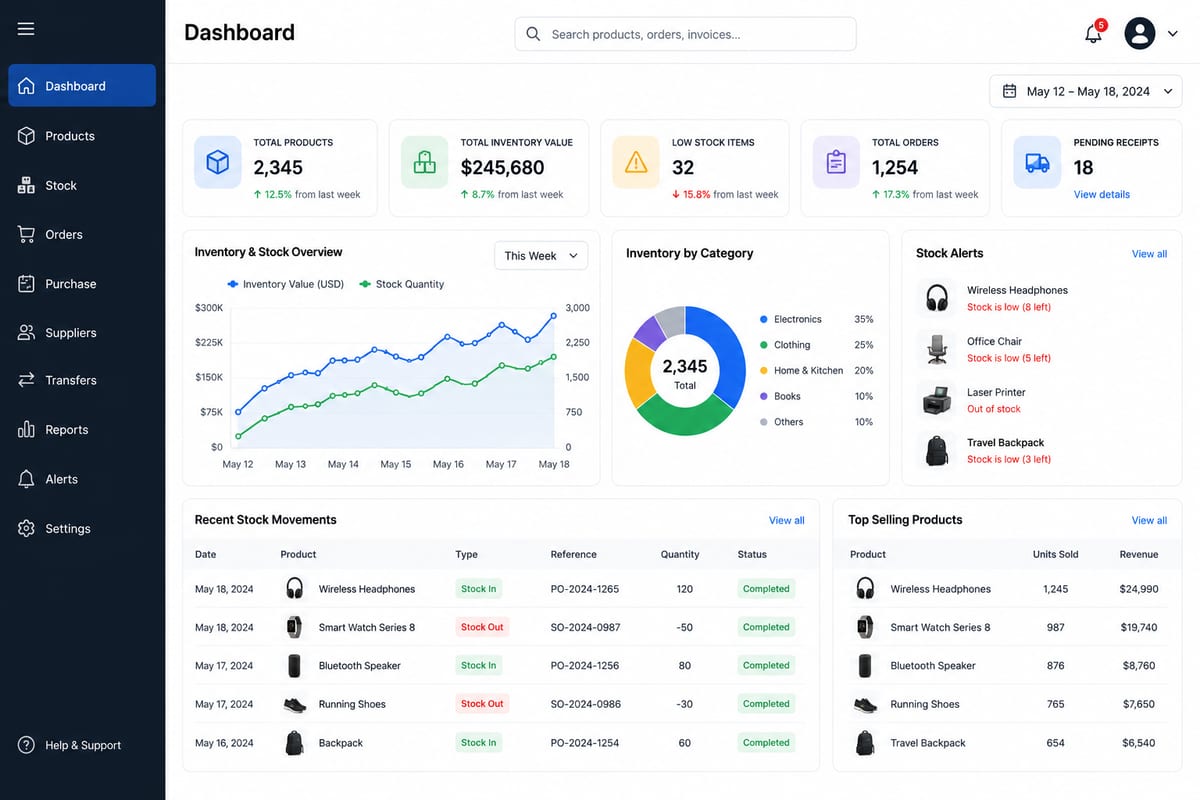
Inventory Management Software Free: Real vs Marketing
Inventory management software free options are not all real. Tell the difference between genuine free tools and crippled marketing funnels.
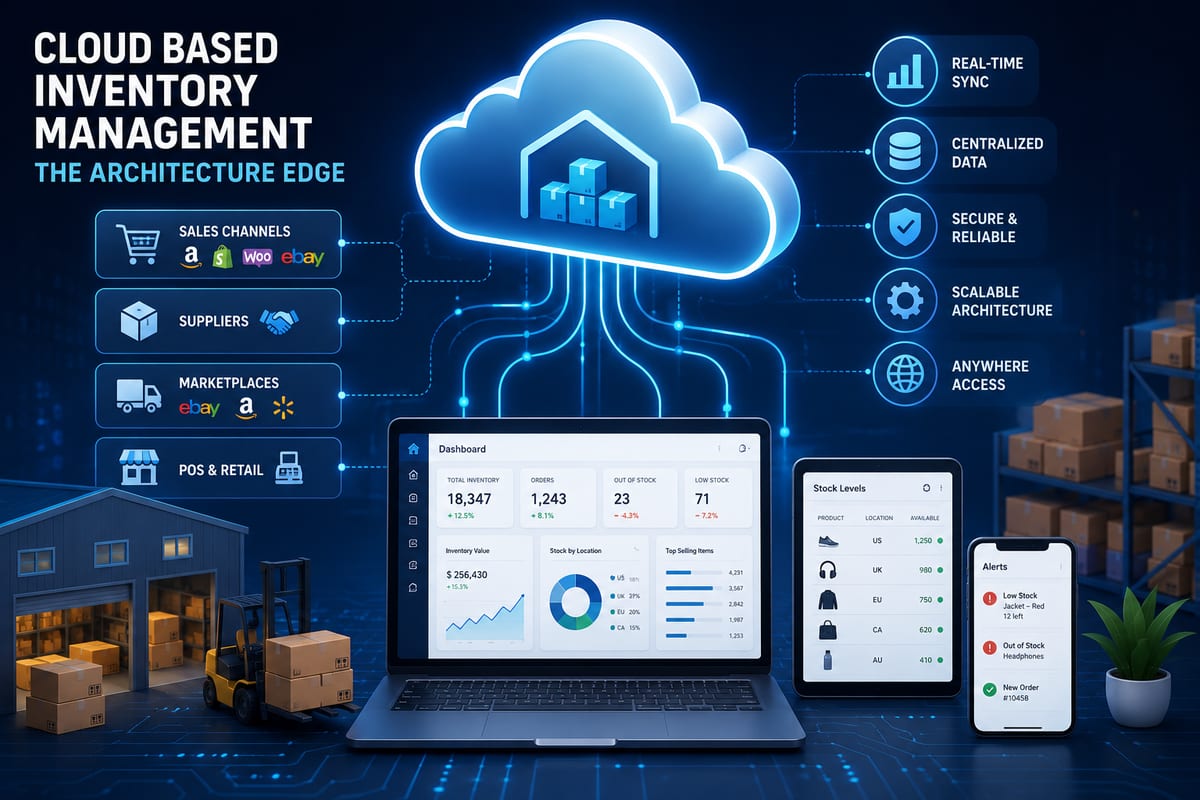
Cloud Based Inventory Management: The Architecture Edge
Cloud based inventory management is not just about the cloud. The architectural advantages that determine whether the platform actually scales for you.

Multichannel Inventory Management: Complete 2026 Guide
Master multichannel inventory management with real-time sync, smart routing, and zero overselling. Built for ecommerce sellers ready to scale.