Shopify to Flipkart Integration: How to Sell in India Without Managing Two Inventories

India's e-commerce market is projected to hit $188 billion by 2025, and Flipkart sits at the center of it. With over 500 million registered users and a gross merchandise value exceeding $23 billion, Flipkart is the marketplace Indian consumers trust most for online shopping.
For Shopify brands eyeing international expansion, India is one of the highest-growth opportunities available. But there's a problem: Shopify and Flipkart don't connect natively. There's no official integration, no plug-and-play app, and no one-click setup.
That doesn't mean it's not possible. It just means you need to approach it differently.
Why Flipkart Matters for International Shopify Brands
Before diving into the how, let's establish the why. Flipkart's numbers make a compelling case.
- 500M+ registered users across India
- $23B+ in gross merchandise value annually
- Category dominance in electronics, fashion, and home goods
- Walmart backing (81% ownership) bringing logistics and supply chain improvements
- Flipkart Plus loyalty program with 50M+ members driving repeat purchases
India's middle class is expected to reach 580 million people by 2030. These consumers are increasingly shopping online, and they're doing it on Flipkart. For brands in categories like fashion, beauty, electronics, home goods, and health & wellness, the addressable market is enormous.
The competitive dynamics also work in your favor. Many international brands haven't made the push into Flipkart yet. The marketplace is less saturated than Amazon India for certain categories, meaning organic visibility is more achievable.
The Integration Challenge
Shopify's marketplace integration ecosystem is extensive. Amazon, eBay, Walmart, Etsy, and dozens more have official or well-established third-party connectors. Flipkart is not one of them.
Here's why this gap exists:
- Flipkart's API is India-focused. The seller registration, documentation, and API are designed for Indian businesses with GST registration.
- Different data structures. Flipkart's product catalog system uses different category trees, attribute requirements, and listing formats than Western marketplaces.
- Currency and pricing. All Flipkart transactions are in Indian Rupees (INR), requiring real-time conversion and separate pricing strategies.
- Regulatory complexity. Selling on Flipkart as an international entity involves navigating India's Foreign Direct Investment (FDI) policies for e-commerce.
None of these are dealbreakers. They just mean you can't use a simple Shopify app and call it done.
Three Ways to Connect Shopify and Flipkart
Method 1: Manual Management
How it works: You maintain separate product listings and inventory counts in Shopify and Flipkart Seller Hub. When an order comes in on one platform, you manually adjust stock on the other.
Pros:
- Zero additional software cost
- Full control over each platform's listings
Cons:
- Time-consuming (expect 2-4 hours daily for catalogs over 100 SKUs)
- High overselling risk during busy periods
- Error-prone, humans make mistakes at scale
- Doesn't scale beyond a few hundred SKUs
Best for: Testing Flipkart with a small product catalog (under 50 SKUs) to validate demand before investing in automation.
Method 2: Middleware Automations (Zapier, Make, Custom Scripts)
How it works: You set up automated workflows that trigger when inventory changes on one platform, updating the other via API calls.
Pros:
- Lower cost than dedicated platforms ($50-$150/month)
- Customizable workflows
Cons:
- Webhook reliability issues (Zapier has documented latency of 1-15 minutes)
- Flipkart API changes can break automations without warning
- Limited error handling, when a sync fails, you may not know until an oversell occurs
- Requires technical knowledge to set up and maintain
- No unified order management
Best for: Technically capable teams with moderate SKU counts (50-500) who are comfortable maintaining custom automations.
Method 3: Centralized Multichannel OMS
How it works: A dedicated multichannel order management platform connects to both Shopify and Flipkart (plus any other channels), maintaining a single source of truth for inventory, orders, and product data.
Pros:
- Real-time inventory sync across all channels
- Unified order management dashboard
- Automated product listing sync with format translation
- Built-in handling for currency, tax, and marketplace-specific requirements
- Scales to unlimited SKUs and channels
Cons:
- Monthly platform cost ($100-$500+ depending on volume)
- Initial setup time (typically 1-2 weeks for full integration)
Best for: Brands serious about selling on Flipkart long-term, especially those already selling on 2+ channels.
| Feature | Manual | Middleware | Multichannel OMS |
|---|---|---|---|
| Monthly cost | $0 | $50-$150 | $100-$500 |
| Sync speed | Hours | 1-15 minutes | Near real-time |
| SKU limit | ~50 practical | ~500 practical | Unlimited |
| Oversell risk | High | Medium | Very low |
| Order management | Separate per channel | Separate per channel | Unified |
| Setup time | None | Days | 1-2 weeks |
| Scalability | Poor | Moderate | High |
Step-by-Step: Connecting Shopify and Flipkart Through a Multichannel Platform
Here's the practical setup process for brands choosing the centralized approach.
Step 1: Register as a Flipkart Seller
Before any integration, you need a Flipkart Seller account.
Requirements for international sellers:
- An Indian entity (subsidiary, branch office, or partnership with an Indian company). Flipkart requires a registered Indian business
- GST Identification Number (GSTIN)
- Indian bank account for settlements
- PAN card of the business entity
- Canceled cheque or bank statement
Important note: International brands typically work with one of three structures:
- Establish an Indian subsidiary (most control, highest cost)
- Partner with an Indian marketplace enabler or distributor
- Use Flipkart's cross-border program (limited categories, currently invitation-only)
Step 2: Prepare Your Product Data
Flipkart's listing requirements differ significantly from Shopify and Western marketplaces.
Key differences:
- Category-specific attributes: Flipkart mandates attributes like "Ideal For" (Men/Women/Unisex), "Pattern," "Fabric" for fashion items, fields that may not exist in your Shopify catalog.
- Image requirements: Minimum 500×500 pixels, white background, no watermarks. At least 3 images per product.
- MRP (Maximum Retail Price): Indian law requires an MRP printed on all products. Your listing must include this.
- HSN codes: Harmonized System Nomenclature codes are required for GST compliance on Flipkart.
Create a mapping document that translates your Shopify product attributes to Flipkart's required fields. This saves significant time during setup.
Step 3: Connect Both Platforms to Your OMS
Link your Shopify store using the standard API connection, most multichannel platforms handle this in a few clicks. For Flipkart, you'll connect via Flipkart's Seller API (v3), which requires API key approval from Flipkart's seller support team. Allow 3-5 business days for API access approval.
Step 4: Map Your SKUs
This is where cross-platform selling gets tricky. Your Shopify SKU "BLK-TEE-L" and Flipkart's FSN (Flipkart Serial Number) are different identifiers pointing to the same product.
Set up SKU mapping rules:
- Map Shopify SKU → Flipkart listing ID for each product
- Define parent-child relationships for variants (Flipkart handles variants differently than Shopify)
- Set channel-specific pricing rules (your INR pricing will differ from your USD pricing)
Step 5: Configure Inventory Rules
Don't simply mirror your total inventory count across both channels. Set up smart allocation rules.
- Safety stock buffers: Reserve 10-15% of inventory as a buffer to account for sync delays and cross-border shipping uncertainties.
- Channel-specific allocation: If 70% of your sales come from Shopify and 30% from Flipkart, allocate proportionally, not 50/50.
- Low-stock alerts: Set thresholds that trigger notifications before a product runs out on any channel.
Step 6: Set Up Order Routing
When a Flipkart order comes in, your OMS should:
- Pull the order details (customer info, items, shipping address)
- Deduct inventory from the shared pool
- Route the order to the correct fulfillment center
- Push tracking information back to Flipkart
For cross-border fulfillment, configure your order routing to account for longer transit times and customs processing.
Inventory Sync Challenges Specific to Cross-Border Selling
Selling into India from an international warehouse introduces sync complications that domestic sellers don't face.
Lead Time Variability
Cross-border shipments to India typically take 7-15 business days, compared to 1-3 days for domestic. This means inventory committed to a Flipkart order is "locked" for much longer, affecting your available stock for other channels.
Solution: Maintain separate "available" and "committed" inventory pools. Your OMS should deduct stock the moment an order is placed, not when it ships.
Customs Delays
Indian customs can hold shipments for 1-5 additional days for inspection. During this window, your inventory is in limbo, sold but not delivered. If the customer cancels due to delay, you need a process to restock that inventory across channels.
Split Warehouse Strategy
Many brands eventually set up Indian fulfillment (through a 3PL or Flipkart's own warehouse network) to reduce delivery times. This creates a split inventory situation, some stock in your home warehouse, some in India.
A centralized platform that syncs inventory in real time across multiple warehouse locations becomes essential here. Without it, you're managing two disconnected inventory pools with no visibility into total availability.
"Switching our 3,000 SKU catalog to Nventory was the best operational decision we've made. The sync latency is non-existent.": Marc Verhoeven, Founder, Velox Kits
GST and Tax Implications for International Sellers
Selling on Flipkart means dealing with India's Goods and Services Tax (GST). Here's what you need to know.
GST Registration
Any entity selling on Flipkart must have a GSTIN. For international brands operating through an Indian entity, this is straightforward. For those using marketplace enablers, the enabler typically handles GST compliance.
GST Rates
Rates vary by product category:
- 5%: Most apparel under ₹1,000
- 12%: Apparel above ₹1,000, prepared foods, some electronics accessories
- 18%: Most electronics, furniture, cosmetics
- 28%: Luxury goods, certain electronics
Tax Collected at Source (TCS)
Flipkart is required to collect 1% TCS on net taxable sales and deposit it with the government. This is deducted from your settlement amount.
Import Duties
Products shipped from outside India are subject to customs duty. Rates vary by category but typically range from 10-40%. Factor this into your pricing strategy: your landed cost in India must account for customs duty, GST, and Flipkart's commission.
Pricing Strategy for the Indian Market
Simply converting your USD prices to INR doesn't work. Indian consumers are extremely price-sensitive, and Flipkart's competitive landscape is intense.
Guidelines:
- Research competitive pricing for your category on Flipkart using their search results
- Factor in: customs duty + GST + Flipkart commission (5-25% depending on category) + shipping + currency conversion buffer
- Price in round INR figures (₹1,499 vs. ₹1,487)
- Plan for Flipkart's sale events: Big Billion Days, Republic Day Sale, and others where discounts of 20-60% are expected
Making the Decision
Expanding to Flipkart isn't right for every Shopify brand. It makes the most sense if:
- Your products fit Flipkart's strong categories (fashion, electronics, home, beauty)
- You can achieve competitive pricing after accounting for duties and fees
- You're willing to invest in proper infrastructure (Indian entity, GST, fulfillment)
- You're already managing multichannel operations and have systems in place
The brands that succeed on Flipkart treat it as a strategic market entry: not a side experiment. That means proper inventory integration, localized pricing, and fulfillment infrastructure from day one.
Start with your best-selling 20-50 SKUs. Validate demand. Then scale with the systems to support it.
Frequently Asked Questions
Yes, but no native integration exists. You need an Indian entity with GST registration, an Indian bank account, and a multichannel platform to sync inventory.
Yes. Flipkart requires a registered Indian business with GSTIN and Indian bank account.
5-25% commission depending on category, plus shipping fees and GST. Account for customs duty (10-40%) if shipping from outside India.
Related Articles
View all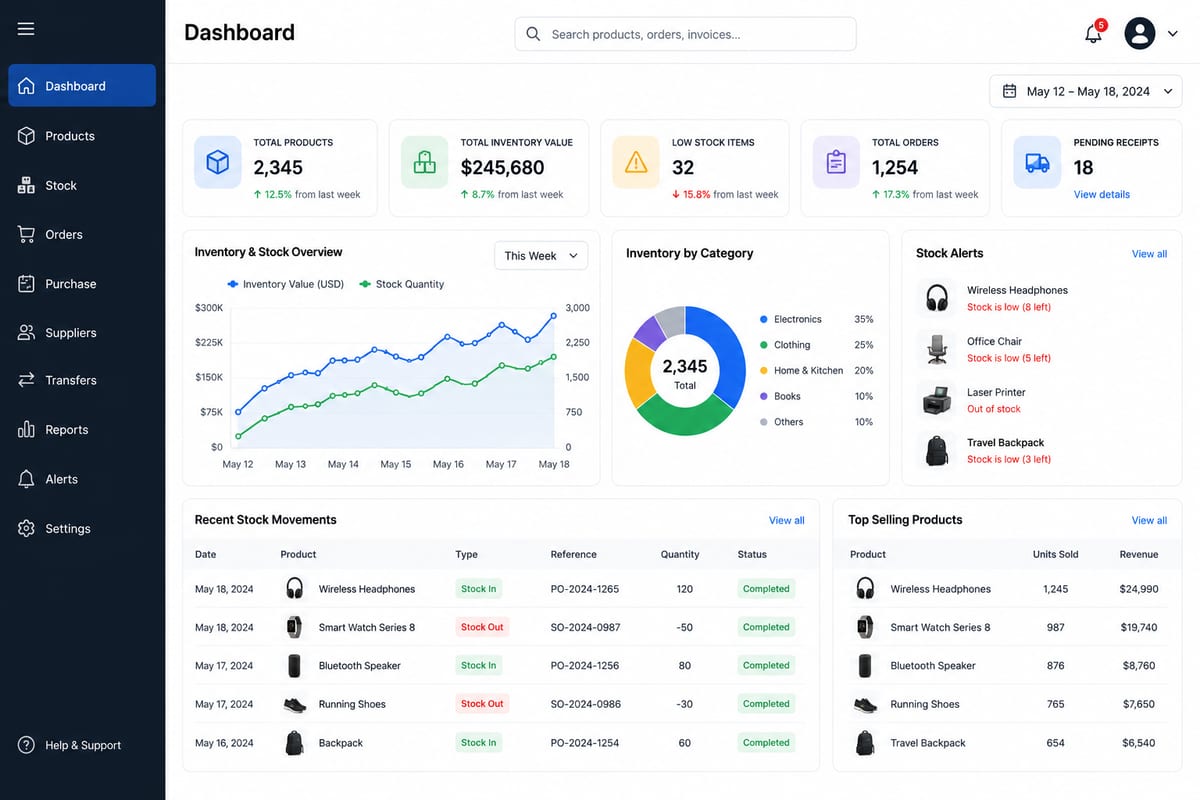
Inventory Management Software Free: Real vs Marketing
Inventory management software free options are not all real. Tell the difference between genuine free tools and crippled marketing funnels.
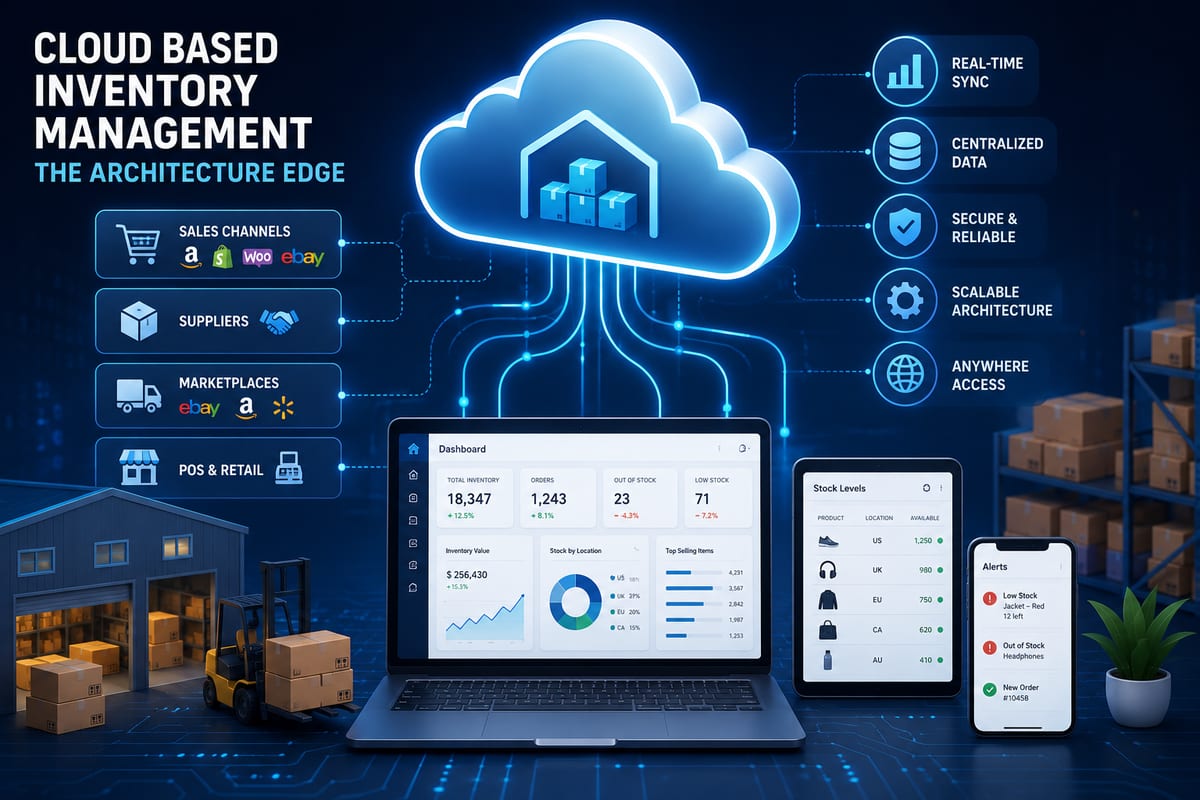
Cloud Based Inventory Management: The Architecture Edge
Cloud based inventory management is not just about the cloud. The architectural advantages that determine whether the platform actually scales for you.
Multichannel Inventory Management: Complete 2026 Guide
Master multichannel inventory management with real-time sync, smart routing, and zero overselling. Built for ecommerce sellers ready to scale.