Best Free Plugin WordPress Stores Should Install in 2026

The WordPress plugin directory has over 60,000 free plugins. Most are mediocre, many are abandoned, and a small handful are genuinely indispensable. Searching for the best free plugin WordPress can install for a specific job, inventory management, sync, marketplace integration, performance, is half the battle. The other half is knowing what to look for so you do not install something that breaks your site or quietly stops being maintained six months later.
This guide focuses specifically on the best free plugin WordPress ecommerce founders should install for inventory and multi-channel selling, the operational backbone of any growing WooCommerce store. It also covers the criteria that separate a plugin worth your time from one that wastes it.
What Makes a Free WordPress Plugin Actually Worth Installing
The "free" label on a WordPress plugin is meaningless on its own. A free plugin can be excellent or dangerous, depending on how it is built and maintained. Before installing any free plugin from WordPress.org, verify these signals.
1. Active Maintenance
Check the "last updated" date on the WordPress.org plugin page. Plugins not updated in 12+ months often have security vulnerabilities and compatibility issues with current WordPress versions.
2. Tested With Latest WordPress
Look for "Tested up to" matching the current WordPress version. Plugins listed as compatible with versions 2+ releases behind are higher risk.
3. Active Install Count
Plugins with 10,000+ active installs have been stress-tested by enough real users that major bugs are usually documented. Newer plugins with under 1,000 installs are higher risk for production use.
4. Review Quality
Read the most recent reviews, not just the average rating. Reviews from the last 60 days tell you how the plugin is performing now. Look for reviews that mention specific features failing or support being unresponsive.
5. Clear Pricing Structure
Many free plugins have paid tiers. That is fine, but check the upgrade pricing before installing. A free plugin with $300/month upgrade tiers has a different value proposition than one with $30/month tiers.
6. Documentation Quality
Reputable plugin developers document setup, configuration, and troubleshooting clearly. If the documentation is sparse or outdated, expect support to be sparse too.
7. Conflict Disclosure
Better plugin developers list known conflicts with other popular plugins. Tools that do not acknowledge any known conflicts are either suspiciously perfect or hiding issues.
Categories of Best Free Plugin WordPress Stores Need
For any WooCommerce store, the operational stack typically includes plugins from these categories:
- Inventory management, track stock, prevent overselling, sync to channels
- Caching and performance, speed up the front-end and admin
- SEO, control on-page metadata and structured data
- Backup and security, automated backups, malware scanning
- Forms, contact forms, lead capture, customer requests
- Analytics, traffic data, conversion tracking, product insights
This guide focuses primarily on the first category, inventory management, because it is where most growing stores feel pain first and where the right plugin produces the highest ROI.
The Best Free Plugin WordPress Stores Should Install for Inventory Management
For multichannel WooCommerce stores, the most valuable free plugin is one that handles inventory synchronization across all your sales channels. Here is what to look for and why a unified platform tends to outperform stacked single-purpose plugins.
Why Unified Beats Stacked
The natural path most stores follow is installing one plugin per problem, a stock plugin, then an Amazon connector, then an eBay connector, then a shipping tool. By month 12, the stack has 8+ plugins competing for the same WooCommerce database tables. According to Wikipedia's overview of inventory management, centralized data ownership is foundational to accurate operations. Stacked plugins violate that principle by design.
A unified platform, one plugin that handles inventory, channel sync, and order routing, eliminates the conflict surface. That is the architectural argument for tools like Nventory.io, which is built around the principle that operational complexity should sit on dedicated infrastructure, not on top of a stack of competing WordPress plugins.
Webhook-Driven, Not Polling-Based
Older inventory plugins poll each channel for changes every 5 to 15 minutes. During peak sales periods, that is enough time to oversell. Webhook-driven plugins push updates instantly. According to Cloudflare's webhook documentation, webhook architectures are dramatically more efficient and reliable than polling for time-sensitive operations.
When evaluating any free WordPress inventory plugin, this is the most important architectural question to ask. If a plugin still uses cron-based polling at 5+ minute intervals, it is a generation behind what modern multichannel selling requires.
Variation-Level SKU Tracking
If you sell variable products, apparel, footwear, configurable goods, the plugin must track stock at the variation level, not just the parent product. This is where most free plugins fail at scale.
Channel Coverage
A free plugin worth installing should connect WooCommerce to the major marketplaces (Amazon, eBay, Walmart, TikTok Shop, Etsy) and other storefronts (Shopify) without requiring a separate connector for each one.
How Nventory Fits This Picture
The free Nventory plugin on WordPress.org is built specifically for the use case described above, multichannel WooCommerce stores that have outgrown stacked plugin setups but are not ready for ERP-level complexity.
The plugin connects WooCommerce to Amazon, eBay, Walmart, TikTok Shop, Etsy, Shopify, and 30+ other channels through a single API key. Sync speed is under 5 seconds. Variations are tracked at the SKU level. Every webhook event is logged with retry logic for failed deliveries.
The free tier includes the core multichannel sync functionality without a credit card. Installation takes about 10 minutes from WordPress.org, and no developer is required for setup.
For founders who currently run a stack of single-purpose plugins and want to consolidate, this is one of the cleanest free options available right now.
Other Categories of Best Free WordPress Plugins to Consider
While this guide focuses on inventory, a complete operational stack includes a few other essentials. These categories matter for any growing WooCommerce store:
Caching and Performance
Plugins like LiteSpeed Cache (free) and WP Super Cache (free) speed up front-end load times significantly. For ecommerce, this directly impacts conversion rates, every 100ms of latency costs measurable revenue.
SEO
Yoast SEO and Rank Math both have strong free tiers. They control title tags, meta descriptions, schema markup, and sitemap generation, table stakes for any store that wants organic traffic.
Backup
UpdraftPlus has a free tier that handles automated backups to cloud storage. For any production store, automated backups are non-negotiable.
Security
Wordfence Security has a free version that handles malware scanning and basic firewall rules. Critical for stores handling customer payment data.
Forms
Contact Form 7 and WPForms Lite both have solid free tiers for basic contact forms, lead capture, and customer requests.
These categories together form the operational stack most growing WooCommerce stores run on. The inventory layer, handled by plugins like Nventory, is typically the highest-leverage addition once you cross 500 SKUs or add a second sales channel.
Common Mistakes When Choosing the Best Free Plugin WordPress Stores Use
After reviewing how dozens of stores assemble their plugin stacks, the same mistakes show up repeatedly.
Picking based on download count alone. Plugins with millions of installs are not always the best, they are often the most established but not necessarily the best architected for current needs.
Stacking too many plugins in the same category. Two inventory plugins, three SEO plugins, and four caching plugins create more problems than they solve. One plugin per category, chosen carefully.
Ignoring the upgrade path. A free plugin that requires expensive paid tiers for features you will need in six months has hidden costs. Check the full pricing before installing.
Skipping the staging test. Installing any new plugin directly on a live store is risky. Use staging environments to test compatibility before going live.
Forgetting to deactivate old plugins. When swapping plugins, leaving the old one active creates conflicts. Deactivate and delete cleanly.
Final Thoughts
The best free plugin WordPress stores install is not the one with the most downloads, it is the one that fits your specific needs, is actively maintained, and has a clear upgrade path if you eventually need more. For inventory management specifically, that means looking for webhook-driven sync, variation-level tracking, and unified channel coverage instead of stacked single-purpose tools.
If you are running a multichannel WooCommerce store and want to test a free inventory plugin built for serious operational scale, download Nventory free from WordPress.org and connect your first channel today. Visit nventory.io to learn more about what the platform handles and how it fits into your broader plugin stack.
Frequently Asked Questions
For multichannel WooCommerce stores, the Nventory plugin on WordPress.org offers the strongest free-tier feature set with native marketplace integrations and webhook-driven sync. ATUM and Smart Manager are also widely used for single-channel setups.
Plugins downloaded from the official WordPress.org directory are reviewed for security and basic code quality. They are generally safe. Avoid downloading plugins from third-party sites or nulled versions of paid plugins, which often contain malicious code.
There is no fixed number, but most well-run WooCommerce stores run 15 to 30 plugins total. Quality matters more than quantity. One well-maintained plugin per job beats three overlapping ones.
Some will, especially if they are poorly built or run heavy operations on every page load. Choose plugins that use webhooks (not polling), run heavy operations on external servers, and are compatible with caching plugins. Always test performance after installing.
Check the last updated date, active install count, recent reviews, and tested-up-to WordPress version. Plugins maintained by established companies with public roadmaps are typically more reliable than abandoned hobby projects.
Yes, when chosen carefully. Many successful WooCommerce stores run primarily on free plugins. The key is choosing well-maintained tools from reputable developers, even if you eventually upgrade to paid tiers for advanced features.
Related Articles
View all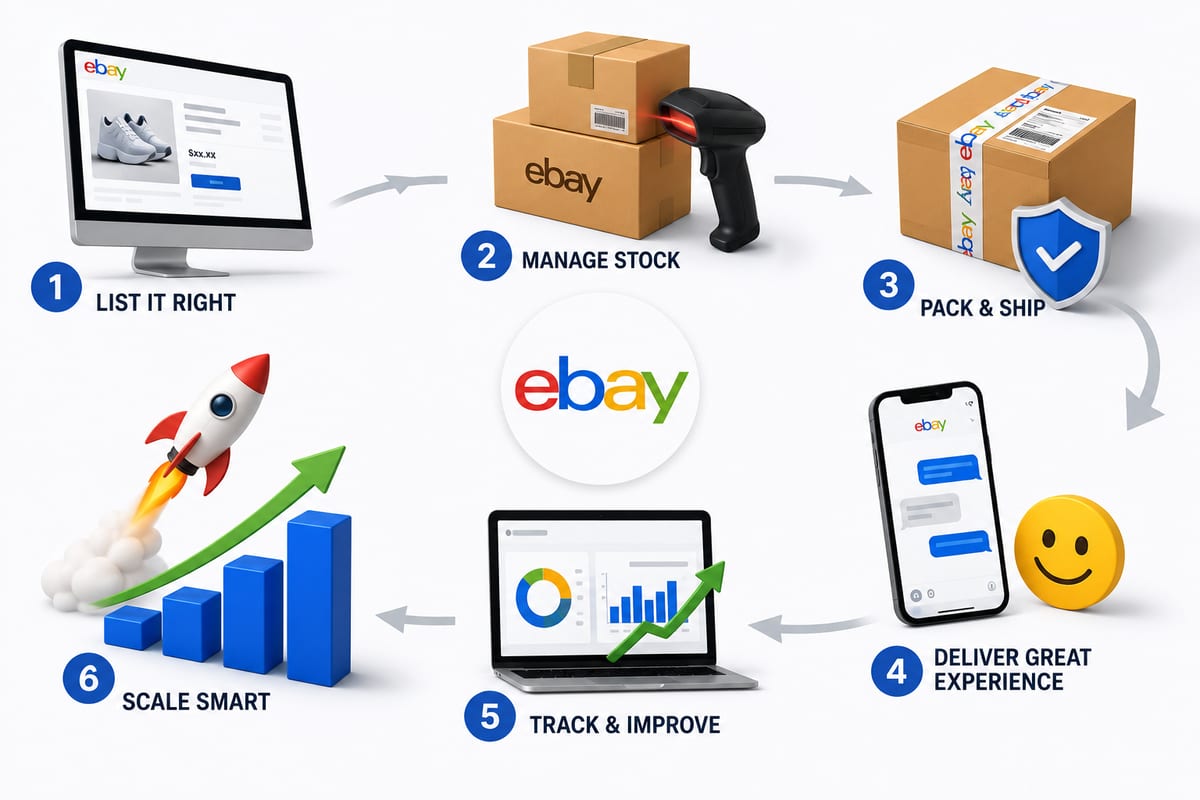
Tips on How to Sell on eBay: Operational Practices at Scale
Tips on how to sell on eBay alongside multiple channels. The operational practices that protect seller standing and produce sustainable margin.
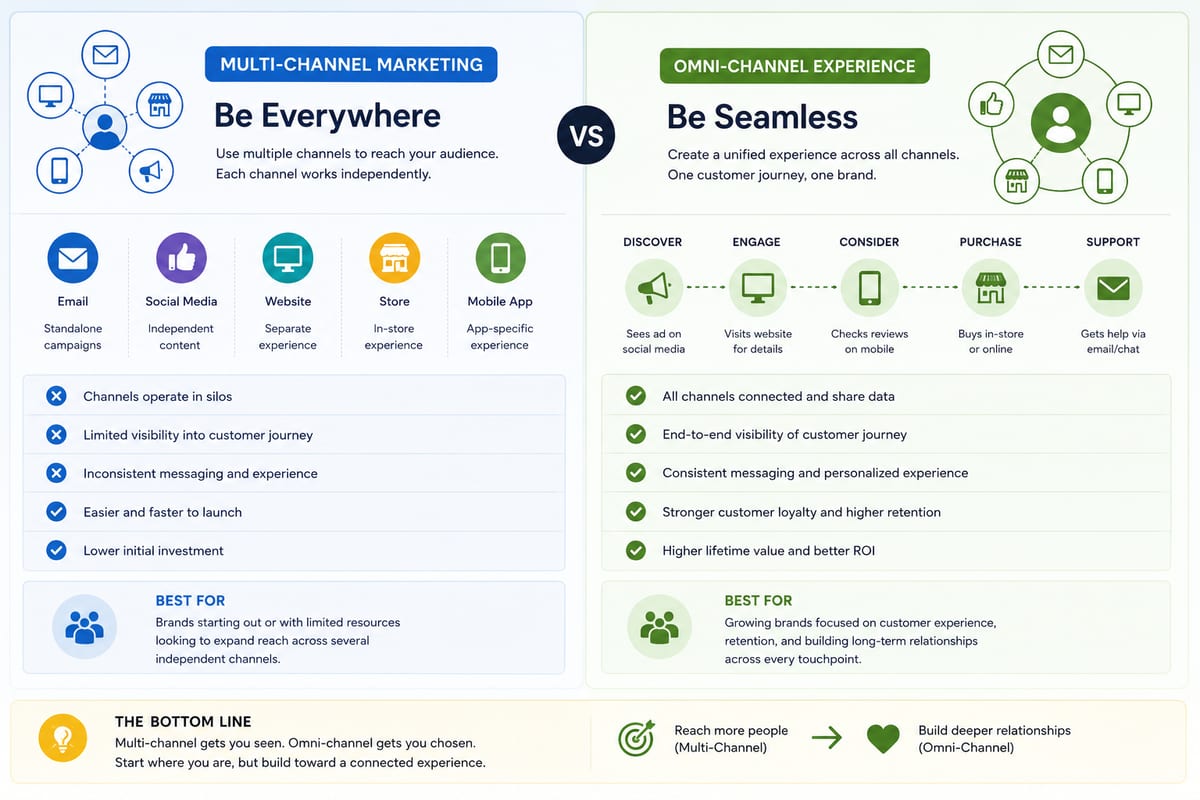
Multi Channel Marketing vs Omni Channel: Honest Comparison
Multi channel marketing vs omni channel breakdown for ecommerce operations. The operational differences that determine which approach fits your business.
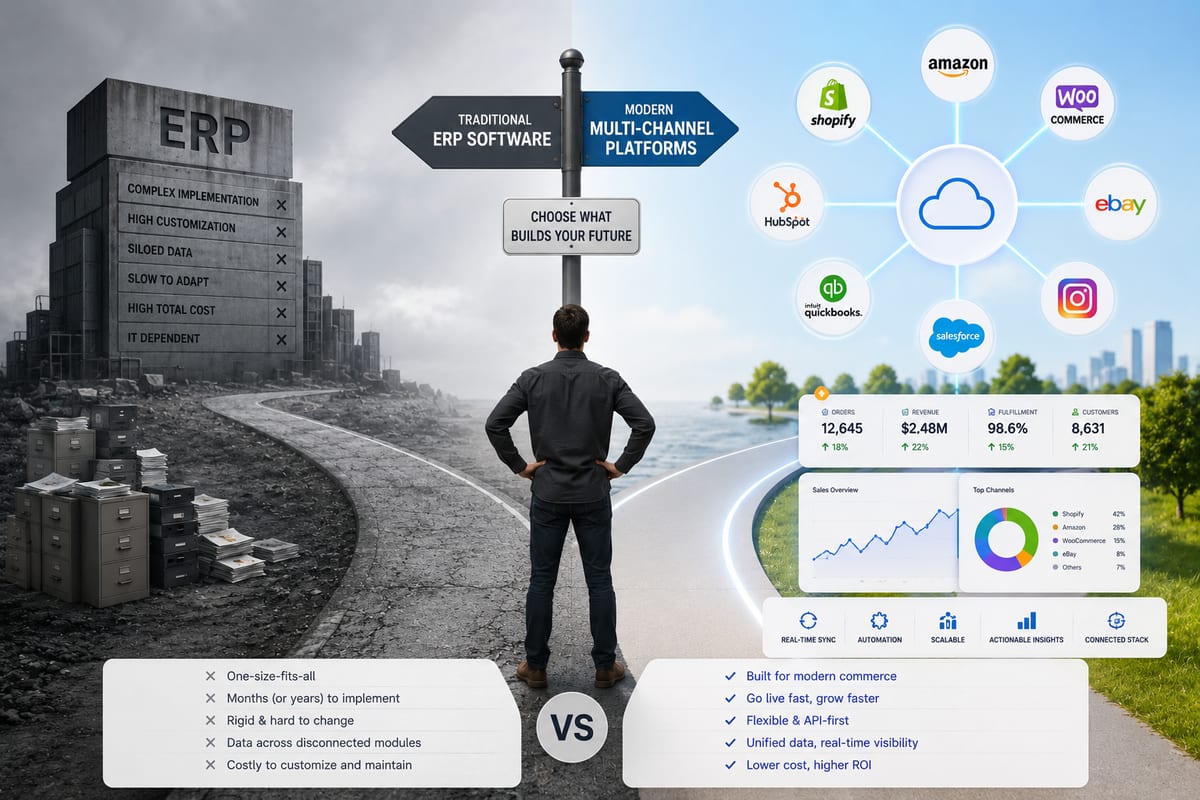
ERP Software vs Multi-Channel Platforms: Honest Choice
ERP software comparison for growing ecommerce brands. When ERP fits and when multi-channel platforms produce better outcomes at lower cost.