Best WordPress Plugin Picks for Ecommerce Stores in 2026

There are over 60,000 plugins in the WordPress directory, and most ecommerce founders end up running 20 to 30 of them. The difference between a fast, reliable WooCommerce store and a slow, unreliable one usually comes down to a handful of plugin choices made early. Pick the best WordPress plugin for each job, and your store handles 10x growth without breaking. Pick the wrong ones, and you will spend a year unwinding plugin conflicts you did not realize were piling up.
This guide covers the best WordPress plugin recommendations for ecommerce operators in 2026, what to look for, what to avoid, and the specific categories that matter most for stores running on WooCommerce.
What Makes a Plugin "Best", Beyond the Marketing
The phrase "best WordPress plugin" is overused to the point of meaninglessness. Every vendor claims it. Every listicle picks favorites. The actual criteria that matter are more boring than the marketing suggests.
1. Active Maintenance
Check the "last updated" date on the WordPress.org plugin page. Plugins not updated in 12+ months often have security vulnerabilities and compatibility issues with current WordPress versions.
2. Tested Compatibility
Look for "Tested up to" matching the current WordPress version. Plugins listed as compatible only with versions 2+ releases behind are higher risk.
3. Active Install Count
Plugins with 10,000+ active installs have been stress-tested by enough real users that major bugs are usually documented. This is not a guarantee of quality, but it is a useful signal.
4. Recent Review Quality
Read reviews from the last 60 days, not the average rating. Recent reviews tell you how the plugin is performing now. Look for specific feature failures or unresponsive support.
5. Clear Documentation
Reputable plugin developers document setup, configuration, and troubleshooting clearly. Sparse or outdated documentation usually means sparse support too.
6. Honest Pricing Structure
Free plugins often have paid tiers. That is fine, but check the upgrade pricing before installing. A plugin with $300/month upgrade tiers has a different value proposition than one with $30/month tiers.
7. Performance Footprint
A plugin that adds 200ms+ to your page load is rarely worth it, no matter how many features it has. Test on staging with realistic traffic before committing.
The Categories That Matter Most for Ecommerce
For any growing WooCommerce store, the operational stack typically needs the best WordPress plugin from each of these categories:
- Inventory management and multi-channel sync
- Caching and performance
- SEO and structured data
- Backup and disaster recovery
- Security and malware scanning
- Forms and lead capture
- Analytics and conversion tracking
- Image optimization
This guide focuses on the highest-leverage categories, the ones where plugin choice has the biggest impact on revenue and operational stability.
Best WordPress Plugin for Inventory Management
For multi-channel WooCommerce stores, inventory management is where plugin choice matters most. The wrong plugin causes oversells, lost sales, and hours of weekly reconciliation. The right plugin makes the whole problem disappear.
The free Nventory plugin on WordPress.org is built specifically for the multichannel use case. It connects WooCommerce to Amazon, eBay, Walmart, TikTok Shop, Etsy, Shopify, and 30+ other channels through a single API. Sync speed is under 5 seconds. Variations are tracked at the SKU level. The architecture deliberately avoids the polling-based delays that older inventory plugins rely on.
What separates Nventory from older inventory plugins is the underlying architecture. Instead of polling each channel every few minutes, it uses webhooks to push updates the moment they happen. According to Cloudflare's webhook documentation, event-driven sync is dramatically more efficient and reliable than time-based polling, especially during peak sales periods.
For single-channel stores under 1,000 SKUs, ATUM and Smart Manager remain solid options. But once you are selling on more than one channel, a unified multichannel platform like Nventory becomes the right architectural fit.
Best WordPress Plugin for Caching and Performance
Performance directly impacts ecommerce conversion rates. Every 100ms of page load latency costs measurable revenue. The best WordPress plugin for caching depends on your hosting setup.
LiteSpeed Cache is the strongest free option if you are on LiteSpeed-powered hosting (which is increasingly common). It includes page caching, object caching, image optimization, and CDN integration in one free plugin.
WP Rocket is the strongest paid option for any hosting setup. It works out of the box with minimal configuration and has excellent compatibility with WooCommerce.
W3 Total Cache is a free alternative for non-LiteSpeed setups. It is powerful but requires more configuration than LiteSpeed Cache.
The principle: pick one caching plugin, configure it carefully, and do not stack multiple caching tools. They will fight each other and create stale-data problems.
Best WordPress Plugin for SEO
For most ecommerce stores, the choice comes down to two plugins: Yoast SEO and Rank Math. Both have strong free tiers that handle the essentials, title tags, meta descriptions, schema markup, sitemaps, and basic content analysis.
Rank Math has gained significant momentum in recent years for its broader free-tier feature set, faster setup, and integrated analytics.
Yoast SEO remains the more established option, with longer track record and more third-party integrations.
For WooCommerce specifically, both plugins offer dedicated WooCommerce SEO modules that handle product schema, breadcrumbs, and category optimization. The difference between them is small enough that either choice is defensible, pick one and use it consistently.
Best WordPress Plugin for Backup
Automated backups are non-negotiable for any production store. The best WordPress plugin for backup depends on your hosting and storage preferences.
UpdraftPlus has a strong free tier that handles automated backups to cloud storage (Dropbox, Google Drive, Amazon S3, and more). The paid version adds incremental backups, multiple storage destinations, and migration features.
BackupBuddy is a paid option with a longer history and integrated migration tools. Particularly strong for stores that move between hosting providers.
Hosting-provided backup is sufficient for many stores. WP Engine, Kinsta, and other managed hosts include automated daily backups in their plans. If your hosting provides this, you may not need a backup plugin at all.
The principle: never run a production store without automated backups. The cost of recovery from data loss without backups is always more than the cost of any backup tool.
Best WordPress Plugin for Security
Wordfence Security has long been the standard free option, with malware scanning, basic firewall rules, and login protection. The free tier is genuinely useful for most stores.
Sucuri Security is the premium alternative, with stronger firewall capabilities and a managed CDN. Paid only, but the depth of security features matches the price for established stores.
iThemes Security rounds out the top three options, with strong brute-force protection and file integrity monitoring.
For any ecommerce store handling customer payment data, security plugins are not optional. Pick one, configure it carefully, and keep it updated.
Best WordPress Plugin for Forms
Contact forms, lead capture, customer requests, the best WordPress plugin for forms depends on complexity needs.
Contact Form 7 remains the most popular free option for basic contact forms. Lightweight, well-maintained, and integrates with most marketing tools.
WPForms Lite is the strongest free alternative for stores that want a more visual form builder. The paid tier (WPForms Pro) adds payment integration, surveys, and conditional logic.
Gravity Forms is the premium option for stores that need complex forms, multi-step, conditional logic, payment processing, advanced calculations.
For most stores, the free tier of WPForms Lite or Contact Form 7 is enough. Upgrade to paid only when you have a specific feature need that requires it.
Best WordPress Plugin for Image Optimization
Images are typically 50%+ of a WooCommerce store's page weight. Optimizing them is one of the highest-ROI performance improvements you can make.
ShortPixel has a strong free tier (up to 100 images/month) and handles bulk optimization, WebP conversion, and CDN delivery.
Imagify is similar in feature set, also from a reputable developer.
Smush is one of the most popular free options, though its free tier has tighter limits than ShortPixel or Imagify.
The principle: do not upload unoptimized images. Choose one image optimization plugin and run all uploads through it.
Common Mistakes When Choosing the Best WordPress Plugin
After watching dozens of WooCommerce stores assemble their plugin stacks, the same mistakes show up repeatedly.
Stacking too many plugins in the same category. Two SEO plugins, three caching plugins, four analytics tools, they fight each other and degrade performance. One plugin per category, chosen carefully.
Picking based on download count alone. Plugins with millions of installs are not always the best, they are often the most established but not necessarily the best architected for current needs.
Ignoring the upgrade path. A free plugin with $300/month paid tiers has hidden costs if you eventually need those features. Check pricing before installing.
Skipping the staging test. Installing any new plugin directly on a live store creates risk. Use staging environments to test before going live.
Forgetting to deactivate old plugins. When swapping plugins, leaving the old one active creates conflicts. Deactivate and delete cleanly.
According to Wikipedia's overview of inventory management, the same principle applies in operational systems generally: clean ownership of each function beats overlapping tools competing for the same job.
Final Thoughts
The best WordPress plugin for any specific job is the one that is actively maintained, well-architected, fits your stack, and has a clear upgrade path. Do not pick based on hype, marketing, or download count alone. Verify maintenance signals, read recent reviews, test on staging, and prioritize quality over quantity.
For multi-channel WooCommerce stores specifically, inventory management is the highest-leverage category to get right. If you are running a multichannel store and want to test a free inventory plugin built for serious operational scale, download Nventory free from WordPress.org and connect your first channel today. Visit nventory.io to explore the platform and see how it fits into your broader WordPress stack.
Frequently Asked Questions
There is not one, the best WordPress plugin for ecommerce depends on what specific job you are trying to do. For inventory management on multi-channel stores, the Nventory plugin on WordPress.org is one of the strongest free options. For SEO, Yoast or Rank Math. For caching, LiteSpeed Cache or WP Rocket. The right answer is the best plugin for each specific category, not one plugin that does everything.
There is no fixed number, but most well-run WooCommerce stores run 15 to 30 plugins total. Quality matters more than quantity. One well-maintained plugin per job beats three overlapping ones.
Sometimes. Many of the best WordPress plugin options have strong free tiers, including Nventory, Yoast SEO, LiteSpeed Cache, and Wordfence. Paid versions usually unlock advanced features, but the free tiers are often sufficient for most stores.
Check the last updated date, active install count, recent reviews, and tested-up-to WordPress version. Plugins maintained by established companies with public roadmaps are typically more reliable than abandoned hobby projects.
Sometimes. The number of plugins matters less than the quality. One poorly built plugin can slow your site more than ten well-built ones. Focus on choosing efficient plugins rather than minimizing count.
Plugins on WordPress.org are reviewed for security and basic code quality. They are generally safe to install. Avoid downloading plugins from third-party sites or nulled versions of paid plugins, which often contain malicious code.
Related Articles
View all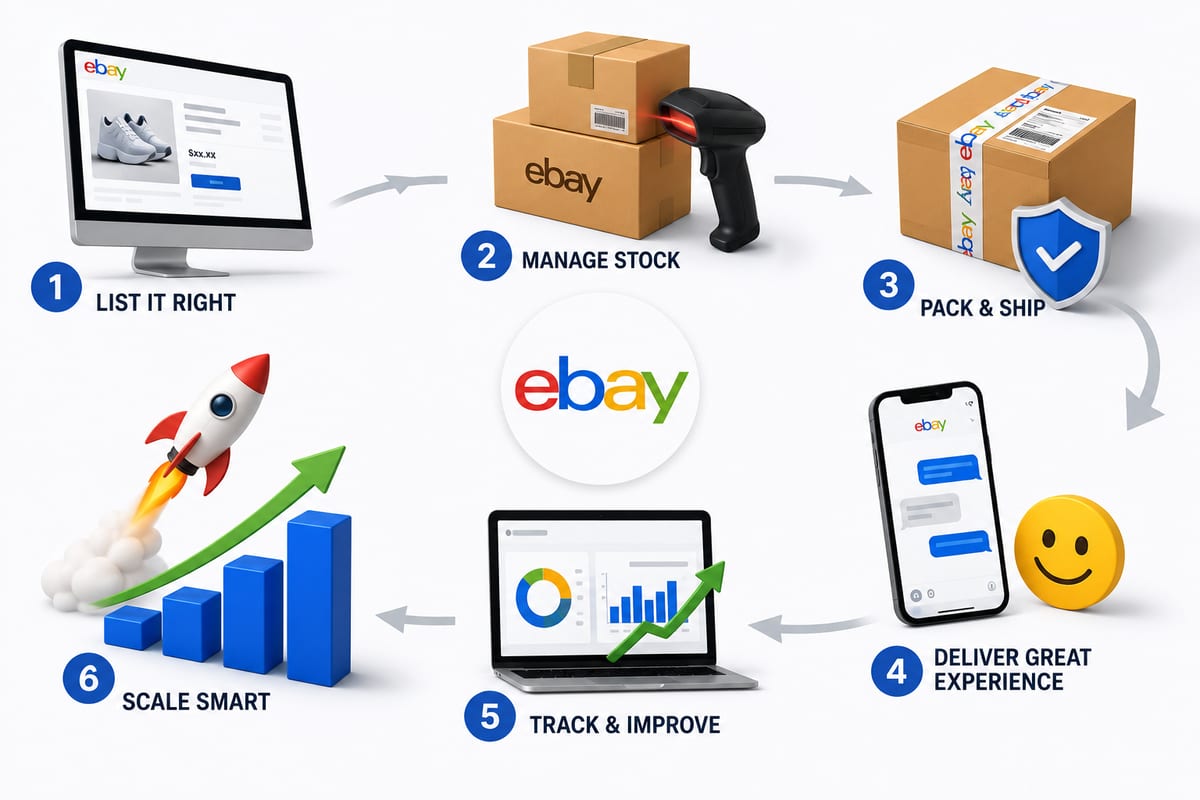
Tips on How to Sell on eBay: Operational Practices at Scale
Tips on how to sell on eBay alongside multiple channels. The operational practices that protect seller standing and produce sustainable margin.
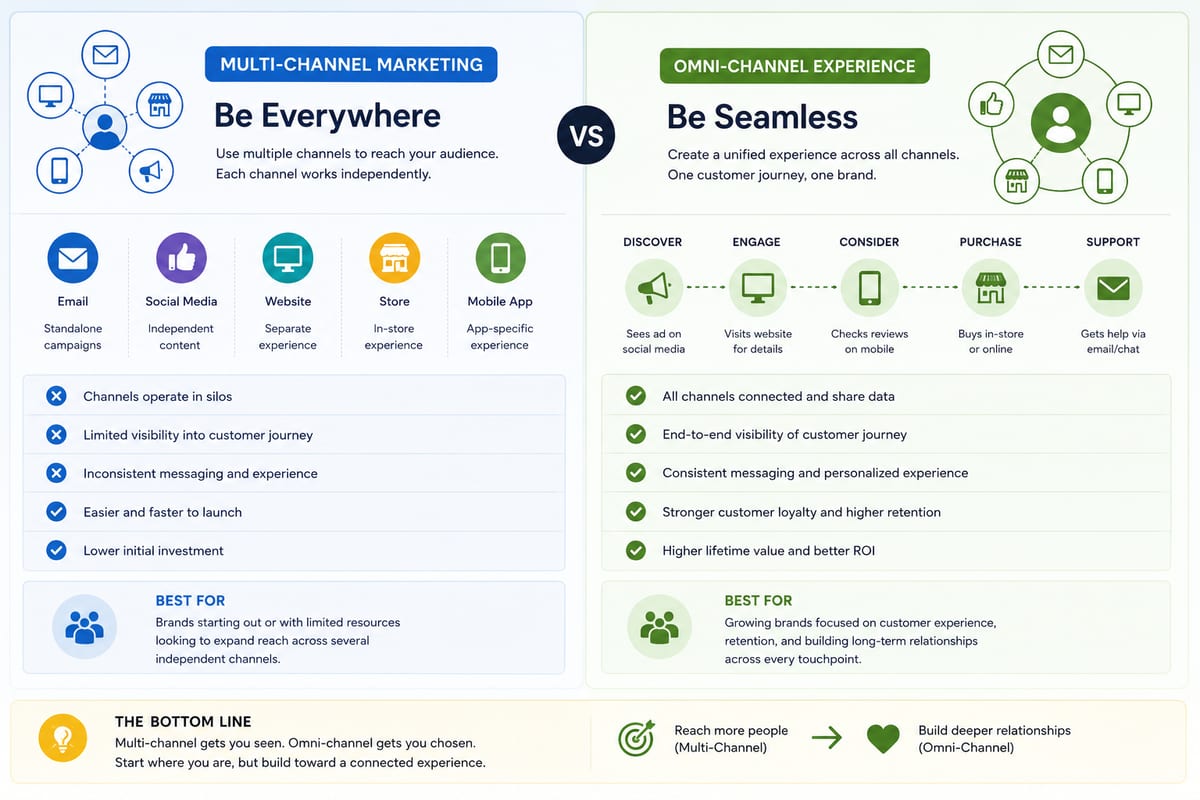
Multi Channel Marketing vs Omni Channel: Honest Comparison
Multi channel marketing vs omni channel breakdown for ecommerce operations. The operational differences that determine which approach fits your business.
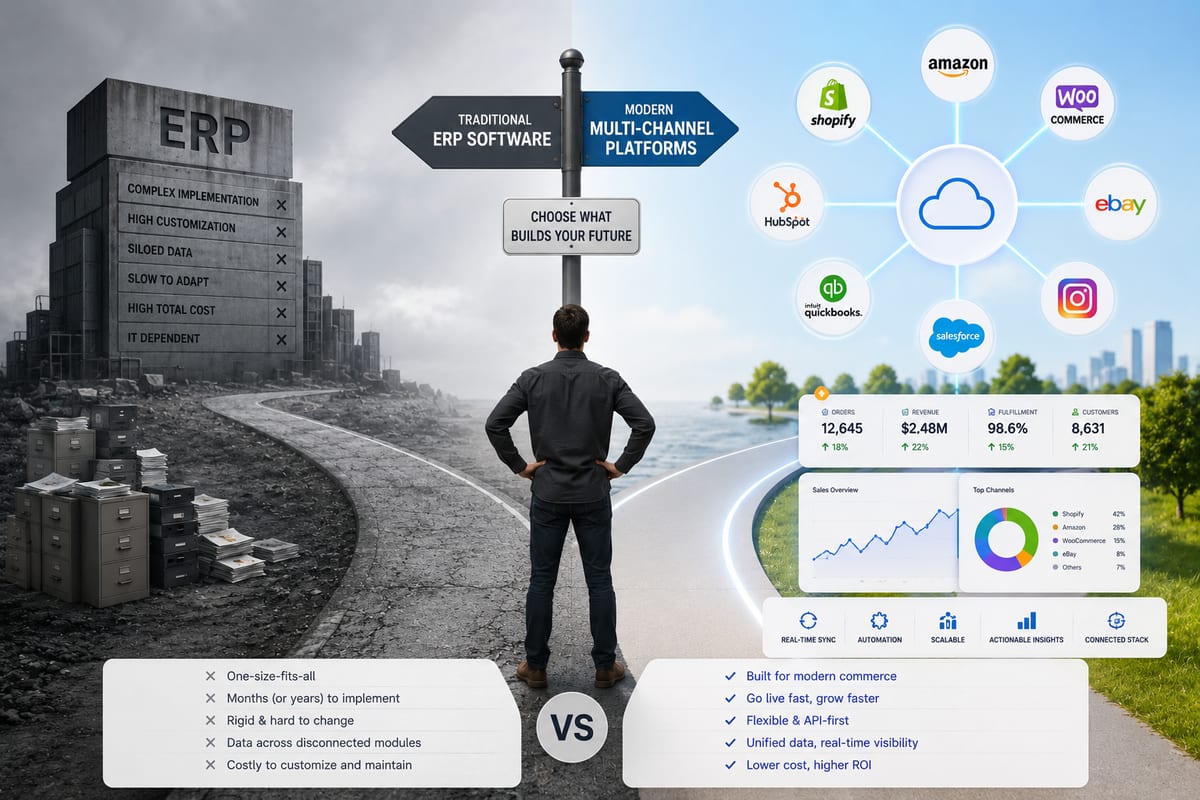
ERP Software vs Multi-Channel Platforms: Honest Choice
ERP software comparison for growing ecommerce brands. When ERP fits and when multi-channel platforms produce better outcomes at lower cost.