Inventory Management System: A 2026 Buyer's Guide

An inventory management system is one of those investments that separates businesses that scale cleanly from businesses that scale chaotically. Companies with strong inventory systems handle 10x growth without 10x pain. Companies without them spend half their operational hours reconciling spreadsheets, apologizing for cancelled orders, and writing off dead stock that no one realized was overstocked.
This guide is a practical buyer's resource for anyone evaluating an inventory management system in 2026. It covers what these systems actually do, the categories that exist, what to look for, what to avoid, and how to evaluate options without falling for marketing fluff.
What an Inventory Management System Actually Does
The phrase covers a lot of ground. To set expectations clearly, a complete inventory management system handles most or all of these:
- Real-time stock tracking across simple and variable products
- Multi-channel synchronization to marketplaces and storefronts
- Multi-warehouse and 3PL inventory allocation
- Variation-level SKU management
- Demand forecasting based on historical sales velocity
- Purchase order generation and supplier management
- Stock movement audit trails for accounting and compliance
- Bulk editing, import/export, and catalog operations
- Low-stock alerts, reorder triggers, and exception reporting
- Integration with shipping carriers, accounting software, and ecommerce platforms
A weak system handles only quantities and out-of-stock flags. A strong one handles the entire operational layer behind your storefront.
Why Businesses Need an Inventory Management System
The cost of running without one compounds with scale. According to Wikipedia's overview of inventory management, retail businesses lose significant revenue when stock data is not accurate across systems, and the indirect costs (marketplace penalties, customer churn, reputation damage) often exceed the direct ones.
Specifically, the absence of a real inventory management system causes:
- Direct revenue loss from oversells and stockouts
- Marketplace account health penalties on Amazon, eBay, and Walmart
- Customer churn from cancelled orders and "out of stock" disappointments
- Operational overhead from manual reconciliation
- Forecast inaccuracy that ripples into purchasing mistakes
- Cash tied up in dead stock that no one realized was overstocked
- Compliance risk in regulated industries (food, beauty, pharmaceuticals)
The cost compounds with scale. A 1% oversell rate on $100k monthly revenue is annoying. The same rate on $1M is a crisis.
The Five Categories of Inventory Management Systems
Not every system serves the same use case. Knowing the category tells you what you are really evaluating.
Category 1: Built-In Storefront Inventory
Native inventory tools inside platforms like Shopify, WooCommerce, or BigCommerce. Free, simple, and adequate for stores under 200 SKUs selling on one channel. Limitations: no multi-channel sync, weak variation handling, no purchase orders or forecasting.
Category 2: Single-Purpose Plugins and Apps
Plugins that extend storefront inventory with reporting, alerts, and supplier records. ATUM (WooCommerce), Stock Sync (multiple platforms), and similar tools fit here. Good for single-channel operations under 1,000 SKUs. Stop scaling once you add multiple channels.
Category 3: Multi-Channel Inventory Platforms
These are purpose-built to sync stock across multiple sales channels in real time. Connect WooCommerce, Shopify, Amazon, eBay, Walmart, TikTok Shop, and others to a single source of truth. The right fit for most growing brands selling on 2+ channels. Nventory.io is one example of this category.
Category 4: Inventory Management Software (IMS)
Standalone systems that handle inventory, purchasing, supplier management, and warehouse operations as a unified platform. Often integrate with ecommerce platforms via plugins or APIs. Designed for businesses with significant operational complexity but no need for full ERP features.
Category 5: Enterprise Resource Planning (ERP)
Full-suite systems that handle inventory, accounting, manufacturing, HR, and CRM in one platform. NetSuite, SAP Business One, Microsoft Dynamics, and similar. Overkill for most ecommerce businesses under $10M revenue, but the right choice once you cross that threshold or have manufacturing complexity.
For most growing ecommerce brands, Category 3 hits the sweet spot.
Core Features Every Inventory Management System Should Have
The feature checklists vendors publish are often longer than they need to be. Here is what actually matters in 2026.
Real-Time, Webhook-Driven Sync
Stock updates should propagate in seconds, not minutes. Webhook-based systems push events the moment they happen. Polling-based systems check at intervals (5, 15, 30 minutes are common) and create overselling risk during peak periods. According to Cloudflare's documentation on webhooks, event-driven architectures are dramatically more reliable for time-sensitive operations.
Variation-Level SKU Tracking
Each variation of a parent product needs its own stock count and sync rules. Apparel, footwear, configurable goods, these break inventory systems that only track parent products.
Multi-Channel Native Integrations
Direct, native connections to the channels you sell on (Amazon, eBay, Walmart, TikTok Shop, Shopify, WooCommerce) outperform middleware-based connections by orders of magnitude. Middleware adds latency and failure points.
Multi-Warehouse Allocation
The ability to allocate specific stock to specific channels or warehouses, route orders intelligently, and maintain separate counts per location without flattening everything into one number.
Buffer Stock Configuration
Reserve a few units per SKU as a sync-delay safety net. The simplest, most reliable oversell prevention technique that actually works.
Audit Trails and Logging
Every stock change, order import, and webhook event should be logged. When something fails (and at scale, something always does), the audit trail tells you exactly what happened.
Bulk Operations
Editing 800 prices for a Black Friday promotion should not take 800 clicks. Bulk editing, CSV imports, and scheduled updates are non-negotiable for any business past a few hundred SKUs.
Reporting and Analytics
Sales velocity by SKU, dead stock identification, channel performance comparisons, these reports drive purchasing decisions. Systems without strong reporting force you to export everything to spreadsheets, which defeats half the purpose.
Reliable Performance
The system should be fast enough to use as a daily operational tool, not slow enough that team members avoid it. Test response times during the trial period.
How to Evaluate an Inventory Management System
A structured 30-day evaluation beats a feature-list comparison every time.
Week 1: Baseline your current state. Document your channels, warehouses, SKU count, average daily orders, current overselling rate, and weekly hours spent on manual inventory work. This is what you are trying to improve.
Week 2: Trial 2 to 3 options on staging. Never test inventory systems on a live business. Set up sandbox connections, import a sample catalog, run synthetic orders. Do not just check that things work, stress-test failure modes.
Week 3: Test specific scenarios. What happens when a webhook fails? When you bulk-update 500 products simultaneously? When two orders hit the same SKU at the same second? Real systems handle all three cleanly.
Week 4: Validate support and documentation. Submit a real technical question. The response time, depth, and accuracy will tell you more about long-term fit than any feature list.
Total Cost of Ownership
The sticker price of an inventory management system is rarely the full cost. Calculate the total cost of ownership before committing.
Direct costs: monthly or annual subscription, setup fees, custom integration work, training.
Indirect costs: team time during migration, productivity loss during the learning curve, costs of any downtime or errors during cutover.
Opportunity costs: delayed launches because the new system requires migration work, sales lost during transition periods.
Switching costs: how hard will it be to leave this system in 2 to 3 years if you outgrow it? Open APIs and exportable data matter for long-term flexibility.
A system that is $50/month cheaper but takes 60 hours longer to set up is not actually cheaper.
Common Pitfalls
After watching businesses migrate between inventory systems for years, the same pitfalls show up repeatedly.
Picking based on integration count alone. "200+ integrations" sounds impressive until you realize 180 of them are middleware-based and unreliable. Ten rock-solid native integrations beat 200 flaky ones.
Underestimating SKU mapping work. Inconsistent SKU naming across channels is the #1 cause of sync failures. Plan to standardize before you connect.
Ignoring variation testing. Variable products break more inventory systems than any other single feature. Test thoroughly before committing.
Buying for the wrong horizon. Buying for today only means migrating again soon. Buying for an ambitious five-year future means paying for features you will not use. Aim for the realistic 18 to 36 month window.
Skipping the staging test. Going straight to production with a new inventory system is the fastest way to break checkout right before a busy weekend.
Choosing closed systems. Inventory systems with closed APIs and limited data export options become expensive prisons over time. Always confirm your data is yours and exportable.
How Nventory Approaches Inventory Management
Nventory.io is a Category 3 multi-channel inventory management system built for ecommerce brands selling on multiple channels. The architecture is webhook-driven, the integrations are native, and the platform is designed to replace stacked plugins with a unified operational layer.
For WooCommerce stores, the entry point is the free Nventory plugin on WordPress.org. The plugin connects WordPress to Amazon, eBay, Walmart, TikTok Shop, Etsy, Shopify, and 30+ other channels through a single API key. Sync speed is under 5 seconds. Variations are tracked at the SKU level. Every event is logged with retry logic for failed deliveries.
The free tier includes core multichannel sync without a credit card. Setup takes about 10 minutes for the first channel, and no developer is required. Higher tiers add multi-warehouse allocation, advanced fulfillment routing, custom reporting, and priority support.
When to Upgrade From a Plugin to a Full Inventory Management System
There is a point where a single plugin or app stops being enough, and you need a full inventory management system. Signs you have reached that point:
- 5,000+ SKUs across 4+ channels
- Multiple warehouses or 3PL relationships
- Compliance requirements (lot tracking, expiration dates, batch records)
- Demand forecasting becoming a strategic priority
- Dedicated operations staff who need ERP-style workflows
- Cross-functional teams (purchasing, fulfillment, accounting) all needing access to the same inventory data
At that scale, your inventory system should be the system of record, with storefronts and marketplaces as connections. Modern platforms like Nventory are designed for exactly this transition, start as a plugin, grow into a full operating layer without ripping the foundation out.
Final Thoughts
An inventory management system is the operational foundation that everything else, fulfillment, accounting, forecasting, scaling, sits on top of. The right system uses webhook-driven sync, treats stock as a single source of truth, and replaces stacked plugins with a unified platform. It scales with your business instead of against it.
For ecommerce brands selling on multiple channels, Category 3 multi-channel platforms typically offer the best fit. If you are ready to evaluate one built specifically for the WooCommerce-plus-marketplaces use case, download Nventory free from WordPress.org and try it on staging this week. Visit nventory.io to compare integrations, pricing, and migration support across all 30+ supported channels.
Frequently Asked Questions
For multi-channel ecommerce brands, Category 3 platforms (multi-channel inventory systems) typically offer the best fit. Nventory is built specifically for this use case, with native integrations to 30+ channels and webhook-driven sync. The right choice depends on your channel mix, SKU count, and warehouse complexity.
Free tiers exist (Nventory's free WordPress.org plugin is one example). Paid plans typically range from $29/month for small operations to $500+/month for established brands with high SKU counts and multi-warehouse needs. Enterprise ERPs start at several thousand dollars per month. Match the system to your scale, overpaying for unused features is common.
Yes. Modern multi-channel inventory systems treat both as connected channels and sync stock between them and out to marketplaces simultaneously. This is one of the most common multi-channel setups for growing brands.
For a Category 3 platform like Nventory, basic setup and first channel connection takes 10 to 15 minutes. Mapping SKUs across multiple channels, validating variation sync, and full team training typically adds 2 to 7 days for stores under 5,000 SKUs. Enterprise ERP implementations can take 6 to 12 months.
An inventory management system focuses specifically on stock, channels, and order workflows. An ERP includes inventory plus accounting, manufacturing, HR, and CRM in one platform. ERPs are more comprehensive but significantly more expensive and complex. Most ecommerce businesses under $10M revenue do not need full ERP capability.
Yes. Free tiers from platforms like Nventory let small businesses start without financial commitment. Paid plans for small businesses typically run $29 to $99/month, which is usually less than the cost of one oversold order per month.
The system monitors stock changes across every connected channel in real time. When a sale happens anywhere, it immediately reduces the count everywhere else. Combined with safety stock buffers, this brings the overselling risk window down to a few seconds.
A well-built system should not. Look for platforms that run heavy operations on dedicated infrastructure (not on your hosting account), use webhooks (not polling), and are compatible with caching plugins. The architectural advantage of platforms like Nventory is that the heavy lifting happens off your storefront entirely.
Related Articles
View all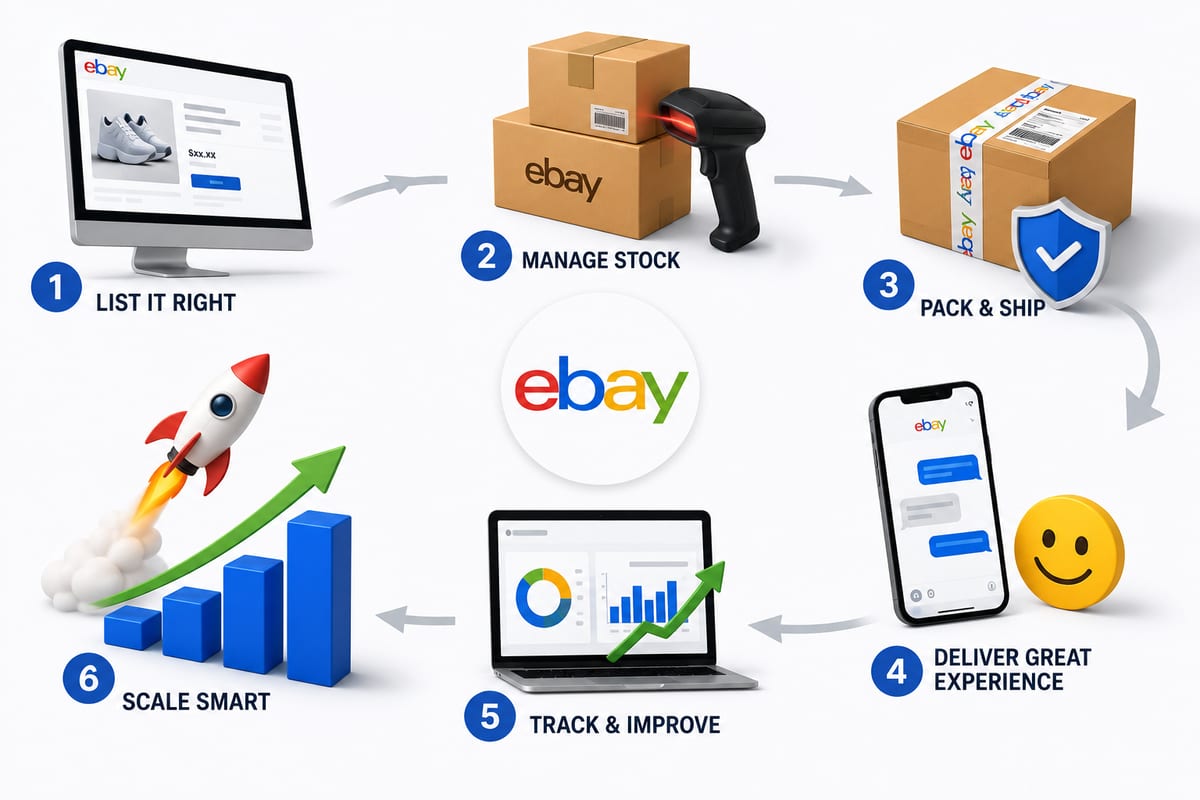
Tips on How to Sell on eBay: Operational Practices at Scale
Tips on how to sell on eBay alongside multiple channels. The operational practices that protect seller standing and produce sustainable margin.
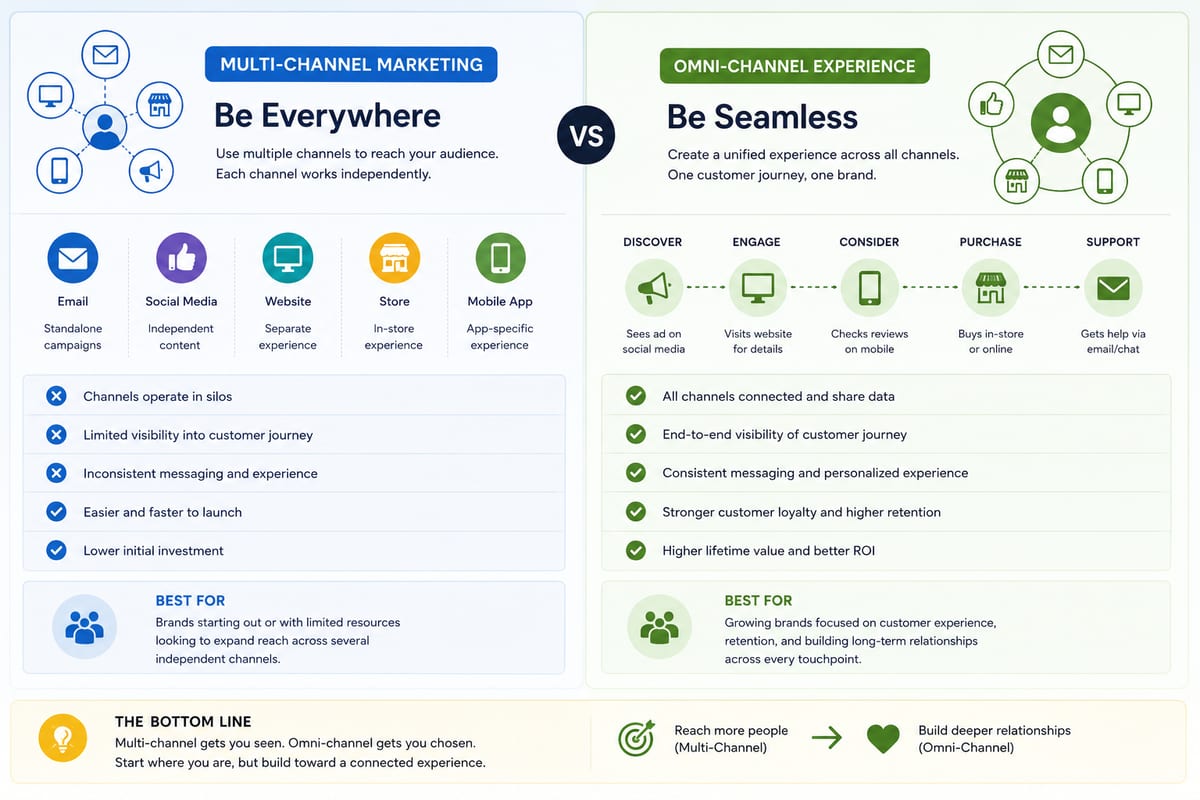
Multi Channel Marketing vs Omni Channel: Honest Comparison
Multi channel marketing vs omni channel breakdown for ecommerce operations. The operational differences that determine which approach fits your business.

ERP Software vs Multi-Channel Platforms: Honest Choice
ERP software comparison for growing ecommerce brands. When ERP fits and when multi-channel platforms produce better outcomes at lower cost.