WooCommerce Inventory Sync: How to Set It Up Right

WooCommerce inventory sync is one of those things that sounds simple until you try to do it well. The basic idea, keep your stock counts accurate across every place you sell, runs into reality the moment you have multiple channels, variable products, or a peak sales period that hits faster than your sync interval. That is when the cracks show up: oversold orders, lost sales from stale "out of stock" labels, hours wasted reconciling spreadsheets every Friday.
This guide walks through how WooCommerce inventory sync actually works, what to look for when setting it up, and how to avoid the common mistakes that cost growing stores real revenue.
What WooCommerce Inventory Sync Means
At its core, WooCommerce inventory sync is the process of keeping stock counts consistent between your WooCommerce store and other systems, other WooCommerce stores, marketplaces like Amazon and eBay, warehouse management systems, or accounting platforms.
Done well, sync is invisible. A unit sells on Amazon, and your WooCommerce stock count drops by one within seconds. You receive new inventory in your warehouse, and every connected channel updates simultaneously. There is no manual editing, no end-of-day reconciliation, and no overselling.
Done poorly, sync becomes a constant source of operational chaos.
Why Native WooCommerce Stock Management Is Not Sync
WooCommerce's built-in inventory features handle quantities within a single store. They do not communicate outward. If you sell on Amazon and WooCommerce, an Amazon sale does not reduce your WooCommerce count, and vice versa. That is not sync, that is two separate counts that will drift apart fast.
Real WooCommerce inventory sync requires a tool that:
- Listens for stock-change events on every connected channel
- Pushes updates outward to all other channels in near real time
- Handles variation-level changes correctly
- Logs every change for troubleshooting
- Recovers gracefully when an API or webhook fails
That is why almost every store that grows past one channel ends up adding a sync platform. According to Wikipedia's overview of inventory management, centralized stock data is the foundation of accurate retail operations across distributed sales channels.
Webhook Sync vs. Polling Sync, and Why It Matters
This is where many older WooCommerce inventory sync tools fall short. Two architectures dominate the market:
Polling-based sync. The tool checks each channel for changes every few minutes (5, 15, 30 minutes are common intervals). Simple to build, but during peak sales periods, the gap between sync cycles is more than enough time to oversell.
Webhook-based sync. Channels push events to your sync platform the moment they happen. Stock updates propagate in seconds. According to Cloudflare's webhook documentation, webhook architectures are dramatically more efficient and reliable for time-sensitive operations.
For modern multichannel selling, webhooks are the only acceptable architecture. If a tool still relies on cron-based polling at 5-minute intervals or longer, it is a generation behind.
How to Set Up WooCommerce Inventory Sync the Right Way
A clean setup avoids 90% of the problems that cause WooCommerce inventory sync to break later. Here is the practical sequence.
Step 1: Standardize Your SKUs
Inconsistent SKU naming across channels is the #1 cause of sync failures. Before connecting any tool, audit your WooCommerce, Amazon, eBay, and other channel listings to make sure each variation uses the same SKU everywhere.
Step 2: Choose a Webhook-Driven Tool
Avoid polling-based sync tools, even if they are cheaper. The lost sales from sync delays will exceed the price difference within a few months.
Step 3: Test on Staging First
Never set up WooCommerce inventory sync on a live store. Clone your environment, connect a sandbox version of the sync tool, and run synthetic orders for at least a week.
Step 4: Connect One Channel at a Time
Start with your highest-volume marketplace. Validate that stock changes flow correctly in both directions for 7 to 14 days before adding the next channel. Adding everything at once makes troubleshooting nearly impossible.
Step 5: Configure Buffer Stock
Hold back 1 to 3 units per SKU as a safety buffer. This absorbs the brief moments when channels disagree, eliminating most overselling risk during peak periods.
Step 6: Set Up Monitoring
Configure low-stock alerts, sync failure notifications, and webhook health checks before your first peak sales day. Finding out about a sync failure during a Black Friday rush is the wrong way to learn.
Common WooCommerce Inventory Sync Mistakes
After watching dozens of stores set up sync, the same mistakes appear repeatedly.
Running two sync tools simultaneously. Two tools writing to the same WooCommerce stock data will create silent data corruption. Pick one and stick with it.
Skipping variation testing. Variable products break more sync tools than any other feature. Test thoroughly with real variation sets before committing.
Trusting "real-time" claims without verification. Some tools market themselves as real-time when they actually poll every 5 minutes. Ask for specific sync speed benchmarks and verify on staging.
Ignoring webhook security. Webhooks should use signed payloads and HTTPS. Tools that skip verification are vulnerable to spoofing attacks that corrupt your stock data.
Not logging sync events. When sync fails, you need to know exactly what happened. Tools without proper audit trails make troubleshooting impossible.
How Nventory Handles WooCommerce Inventory Sync
Nventory.io is a webhook-driven inventory and order management platform built specifically for WooCommerce stores running multi-channel operations. The free Nventory plugin on WordPress.org connects WooCommerce to Amazon, eBay, Walmart, TikTok Shop, Etsy, Shopify, and 30+ other channels through a single API key.
Sync speed is under 5 seconds. Variations are tracked at the SKU level. Every webhook event is logged with retry logic for failed deliveries. The architecture deliberately avoids polling, which means no lag during high-volume periods and no missed updates due to skipped cron jobs.
Setup takes about 10 minutes for the first channel. No developer required, no credit card needed for the free tier.
Final Thoughts
WooCommerce inventory sync is not optional for any store selling on more than one channel, it is the foundation that everything else (fulfillment, accounting, forecasting) sits on top of. The right tool uses webhooks instead of polling, tracks variations at the SKU level, and logs every event for troubleshooting. The wrong tool creates more problems than it solves.
Ready to set up real-time WooCommerce inventory sync the right way? Download Nventory free from WordPress.org and connect your first channel in 10 minutes. Visit nventory.io to compare integrations across all 30+ supported channels and see how the platform fits your stack.
Frequently Asked Questions
Sub-5-second sync is the current industry standard for serious multichannel sellers. Anything slower than 1 minute creates real overselling risk during peak periods. Avoid tools that still use 5 to 15 minute polling intervals.
Yes. Tools like Nventory let you treat both Shopify and WooCommerce as connected channels, syncing stock between them and out to marketplaces simultaneously. This is one of the most common multi-channel setups for growing brands.
It should, but only if the sync tool supports variation-level tracking. Each size, color, or configuration needs its own SKU and its own sync rules. Plugins that only track parent products fail at scale, especially for apparel and configurable goods.
Good sync platforms log the failure, retry automatically, and alert you to persistent problems. Look for tools with explicit retry logic, webhook health monitoring, and clear audit trails. Sync tools without these features create silent data drift you will not notice until customers complain.
Reputable platforms use HTTPS for all webhook traffic, signed payloads to prevent spoofing, and scoped API tokens that can be revoked instantly. Always check the security documentation before connecting any sync tool to your live store.
Yes, even with two channels. Two channels generate enough sync complexity to cause overselling, and the time savings from automated sync pay for itself within weeks compared to manual updates.
Related Articles
View all
Tips on How to Sell on eBay: Operational Practices at Scale
Tips on how to sell on eBay alongside multiple channels. The operational practices that protect seller standing and produce sustainable margin.
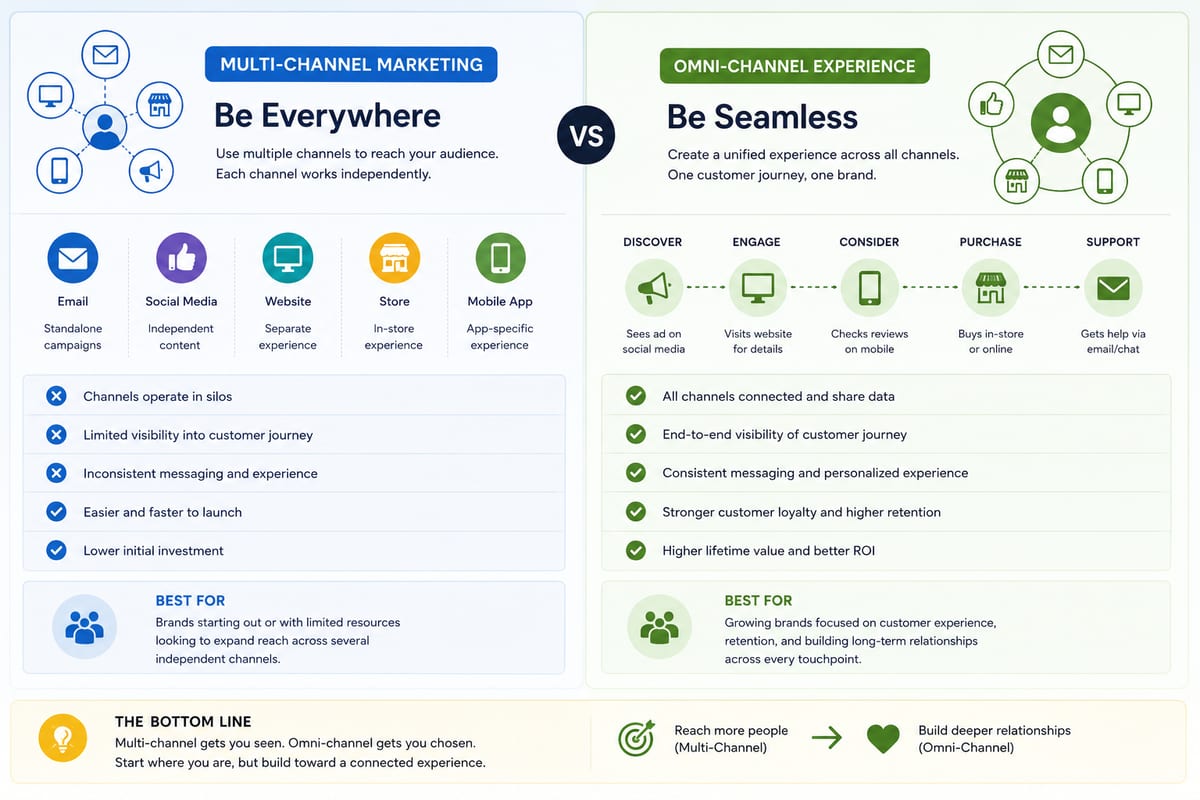
Multi Channel Marketing vs Omni Channel: Honest Comparison
Multi channel marketing vs omni channel breakdown for ecommerce operations. The operational differences that determine which approach fits your business.

ERP Software vs Multi-Channel Platforms: Honest Choice
ERP software comparison for growing ecommerce brands. When ERP fits and when multi-channel platforms produce better outcomes at lower cost.