Ecommerce Inventory Management: A Founder's 2026 Guide

Ecommerce inventory management is one of those things that feels invisible when it works and catastrophic when it does not. A spreadsheet that handled 50 SKUs perfectly turns into a Tuesday-morning crisis at 500 SKUs. A two-channel setup that ran clean for a year suddenly produces oversells the week of Black Friday. Most ecommerce founders learn this the hard way, usually when a customer leaves a 1-star review for a cancelled order.
This guide is the version of that lesson you can read before the crisis. It covers what good ecommerce inventory management looks like in 2026, the principles that hold up at scale, and how to build a system that grows with your store instead of against it.
What Ecommerce Inventory Management Really Covers
The phrase gets used loosely. To set expectations, here is what it actually includes at any serious scale:
- Real-time stock tracking across simple and variable products
- Synchronization across every channel you sell on
- Multi-warehouse and 3PL inventory allocation
- Variation-level SKU management
- Demand forecasting and reorder triggers
- Purchase order and supplier workflows
- Stock movement audit trails for accounting
- Bulk editing and import/export operations
A real ecommerce inventory management system handles most or all of these. A weak one handles only quantities and out-of-stock flags, leaving the rest to spreadsheets and human attention.
The Real Cost of Bad Ecommerce Inventory Management
Most founders only count the obvious costs, the refunds, the unhappy customers, the time spent reconciling. The full cost is bigger. According to Wikipedia's overview of inventory management, retail businesses lose significant revenue when stock data is not accurate across systems, and the indirect costs (marketplace penalties, customer churn, reputation damage) often exceed the direct ones.
Specifically, bad ecommerce inventory management causes:
- Direct revenue loss from oversells and stockouts
- Marketplace account health penalties on Amazon, eBay, and Walmart
- Customer churn from cancelled orders
- Operational overhead from manual reconciliation
- Forecast inaccuracy that ripples into purchasing mistakes
- Cash tied up in dead stock that no one realized was overstocked
The cost compounds with scale. A 1% oversell rate on $100k in monthly revenue is manageable. The same rate on $1M is a crisis.
The Principles That Make Ecommerce Inventory Management Work
A few non-negotiable principles separate setups that scale from setups that break.
Single Source of Truth
One system owns the canonical stock count. Every channel, every warehouse, every team member reads from and writes to that source. No two systems claim authority over the same data.
Real-Time Sync
Updates propagate in seconds, not minutes. Webhook-driven architectures push events the moment they happen. According to Cloudflare's webhook documentation, event-driven sync handles high-velocity stock changes far more reliably than polling-based alternatives.
Variation-Level Tracking
Each SKU, including every variation, has its own stock count and sync rules. Tools that only track parent products fail at scale, especially for apparel and configurable goods.
Buffer Stock Built In
Hold back 1 to 3 units per SKU as a safety net. Simple, reliable, and eliminates most overselling risk during peak windows.
Logged Everything
Every stock change, order import, and webhook event is logged. When things go wrong (and they will), the audit trail tells you exactly what happened.
How to Build a Reliable Ecommerce Inventory Management System
Here is the practical sequence that works for most growing brands.
1. Standardize SKUs across every channel. Inconsistent naming is the #1 cause of sync failures. Pick a format and apply it everywhere.
2. Audit your current state. Document channels, warehouses, SKU count, current overselling rate, and manual reconciliation hours. This is your baseline.
3. Choose a platform that fits 18 months out. Buying only for today means migrating again soon.
4. Pilot on staging. Never test inventory tools on a live store. Clone production, run synthetic orders for at least a week.
5. Migrate one channel at a time. Start with your highest-volume marketplace. Validate for 7 to 14 days before adding the next.
6. Set up monitoring before peak season. Alerts, sync failure notifications, webhook health, configure all of these in advance.
How Nventory Fits
Nventory.io is built for ecommerce inventory management at the scale where stacked plugins start to fail. It connects WooCommerce, Shopify, and other storefronts to Amazon, eBay, Walmart, TikTok Shop, Etsy, and 30+ other channels through a single platform.
The free Nventory plugin on WordPress.org installs in about 10 minutes and includes the core multi-channel sync without a credit card. Sync speed is under 5 seconds, variations are tracked at the SKU level, and the architecture deliberately avoids the polling delays that older tools rely on.
What makes Nventory different is the unified architecture. Instead of stacking plugins that compete for the same data, the platform handles inventory, orders, and sync as one cohesive system, removing the plugin conflicts that cause silent data drift in growing stores.
Final Thoughts
Good ecommerce inventory management is the foundation everything else builds on. The right system uses webhook-driven sync, treats stock as a single source of truth, and replaces stacked plugins with a unified platform. Get this layer right early, and the rest of your operational stack scales cleanly.
Ready to set up real-time ecommerce inventory management without the plugin chaos? Download Nventory free from WordPress.org and connect your first channel today. Visit nventory.io to explore integrations and see how the platform fits your existing stack.
Frequently Asked Questions
For multi-channel ecommerce brands running on WooCommerce or Shopify, Nventory offers the strongest free-tier feature set with native marketplace integrations and webhook-driven sync. The right choice depends on your channel mix, SKU count, and warehouse setup, but a unified platform almost always beats stacked plugins.
The platform monitors stock changes across every connected channel in real time. When a sale happens anywhere, it immediately reduces the count everywhere else. Combined with safety stock buffers, this brings the overselling risk window down to a few seconds.
Yes. Even small stores benefit from automation, especially if they sell on more than one channel. Free tiers (like Nventory's) let you start without financial commitment.
Sub-5-second sync is the modern industry standard. Anything slower than 1 minute creates real overselling risk during peak periods.
It should, but only if the tool supports variation-level tracking. Each variation needs its own SKU and its own sync rules. Tools that only track parent products fail at scale.
When you cross 500 SKUs, add a second sales channel, or need automation that manual workflows cannot handle. Most stores feel the need around the 12-month mark of serious growth.
Related Articles
View all
Tips on How to Sell on eBay: Operational Practices at Scale
Tips on how to sell on eBay alongside multiple channels. The operational practices that protect seller standing and produce sustainable margin.
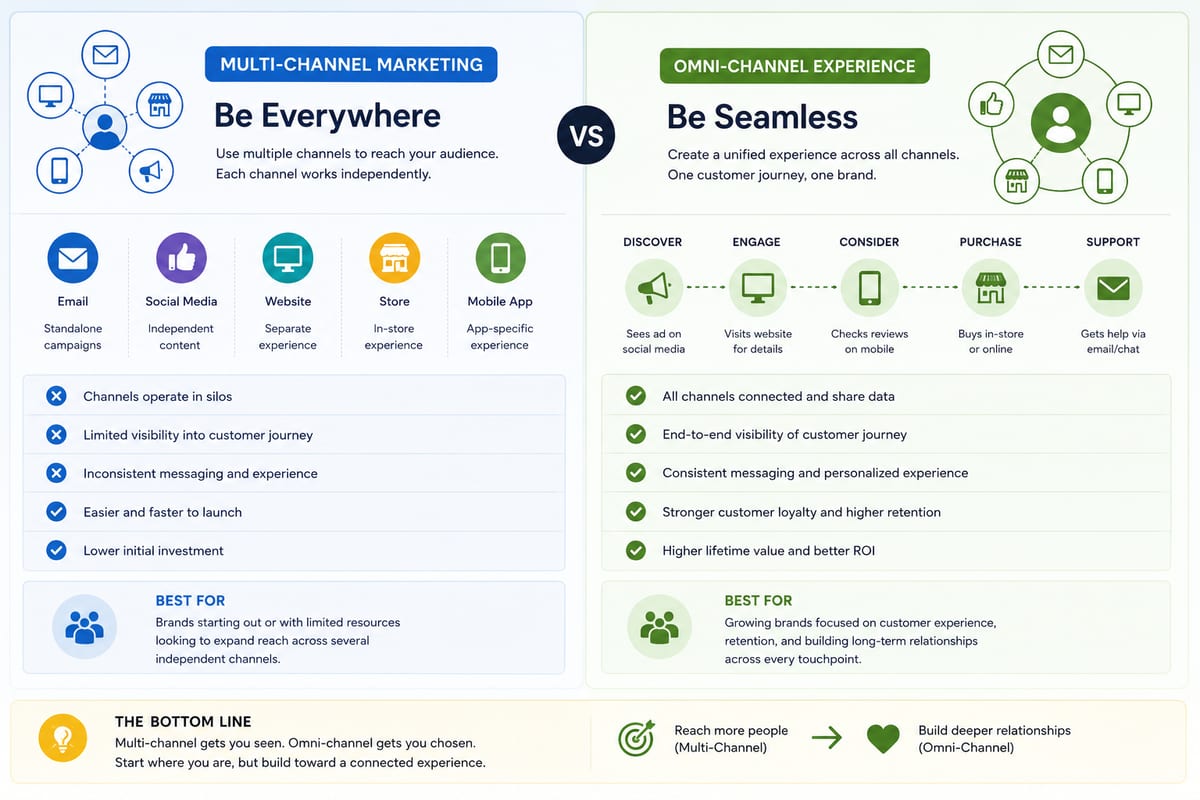
Multi Channel Marketing vs Omni Channel: Honest Comparison
Multi channel marketing vs omni channel breakdown for ecommerce operations. The operational differences that determine which approach fits your business.

ERP Software vs Multi-Channel Platforms: Honest Choice
ERP software comparison for growing ecommerce brands. When ERP fits and when multi-channel platforms produce better outcomes at lower cost.