WooCommerce vs Shopify Inventory Management: Feature Comparison 2026

WooCommerce and Shopify are the two most widely used ecommerce platforms in 2026, together powering over 40 percent of all online stores globally. WooCommerce leads in total store count with roughly 4.5 million active stores, while Shopify dominates among high-traffic sites with nearly 29 percent of the top one million ecommerce sites. Both platforms handle product listings, payments, and shipping. But inventory management is where they diverge sharply, and where the wrong choice costs real money in oversells, stockouts, and manual workarounds.
This comparison focuses strictly on inventory management: native features, multi-location support, plugin ecosystems, multichannel sync capabilities, and total cost of ownership. If you sell on more than one channel or manage more than a few hundred SKUs, the differences between these two platforms will affect your daily operations.
Native Inventory Features: What Each Platform Includes on Day One
The most important difference between WooCommerce and Shopify inventory management is what you get without installing anything extra.
Shopify ships with stock tracking per variant, per location. You can set inventory quantities at each fulfillment location, receive low-stock alerts, and view inventory reports from the admin dashboard. Shopify also provides a built-in purchase order workflow and supports inventory transfers between locations. These features are available on every plan, including the $39/month Basic tier.
WooCommerce includes basic stock management in its core: you can enable stock tracking per product, set stock quantities, and allow backorders. That is where native features end. There are no multi-location fields, no low-stock email alerts by default, no purchase order system, and no transfer workflows. Everything beyond single-location quantity tracking requires a plugin.
"WooCommerce inventory is fine if you have fewer than 50 SKUs. Once you cross 500, constant sync issues with suppliers via API start appearing. Shopify does it natively, in real time, and scales without $200 a month in plugins."
| Feature | Shopify (Native) | WooCommerce (Native) |
|---|---|---|
| Stock tracking per variant | Yes, all plans | Yes, core feature |
| Multi-location inventory | Yes, up to 1,000 locations | No, requires plugin |
| Low-stock alerts | Yes, built-in notifications | No, requires plugin |
| Purchase orders | Yes, via Stocky (included on higher plans) | No, requires plugin |
| Inventory transfers | Yes, between locations | No, requires plugin |
| Backorder support | Yes | Yes |
| CSV import/export | Yes | Yes |
| Inventory reports | Yes, built-in analytics | Basic only, detailed requires plugin |
The pattern is clear. Shopify treats inventory management as a first-class feature. WooCommerce treats it as a starting point that you extend through plugins. Neither approach is wrong, but they carry very different operational costs once your catalog grows.
Multi-Location Inventory: The Gap That Matters Most
If you fulfill orders from more than one warehouse, the multi-location question is the single biggest differentiator between these platforms.
Shopify's multi-location inventory system lets you assign stock quantities to each fulfillment location independently. When an order comes in, Shopify can route it to the nearest location with available stock. Each variant has a separate inventory count per location, and the API supports location-level updates. This means your sync system (whether a third-party app or a custom integration) can push precise stock counts per warehouse.
WooCommerce has no concept of locations in its core data model. A product has one stock quantity field. To track inventory across multiple warehouses, you need a plugin that adds location fields to the product schema and handles fulfillment routing. Popular options include ATUM Inventory Management and Multi Inventory for WooCommerce. These plugins work, but they add a layer of complexity to every integration, every sync, and every report.
"We ran WooCommerce for three years with two warehouses. The multi-inventory plugin worked about 80 percent of the time. The other 20 percent was spent debugging sync failures at 2 AM. When we moved to a platform with native multi-location support, those nights ended."
For brands running a single warehouse, this difference is irrelevant. For brands with two or more fulfillment locations, this is the deciding factor. Building reliable multi-location inventory on WooCommerce is possible, but it requires ongoing plugin maintenance, compatibility checks after WordPress core updates, and more testing surface area than the native Shopify equivalent.
Plugin and App Ecosystems for Inventory
Both platforms rely on extensions for advanced inventory features. The difference is in ecosystem size, quality control, and integration depth.
WooCommerce Plugin Ecosystem
WooCommerce has access to over 59,000 WordPress plugins. A significant subset of these address inventory-related needs:
- ATUM Inventory Management for WooCommerce (multi-location, purchase orders, stock logs)
- WooCommerce Stock Manager (bulk stock editing, import/export)
- YITH WooCommerce Multi Vendor (marketplace inventory per vendor)
- WP All Import for bulk product and inventory data loading
- Custom inventory logic via WordPress hooks and filters
The strength of the WooCommerce ecosystem is depth of customization. Because WooCommerce is open source and runs on WordPress, a developer can modify inventory behavior at any level, from database schema to checkout logic. The weakness is that plugins come from thousands of independent developers with varying update schedules, code quality, and compatibility practices. Plugin conflicts are a real and recurring operational risk.
Shopify App Ecosystem
Shopify's app store contains roughly 8,000 to 13,000 apps, with a curated subset focused on inventory:
- Stocky (Shopify-owned, included on Shopify plan and above, handles purchase orders and demand forecasting)
- Dear Inventory / Cin7 for warehouse and inventory management
- TradeGecko (now QuickBooks Commerce) for supply chain management
- Back in Stock alerts for customer notification workflows
- Inventory Planner for demand forecasting and replenishment
Shopify apps go through a review process and must use Shopify's API framework, which means they tend to integrate more cleanly with the platform. The tradeoff is less low-level customization. You cannot modify Shopify's core inventory schema the way you can with WooCommerce.
"WooCommerce gives you infinite customization for inventory. The trade-off is that you need to code it, test it, and maintain it. Shopify gives you 80 percent of what you need on day one. The question is whether that remaining 20 percent matters for your specific business."
Multichannel Inventory Sync: Where Both Platforms Fall Short
If you sell on more than one channel (your own store plus Amazon, eBay, Walmart, or TikTok Shop), neither WooCommerce nor Shopify fully solves multichannel inventory sync on its own. This is the area where the platform choice matters less than your overall operations architecture.
The core problem
Selling on five channels means five separate inventory pools need to reflect the same underlying stock. When an order comes in on Amazon, your Shopify store, your WooCommerce store, and your eBay listings all need their quantities reduced within minutes. Neither platform handles this natively for external marketplaces.
How each platform approaches it
- Shopify syncs inventory across its own ecosystem (online store, POS, Shopify Markets) natively. For external channels, you need an app or an order management system that centralizes inventory across all channels.
- WooCommerce has no built-in channel sync at all. Every external channel requires a plugin or API integration. Popular approaches include using a central inventory hub that pushes stock levels to WooCommerce and other channels simultaneously.
The result is the same for both platforms: once you sell on more than one channel, you need a layer above the platform that serves as the single source of truth for inventory. Your ecommerce platform becomes a sales channel that receives inventory updates, not the system that owns them.
This is a critical architectural decision. If your Shopify store manages bundles and multi-location stock, those quantities still need to stay in sync with your Amazon and eBay listings. The platform's native features help within its own walls, but the multichannel problem sits outside those walls.
Total Cost of Ownership for Inventory Management
Comparing raw subscription prices between WooCommerce and Shopify is misleading because WooCommerce's "free" core hides costs that Shopify bundles into its subscription. Here is what inventory management actually costs on each platform at three different business stages.
| Cost Category | WooCommerce | Shopify |
|---|---|---|
| Platform subscription | $0 (open source) | $39 to $399/month |
| Hosting | $10 to $50/month (shared to VPS) | Included |
| Multi-location plugin | $10 to $30/month | Included |
| Low-stock alerts plugin | $5 to $15/month | Included |
| Inventory reporting plugin | $10 to $25/month | Included |
| Multichannel sync app | $30 to $100/month | $30 to $100/month |
| Developer maintenance | $50 to $200/month (updates, conflicts) | $0 to $50/month (app configuration) |
| Estimated monthly total | $115 to $420 | $99 to $549 |
At the Basic tier for a single-channel store, WooCommerce can be cheaper. But once you add multi-location tracking, reporting, and multichannel sync, the total cost converges. The hidden cost on the WooCommerce side is developer time. Every plugin update, every WordPress core update, and every PHP version change carries a risk of breaking your inventory stack. Shopify eliminates that maintenance burden by handling hosting, updates, and infrastructure internally.
How to Choose: A Decision Framework
The right platform depends on three variables: your technical resources, your channel count, and your growth trajectory.
Choose WooCommerce for inventory if:
- You have a developer (in-house or contracted) who can maintain plugins and resolve conflicts
- You need deep customization of inventory logic (custom allocation rules, non-standard bundle math, vendor-specific workflows)
- You already run WordPress for content and want to keep everything in one ecosystem
- You sell primarily through your own site and one or two marketplaces
- Budget is the primary constraint and you are willing to invest time instead of money
Choose Shopify for inventory if:
- You want multi-location inventory, alerts, and reporting to work without plugin installation
- You do not have a developer on staff and need the platform to handle infrastructure
- You are growing quickly and need inventory features that scale with traffic spikes automatically
- You plan to expand into multiple markets with Shopify Markets and need location-level sync from the start
- You value operational simplicity over maximum customization
Choose an external OMS regardless of platform if:
- You sell on three or more channels
- You need a single source of truth for inventory that sits above any individual sales channel
- You manage more than 1,000 SKUs across multiple locations
- Your current platform (either one) is generating oversells because channel sync is not fast enough
The platform decision is important, but it is not permanent. Migrating from WooCommerce to Shopify (or vice versa) is a project, not a crisis. What matters more than the platform is the inventory architecture you build around it. If your inventory source of truth lives in a central system that pushes to all channels, swapping out one channel becomes a configuration change rather than a full rebuild.
The platform is a sales channel, not an inventory system
The most common mistake in the WooCommerce vs Shopify inventory debate is treating either platform as your inventory management system. Neither one is designed for that role at scale.
Both platforms are sales channels. They display products, process orders, and collect payments. Inventory management, at its core, is the discipline of knowing how much stock you have, where it is, and where it needs to go next. That discipline requires a system that spans all your channels, not one that lives inside a single channel.
WooCommerce gives you the flexibility to build that system on its platform through plugins and custom code. Shopify gives you a stronger starting point with native features that handle the basics well. But the moment your business outgrows a single channel, both platforms become one node in a larger inventory architecture.
Pick the platform that fits your current needs and technical resources. Then build an inventory architecture above it that will survive your next stage of growth, whether that means adding a marketplace, opening a second warehouse, or scaling from 200 to 2,000 SKUs. The platform choice matters. The architecture choice matters more.
Frequently Asked Questions
It depends on your technical resources and growth stage. Shopify provides stronger native inventory features out of the box, including multi-location tracking, low-stock alerts, and built-in purchase order workflows. WooCommerce offers a free core with basic stock tracking, but reaching the same feature set requires installing and maintaining multiple plugins. Brands with a developer on staff tend to prefer WooCommerce for its flexibility. Brands that want inventory to work on day one without configuration tend to prefer Shopify.
WooCommerce does not support multi-location inventory natively. You need a plugin such as Multi Inventory for WooCommerce or ATUM to track stock across multiple warehouses. These plugins add per-location stock fields to each product and allow you to set fulfillment rules by region. The setup requires configuration and ongoing maintenance, but once running, it covers the same functionality that Shopify provides as a built-in feature.
WooCommerce itself is free, but reaching inventory feature parity with Shopify typically costs $30 to $100 per month in plugin subscriptions for multi-location, low-stock alerts, reporting, and multichannel sync. Add hosting costs of $10 to $50 per month and you land at $40 to $150 per month. Shopify Basic starts at $39 per month with most inventory features included. At the Basic tier the total cost is similar, but WooCommerce requires more hands-on management.
Shopify supports multichannel selling through its own channels (online store, POS, Shopify Markets) with native inventory sync across all of them. For external marketplaces like Amazon, eBay, and Walmart, you need a third-party app or an order management system that pushes inventory updates to each channel from a central source of truth. Shopify alone does not sync stock levels to external marketplaces without additional software.
WooCommerce has access to over 59,000 WordPress plugins, many of which address inventory-related functions like warehouse management, barcode scanning, and demand forecasting. Shopify has roughly 8,000 to 13,000 apps in its app store. WooCommerce has more options in raw numbers, but Shopify apps tend to be more tightly integrated with the platform because they are built specifically for Shopify rather than for WordPress in general.
Related Articles
View all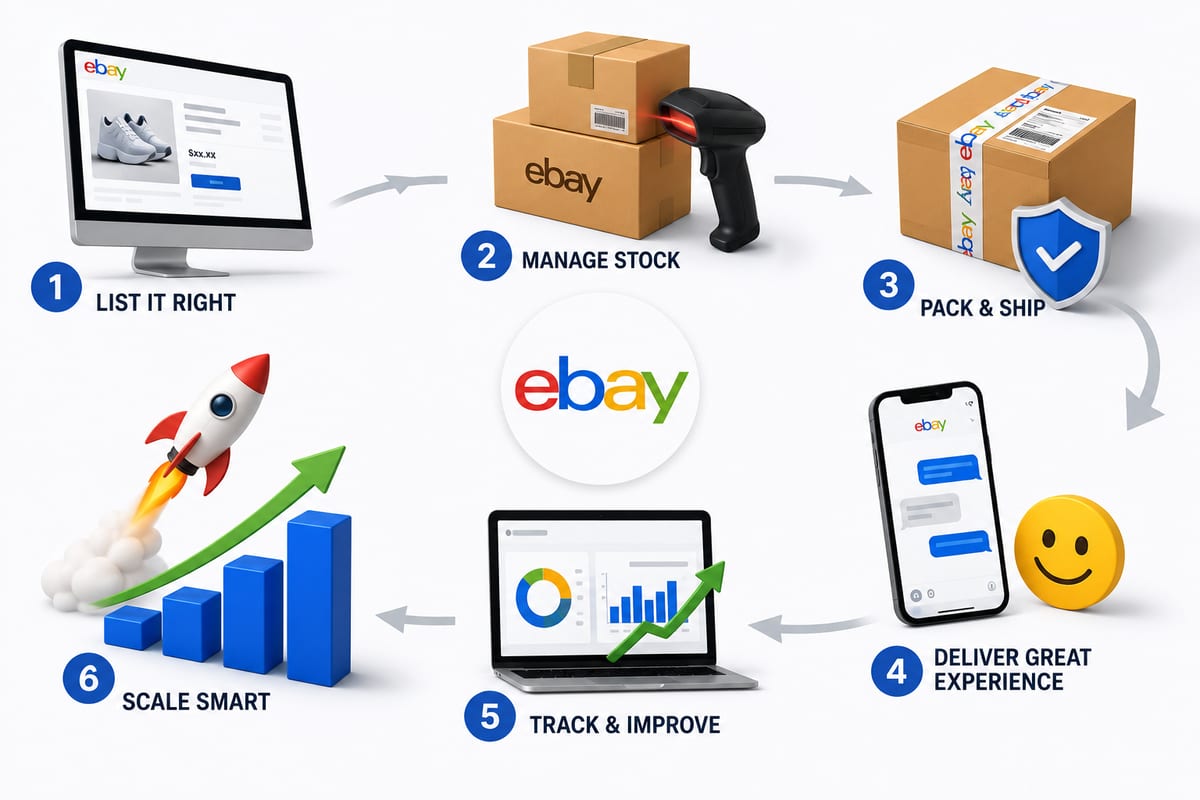
Tips on How to Sell on eBay: Operational Practices at Scale
Tips on how to sell on eBay alongside multiple channels. The operational practices that protect seller standing and produce sustainable margin.
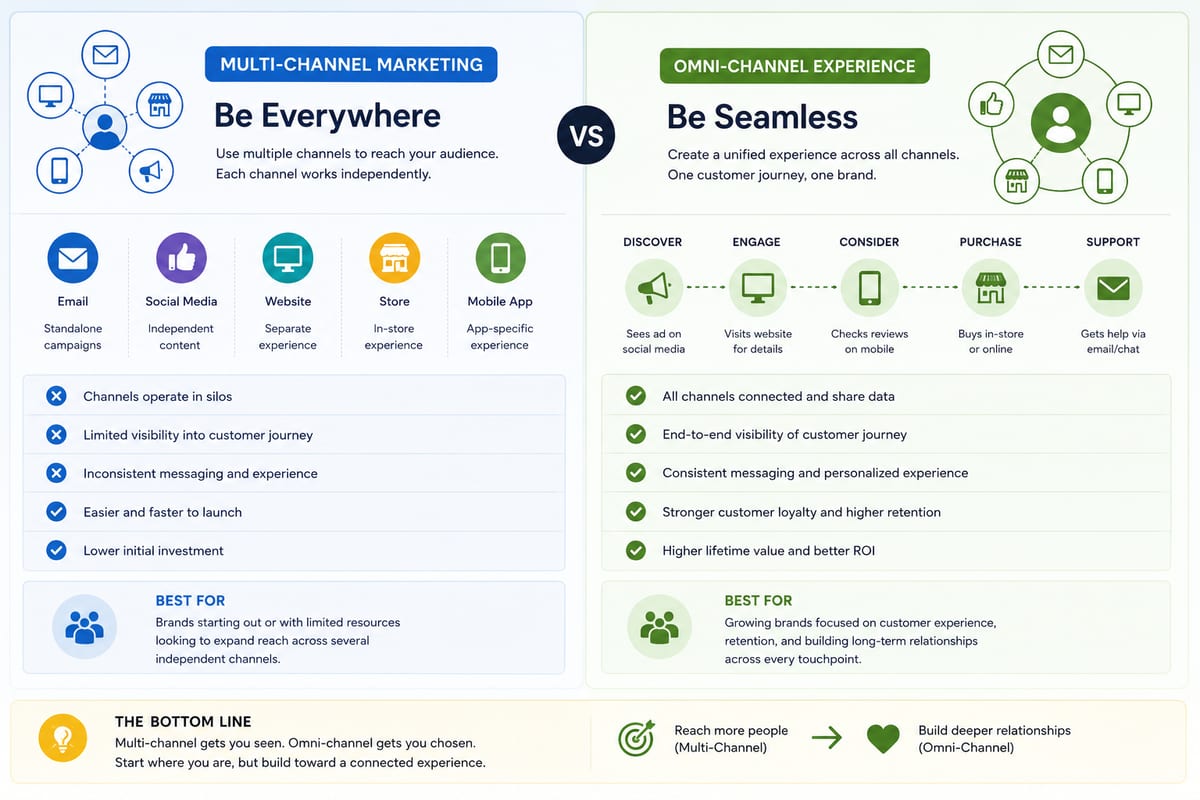
Multi Channel Marketing vs Omni Channel: Honest Comparison
Multi channel marketing vs omni channel breakdown for ecommerce operations. The operational differences that determine which approach fits your business.
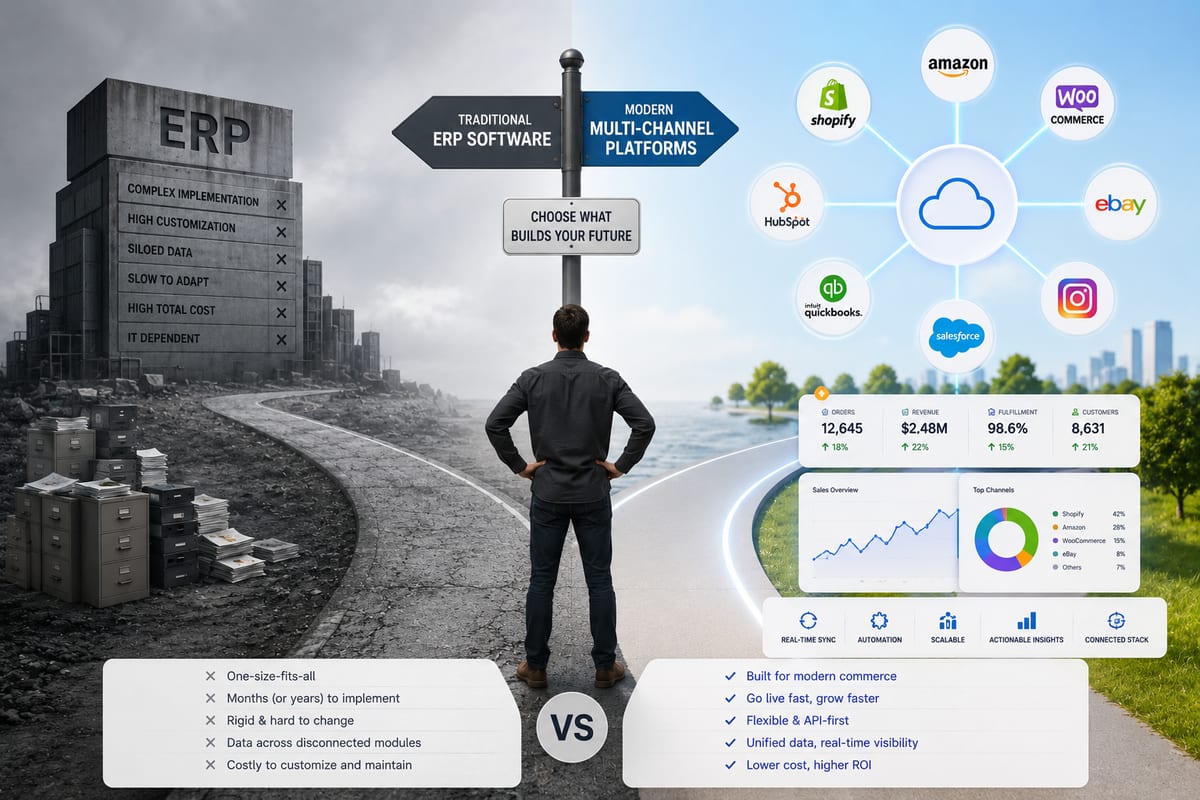
ERP Software vs Multi-Channel Platforms: Honest Choice
ERP software comparison for growing ecommerce brands. When ERP fits and when multi-channel platforms produce better outcomes at lower cost.