Inventory Management Plugin for WordPress: 2026 Guide

If you run a WooCommerce store, you have probably hit that moment where a spreadsheet stops being enough. Stock counts drift. Orders come in faster than you can update SKUs. A customer buys something you sold three days ago on Amazon, and now you are writing an apology email. That is the moment most founders start searching for an inventory management plugin for WordPress.
The challenge is not finding one, there are dozens. The challenge is finding the right one, because the wrong choice leads to plugin conflicts, slow checkouts, and the same overselling problem you started with.
This guide walks you through what to look for in an inventory management plugin for WordPress, the features that actually matter as you scale, and how to avoid the traps that cost growing stores hours every week.
Why Native WooCommerce Inventory Falls Short
WooCommerce ships with basic stock management out of the box. You can set quantities, mark items out of stock, and trigger low-stock notifications. That is enough when you sell 50 SKUs from one warehouse to one channel.
It stops being enough the moment any of these things happen:
- You start selling on Amazon, eBay, Etsy, or Walmart alongside your WordPress store
- Your catalog grows past 200 to 500 SKUs
- You add a second warehouse, a 3PL, or a physical retail location
- You need real-time updates instead of manual edits
- You handle product variations (size, color, configuration) at scale
At that point, you need a real inventory management plugin for WordPress, something purpose-built to handle the operational weight that WooCommerce's core feature was never designed for.
What Makes a Good Inventory Management Plugin for WordPress
Before comparing specific tools, here is the feature checklist that separates a plugin you will grow with from one you will outgrow in six months.
1. Real-Time Stock Synchronization
The most important feature. When a unit sells anywhere, your WooCommerce store, Amazon, eBay, or a marketplace, every other channel should reflect the change in seconds, not hours. Older plugins poll for changes every 15 to 30 minutes. Modern systems use webhooks for near-instant updates. According to Wikipedia's overview of webhooks, webhook-driven architectures push events the moment they happen, which is the gold standard for inventory accuracy.
2. Multi-Channel Connectivity
A WordPress-only plugin limits your growth ceiling. Look for tools that bridge WooCommerce to Amazon, eBay, Walmart, TikTok Shop, Etsy, Shopify, and major shipping carriers. The more native integrations available, the less you will cobble together with custom code or middleware.
3. Variation-Aware Sync
Variable products, t-shirts in five sizes and four colors, break most basic inventory plugins. The plugin should treat each variation as its own SKU and keep stock accurate at the variation level, not just the parent product.
4. Multi-Warehouse and 3PL Support
If you ship from more than one location, the plugin needs to allocate stock per warehouse, route orders intelligently, and prevent one location's sale from oversetting another's count.
5. Bulk Editing and Import/Export
When you need to update 800 prices for a Black Friday promotion, you cannot do it one product at a time. Bulk editing, CSV imports, and scheduled updates are non-negotiable for stores past a few hundred SKUs.
6. Reliable Performance
A heavy plugin slows down your admin dashboard and, worse, your checkout. Ask for benchmarks or test on a staging site before committing.
7. Plugin Conflict Resilience
This is the silent killer. Many WordPress inventory plugins fight with WooCommerce extensions for shipping, taxes, or order management. The result: orders that do not reduce stock, refunds that do not restore stock, and chaos at scale.
The Three Tiers of Inventory Management Plugins for WordPress
Not every store needs the same tool. Here is how to map your needs to the right tier.
Tier 1: Single-Channel, Single-Warehouse Plugins
These are the entry-level options. They handle WooCommerce stock tracking, low-stock alerts, basic supplier records, and simple reporting. Good fit if you sell only on your WordPress site, ship from one location, and your catalog is under 500 SKUs.
Limitations show up the moment you expand to a second sales channel.
Tier 2: Multi-Location WooCommerce Plugins
These add multi-warehouse tracking, transfer orders between locations, and basic purchase order management. A reasonable middle ground if you have a physical store plus your WooCommerce site, or two warehouses serving different regions.
They typically do not sync to external marketplaces, though, so multi-channel sellers still need additional tools.
Tier 3: Multi-Channel Inventory Platforms
This tier connects WooCommerce to the entire ecosystem: marketplaces, shipping carriers, accounting software, and 3PLs. They treat WooCommerce as one channel among many and keep everything in sync from a central operating layer.
If you are growing past one channel, or plan to within 12 months, start at this tier. Migrating from a Tier 1 plugin to a Tier 3 platform later is far more painful than starting at Tier 3 with room to grow.
How Nventory Approaches Inventory Management for WordPress
Nventory.io sits in Tier 3. It is a webhook-driven inventory and order management platform built specifically for WooCommerce stores that sell on multiple channels.
The plugin connects your WordPress store to Amazon, eBay, Walmart, TikTok Shop, Etsy, Shopify, and 30+ other channels through a single API key. Stock updates flow bidirectionally in under 5 seconds. Variations sync at the SKU level. Orders pull into one operational view regardless of which channel they came from.
You can download the free Nventory plugin from WordPress.org and connect your store in about 10 minutes. There is no developer required for setup, and the free trial includes the core sync functionality without a credit card.
What makes it different from older plugins is the architecture. Instead of polling each channel every few minutes (which causes drift during high-volume periods), Nventory listens for webhook events from WooCommerce and pushes updates outward in real time. According to Cloudflare's documentation on webhooks, webhook-based systems are significantly more efficient and reliable than polling-based ones, especially under load.
Common Mistakes When Choosing an Inventory Management Plugin for WordPress
After watching hundreds of stores migrate between tools, the same mistakes keep showing up. Avoid these.
Picking Based on Price Alone
The cheapest plugin almost always costs more long-term in lost sales from overselling, time spent reconciling spreadsheets, and migration headaches when you outgrow it. Calculate your true cost, including overselling refunds, support hours, and downtime, before choosing.
Ignoring Plugin Conflicts
Before installing any new inventory plugin, check whether it lists known conflicts with your existing WooCommerce extensions. Plugins that update the same database tables (stock, orders, products) can produce silent data corruption that takes weeks to diagnose.
Skipping the Variation Test
If you sell variable products, test the plugin with a real variation set before committing. Many plugins claim to support variations but break at scale or treat the parent product as the master record.
Underestimating the Learning Curve
A powerful plugin you do not use is worse than a simple plugin you do. Pick something your team can actually operate. Look for clear documentation, video tutorials, and responsive support.
Setting Up an Inventory Management Plugin: A Practical Workflow
Once you have picked a tool, the rollout matters as much as the choice. Here is a workflow that minimizes risk.
Step 1: Audit your current state. Count your SKUs, list your sales channels, and document your current stock numbers. This baseline lets you spot sync issues during testing.
Step 2: Install on a staging site first. Never test inventory plugins on a live store. Clone your production environment and run the integration there for at least a week before going live.
Step 3: Map SKUs and variations carefully. Mismatched SKUs between WooCommerce and your marketplaces are the #1 cause of sync failures. Standardize before connecting.
Step 4: Start with one channel. Connect WooCommerce to your highest-volume marketplace first. Validate sync accuracy for 7 to 14 days before adding more.
Step 5: Define ownership. Decide which system is the source of truth for each data type. Usually, your inventory platform owns stock counts, while WooCommerce owns the storefront experience.
Step 6: Set up alerts. Configure low-stock alerts, sync failure notifications, and webhook health monitoring before you need them, not after.
Performance Considerations You Cannot Ignore
WordPress sites slow down when plugins do too much database work on the front end. An inventory management plugin for WordPress can quietly add 200 to 800ms to your page load times if it is poorly built.
Ask any plugin you are evaluating these questions:
- Does it run database queries on every page load, or only on admin pages?
- Does it use background jobs for sync operations, or block the user request?
- Is it compatible with your caching plugin (WP Rocket, W3 Total Cache, etc.)?
- What hosting requirements does it have (PHP version, memory limits)?
A plugin that is fast in isolation but slow in combination with your existing stack will hurt conversions. Test on staging with realistic traffic before going live.
When to Upgrade Beyond a Plugin
Eventually, even the best inventory management plugin for WordPress hits limits. Signs you have outgrown a plugin-only approach:
- You are managing more than 5,000 SKUs across 4+ channels
- Your team includes dedicated operations staff
- You need ERP-level features like demand forecasting or production planning
- Compliance requirements (lot tracking, expiration dates, batch records) are critical
At that point, you need a full inventory management platform with WordPress as one connection, not the center of the system. Nventory is built to handle this transition without forcing you to rip everything out: the plugin connects to a platform that scales with you.
Final Thoughts
The right inventory management plugin for WordPress is the one you can grow into for the next two years, not the cheapest one that solves today's problem. Prioritize real-time sync, multi-channel readiness, and clean variation handling, those three features separate plugins that scale from plugins that break at scale.
If you are ready to test a multi-channel inventory plugin built for WooCommerce stores that are growing, download Nventory free from WordPress.org and try it on a staging site this week.
Want to learn more about how multi-channel sync actually works, or compare integration options? Visit nventory.io to explore guides, integration documentation, and real implementation case studies from WooCommerce stores running on the platform.
Frequently Asked Questions
For most WooCommerce stores under 1,000 SKUs, the free Nventory plugin from WordPress.org offers the broadest feature set, including multi-channel sync, real-time inventory updates, and bidirectional order management. ATUM and Smart Manager are also widely used, though they are stronger for single-channel stores.
If you have under 200 SKUs, ship from one location, and update stock manually without issues, WooCommerce's built-in inventory tools are usually enough. Plugins become valuable when you cross 500 SKUs, add a second sales channel, or need automated low-stock alerts and supplier management.
The plugin monitors stock changes across every connected channel in real time. When a sale happens on any channel, it immediately reduces the available count everywhere else. Combined with safety stock buffers, this brings the overselling risk window down to a few seconds.
Generally, no. Two plugins updating the same WooCommerce stock data will create conflicts and data corruption. Pick one inventory management plugin for WordPress and stick with it. If you need additional features, look for one tool that does it all.
A well-built plugin should add minimal overhead. Look for plugins that use webhooks instead of cron-based polling, run heavy operations as background jobs, and are compatible with caching plugins. Always test on staging with your real catalog before committing.
For a plugin like Nventory, the basic install and first channel connection takes 10 to 15 minutes. Mapping SKUs across multiple channels, validating variation sync, and full team training typically adds 2 to 5 days for stores under 5,000 SKUs.
Related Articles
View all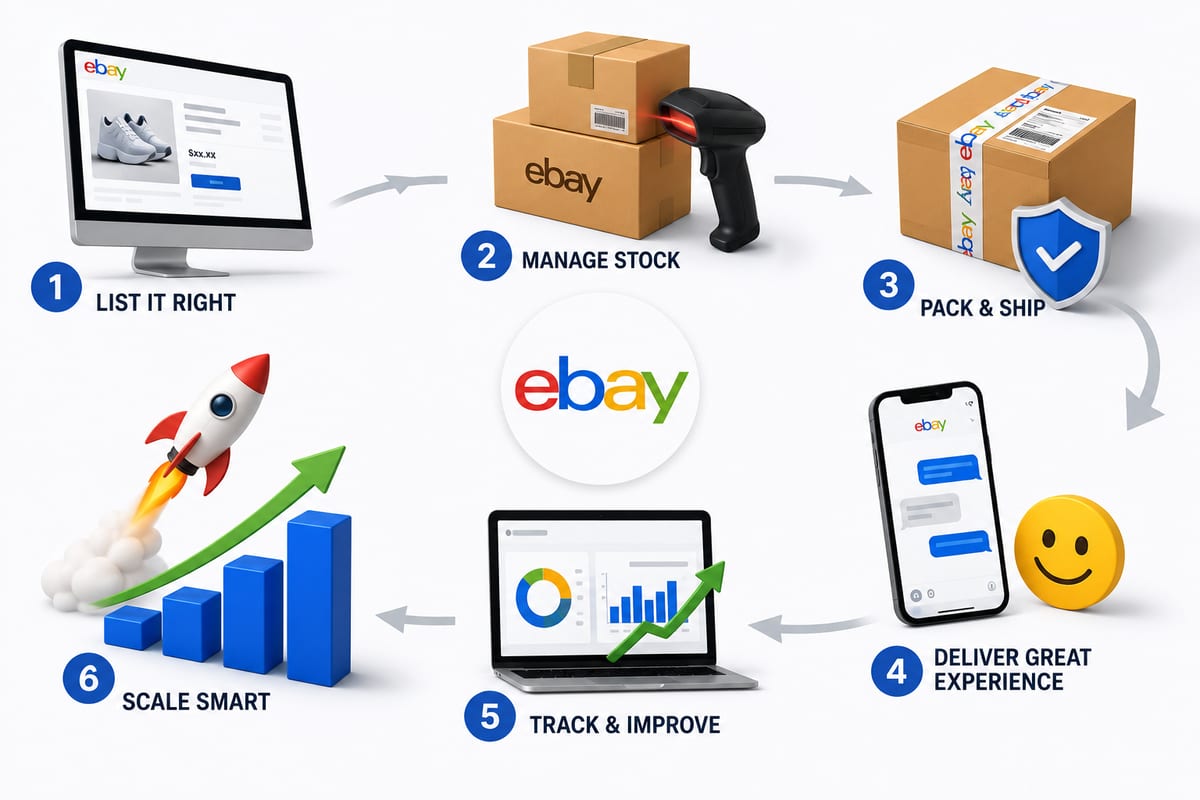
Tips on How to Sell on eBay: Operational Practices at Scale
Tips on how to sell on eBay alongside multiple channels. The operational practices that protect seller standing and produce sustainable margin.
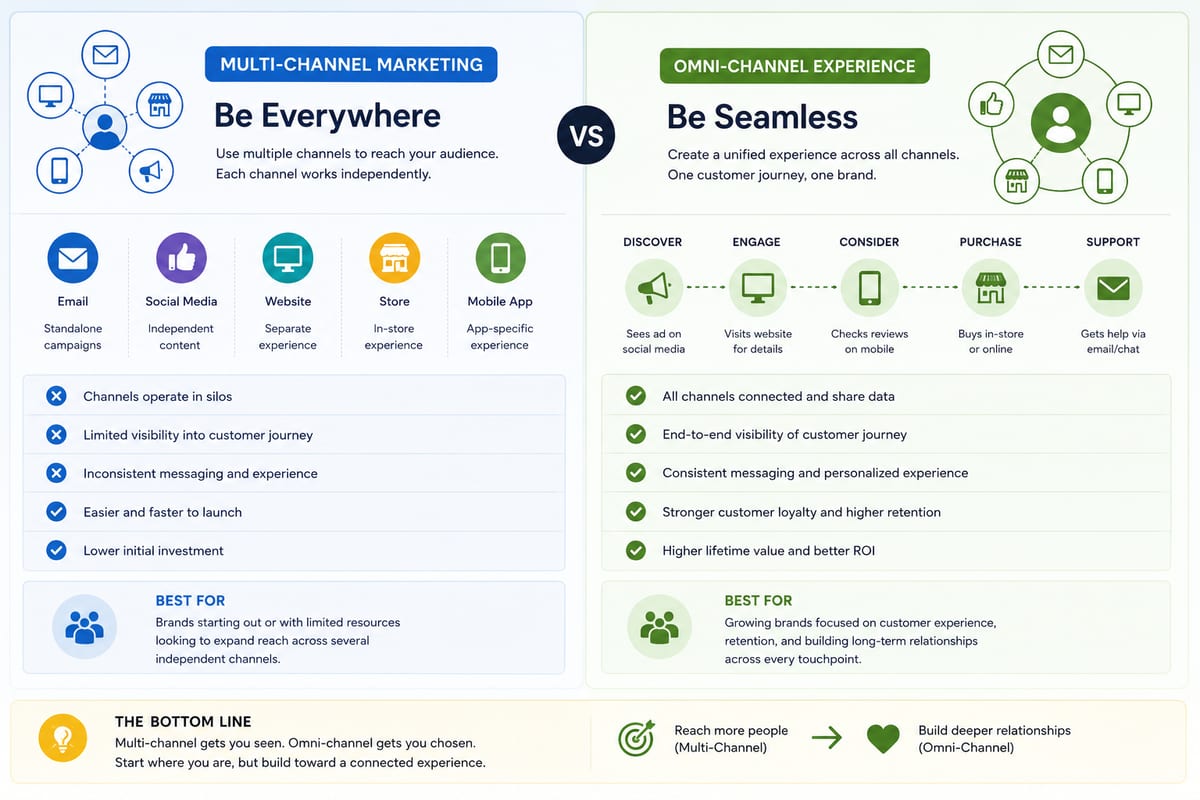
Multi Channel Marketing vs Omni Channel: Honest Comparison
Multi channel marketing vs omni channel breakdown for ecommerce operations. The operational differences that determine which approach fits your business.

ERP Software vs Multi-Channel Platforms: Honest Choice
ERP software comparison for growing ecommerce brands. When ERP fits and when multi-channel platforms produce better outcomes at lower cost.