Amazon Inventory Management Across Your Whole Stack
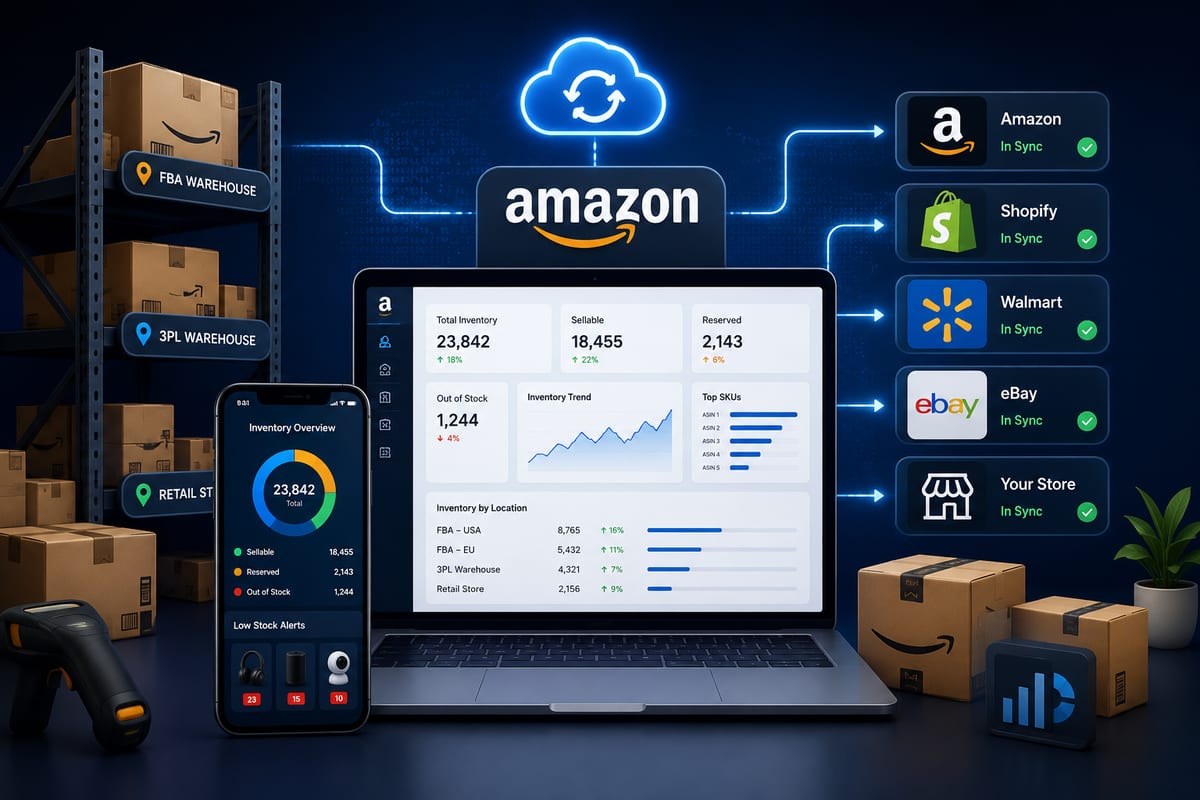
Most Amazon sellers eventually expand. They start on Amazon, prove the product works, then add their own storefront on Shopify or WooCommerce, maybe pick up eBay or Walmart along the way. The moment they cross from single-channel to multi-channel, Amazon inventory management changes completely. What worked as a manual workflow when Amazon was the only channel becomes a constant source of overselling, account health warnings, and operational pain when Amazon is one channel among several.
This article walks through what Amazon inventory management actually requires for sellers running cross-channel operations, why most setups fail under volume, and the architectural choices that prevent the Amazon-specific consequences of inventory drift.
Why Amazon Inventory Management Is Harder Than Other Channels
Amazon punishes overselling more aggressively than any other major channel. Where Shopify or WooCommerce might just produce a cancelled order and an unhappy customer, Amazon produces account health metric damage that compounds into ranking decay, Buy Box loss, and ultimately account suspension.
The Amazon-specific consequences include:
Order Defect Rate (ODR) damage. Cancelled orders directly hit your ODR metric. Amazon's threshold is 1%, exceeding it triggers warnings, then suspension. Multi-channel inventory drift is the most common cause of ODR crossings.
Late Shipment Rate impact. When sync delays force manual order routing, shipping deadlines get missed. Late shipments hit a separate Amazon metric that compounds with ODR damage.
Account-level suspension risk. Repeated metric violations escalate to account-level suspensions that can take weeks to resolve. During suspension, you are not just losing Amazon sales, you are losing the listing ranking you spent months building.
Buy Box eligibility loss. Sellers with degraded account health lose Buy Box placement, which can drop Amazon revenue by 70%+ overnight without any policy violation.
These consequences make Amazon inventory management uniquely high-stakes. The same inventory drift that produces an annoying cancelled order on your storefront produces existential business risk on Amazon.
What Multi-Channel Operations Actually Need
The core requirement is straightforward: when stock changes anywhere in your operation, Amazon needs to know within seconds. The implementation reality is more demanding.
Real-time Amazon sync. Amazon's SP-API supports near-instant inventory updates. Tools that exploit this capability propagate stock changes in under 5 seconds. Tools that do not poll at 5 to 15 minute intervals leave overselling windows wide open.
SKU mapping accuracy. Amazon listings use ASINs and SKUs that must map cleanly to your storefront SKUs. Inconsistent mapping is the single most common cause of Amazon inventory sync failures.
FBA inventory awareness. If you use Fulfillment by Amazon, your sync layer needs to understand FBA-on-hand vs storefront-fulfilled inventory and route orders appropriately. This goes deeper than basic inventory sync and requires Amazon-specific logic.
Multi-marketplace handling. Sellers operating on Amazon.com, Amazon.ca, and Amazon EU markets need inventory pools managed per marketplace with appropriate currency, fee, and shipping logic.
Pricing rule coordination. Amazon's repricing systems interact with stock levels. When inventory drops below thresholds, automated repricing may need to adjust. Tools that handle stock without pricing context create awkward edge cases.
According to Wikipedia's overview of inventory management, centralized data ownership across distributed sales channels is foundational to operational accuracy, and for Amazon-heavy operations specifically, this becomes survival economics.
The Three Setups Most Amazon Sellers Run
Amazon sellers running multi-channel operations typically use one of three architectural patterns. Each has predictable strengths and weaknesses.
Pattern 1: Amazon-Native Plus Single Storefront Plugin
Amazon Seller Central as the primary system. A single plugin or app on the storefront (WooCommerce or Shopify) handling sync with Amazon. Manual reconciliation for any third channels.
Strengths: simple, low cost, works for stores selling primarily on Amazon with one secondary channel.
Weaknesses: does not scale to 3+ channels, breaks under volume, no audit trail accessible to operators.
Pattern 2: Stacked Channel-Specific Plugins
Separate plugins for each connected channel. One plugin for Amazon, another for eBay, another for Walmart. Each plugin operates independently.
Strengths: modular, easy to add channels one at a time.
Weaknesses: plugins fight each other for control of stock data, conflicts compound over time, weekly reconciliation becomes inevitable. This is the most common failure pattern for growing Amazon sellers.
Pattern 3: Unified Multi-Channel Platform
One platform handles inventory across Amazon and all other channels. The storefront has one connector to the platform; the platform handles every external channel.
Strengths: clean architecture, scales with channel count, eliminates plugin conflicts, real-time webhook-driven sync.
Weaknesses: higher upfront setup complexity than Pattern 1.
For Amazon sellers running on 3+ channels or doing meaningful FBA volume, Pattern 3 is almost always the right architectural choice. The Amazon-specific consequences of inventory drift make stacked plugin setups operationally dangerous, not just inconvenient. This is why ecommerce inventory software decisions matter so much for Amazon-heavy operations.
The FBA Complication
Sellers using Fulfillment by Amazon add a specific complexity to multi-channel Amazon inventory management. FBA-on-hand inventory is held by Amazon, fulfills Amazon orders directly, and can fulfill orders from your storefront via Multi-Channel Fulfillment (MCF).
The implications for sync:
FBA inventory levels change continuously. Amazon ships orders, processes returns, performs adjustments. Your sync layer needs to track FBA-on-hand changes alongside your storefront-fulfilled stock.
Storefront orders may pull from FBA. When configured for MCF, your storefront orders deplete FBA inventory. The sync layer needs to route this correctly.
Reserved inventory affects available counts. FBA holds inventory in "Reserved" status during fulfillment that is not immediately available for new orders. Sync layers need to expose available, not just total, inventory.
Restock automation depends on sync accuracy. If you use automated FBA restock planning, the planning logic depends entirely on accurate cross-channel velocity data. Inventory drift corrupts the inputs and produces bad restock decisions.
Tools that handle Amazon inventory management without FBA-aware logic break down quickly for sellers using both FBA and Merchant Fulfilled Network (MFN) inventory.
How Nventory Handles Amazon Inventory Management
Nventory.io is built specifically for the multi-channel Amazon use case. The platform handles Amazon-specific complexity, SP-API integration, FBA-aware inventory routing, multi-marketplace handling, ODR-protective sync speed, through a unified webhook-driven architecture.
Amazon inventory propagates in under 5 seconds. SKU mapping is configurable per marketplace. FBA-on-hand and storefront-fulfilled inventory tracks separately with appropriate routing logic. Every event logs with replay capability for ODR diagnostic work.
For storefront integration, Nventory connects to both major ecommerce platforms. For WordPress and WooCommerce stores, download Nventory free from WordPress.org. For Shopify operations, install Nventory from the Shopify App Store. Both versions connect to the same multi-channel platform with the same Amazon-specific capabilities.
The architectural value for Amazon sellers specifically: the sync architecture is designed around Amazon's punishing tolerance for overselling. Sub-5-second propagation prevents the ODR damage that cripples Amazon operations. According to Cloudflare's documentation on webhooks, event-driven sync is the only architectural pattern that delivers this speed reliably under load.
How to Migrate Amazon Inventory Management Cleanly
Migrating Amazon inventory management from a stacked-plugin setup to a unified platform requires care because Amazon punishes mistakes during migration more than other channels.
Step 1: Standardize SKUs across Amazon and storefront. Inconsistent SKU naming is the #1 cause of post-migration Amazon sync failures. Fix this before connecting anything.
Step 2: Audit current ODR baseline. Document your current Order Defect Rate, Late Shipment Rate, and other Amazon health metrics. This baseline lets you detect migration-induced regressions immediately.
Step 3: Set up the new platform on a staging environment. Connect a sandbox Amazon account if available. Run synthetic orders to validate sync accuracy.
Step 4: Migrate Amazon last, not first. Connect the new platform to your storefront and lower-stakes channels first. Validate sync accuracy for 7 to 14 days before adding Amazon.
Step 5: Cut over Amazon on a low-traffic day. Sunday morning beats Friday evening. Have the old plugin deactivated and the new platform validated before peak hours begin.
Step 6: Monitor Amazon health metrics daily for 30 days post-migration. Any unusual movement in ODR, Late Shipment Rate, or Cancellation Rate needs immediate investigation.
Migrating Amazon inventory management during peak season is the highest-risk operational decision a multi-channel seller can make. Plan migrations for low-volume months whenever possible.
Common Amazon Inventory Management Mistakes
A few patterns that produce ODR damage and account health problems.
Running polling-based sync at 15-minute intervals. Amazon's Lightning Deals and featured placements drain inventory faster than polling can react. Sub-5-second sync is not a luxury, it is a requirement.
Skipping SKU standardization. Inconsistent SKU naming between Amazon and storefront produces sync mismatches that look random but follow predictable patterns.
Ignoring FBA-on-hand tracking. Treating FBA and MFN inventory as one pool produces overselling on FBA orders during peak periods.
Using stacked plugins instead of unified platforms. Plugin conflicts between Amazon connectors and storefront stock managers produce silent data corruption that takes weeks to diagnose.
Not monitoring ODR daily. Amazon health metrics can degrade subtly across multiple weeks before triggering warnings. Daily monitoring catches degradation before it becomes suspension risk.
Final Thoughts
Amazon inventory management for multi-channel sellers has different stakes than inventory management on any other channel. Amazon's punishing tolerance for overselling means inventory drift produces existential business risk rather than just operational annoyance. The architectural choices that prevent overselling everywhere become survival economics on Amazon specifically. Sub-5-second sync, FBA-aware routing, SKU-level variation handling, and unified platforms instead of stacked plugins separate operations that scale on Amazon from operations that get suspended.
If you are running Amazon inventory management across multiple channels and want to test a platform built specifically for the Amazon-plus-storefront use case, install Nventory on your platform of choice. For WordPress and WooCommerce stores, download Nventory free from WordPress.org. For Shopify stores, install Nventory from the Shopify App Store. Visit nventory.io to compare Amazon integration capabilities and review the platform documentation.
Frequently Asked Questions
Tools with sub-5-second sync, FBA-aware routing, and SKU-level variation handling. Nventory handles all of these, available on WordPress.org and the Shopify App Store.
Sub-5-second propagation is the standard for Amazon-heavy operations. Slower sync creates Order Defect Rate damage that compounds into account health problems.
Yes. FBA-on-hand inventory has different routing semantics than MFN inventory. Tools that handle them as a single pool produce overselling on FBA orders during peak periods.
Done correctly, no, accurate sync improves account health, which improves Buy Box eligibility. Done incorrectly with polling-based sync or unreliable middleware, yes, because sync delays produce the ODR damage that hurts Buy Box ranking.
Yes. Modern platforms like Nventory treat both as connected channels and sync inventory between them and Amazon simultaneously. This is a common pattern for sellers running multiple storefronts.
Three layers: webhook-driven sync for sub-5-second propagation, buffer stock configuration of 1 to 3 units per SKU, and daily monitoring of Amazon health metrics. The combination eliminates almost all overselling risk.
Related Articles
View all
Inventory Automation That Actually Saves Operations Time
Inventory automation for ecommerce operations past manual reconciliation. The categories that produce compounding labor savings at scale.
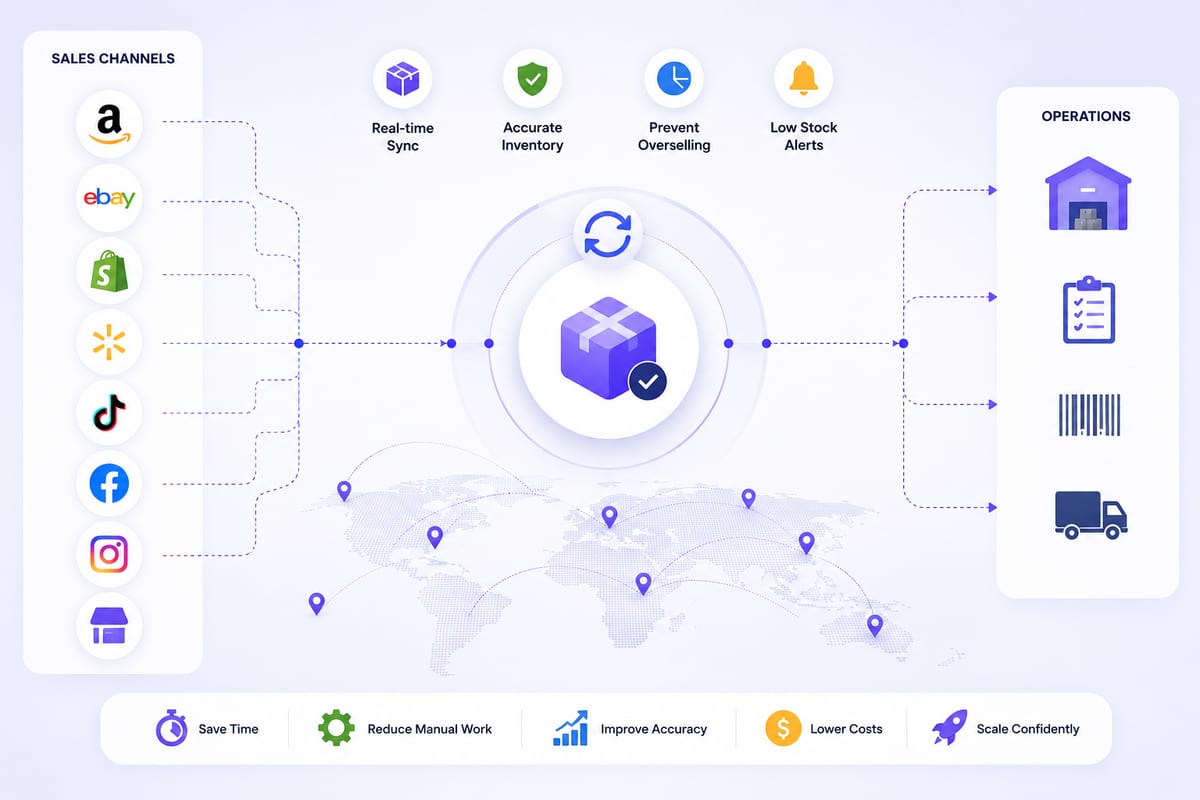
Cross Channel Inventory Management Without the Chaos
Cross channel inventory management for operations running on multiple platforms. The architectural patterns that prevent coordination breakdowns.
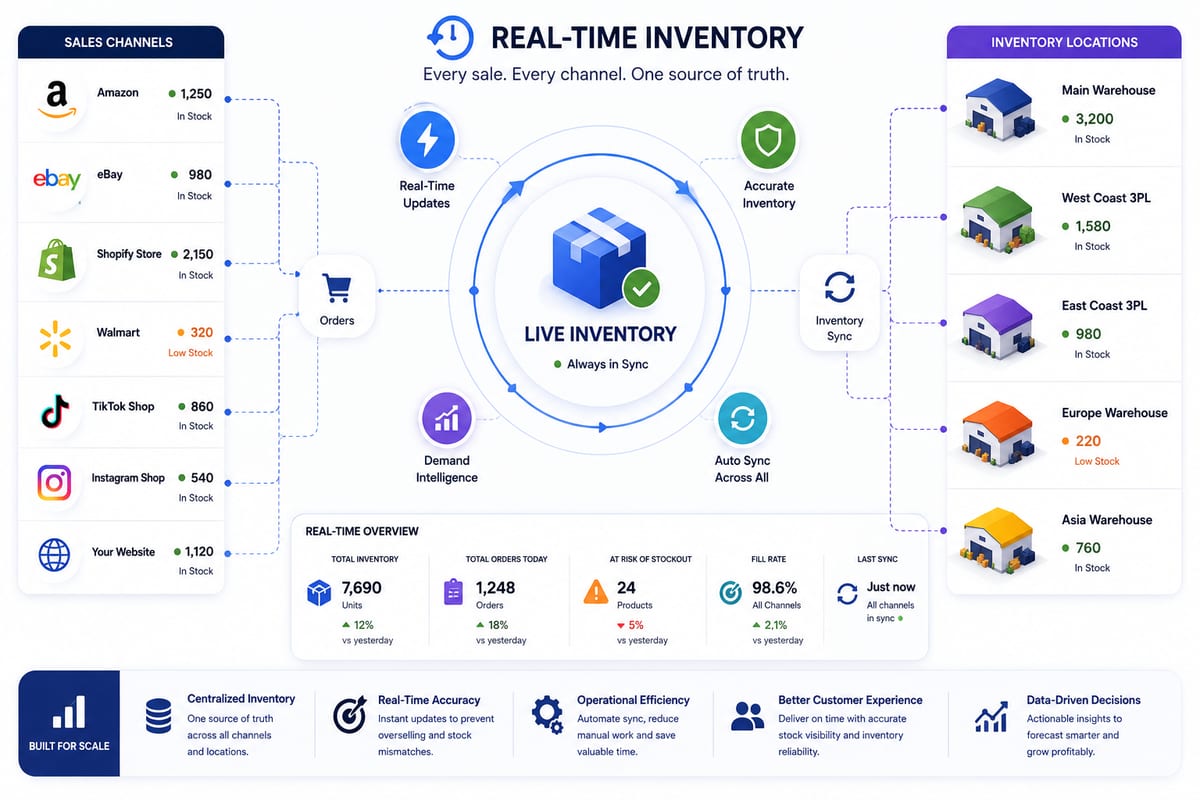
Real Time Inventory Management at Multi-Channel Scale
Real time inventory management requirements for multi-channel ecommerce. The architecture that delivers sub-5-second propagation under load.