Shopify Inventory Management at Multi-Channel Scale
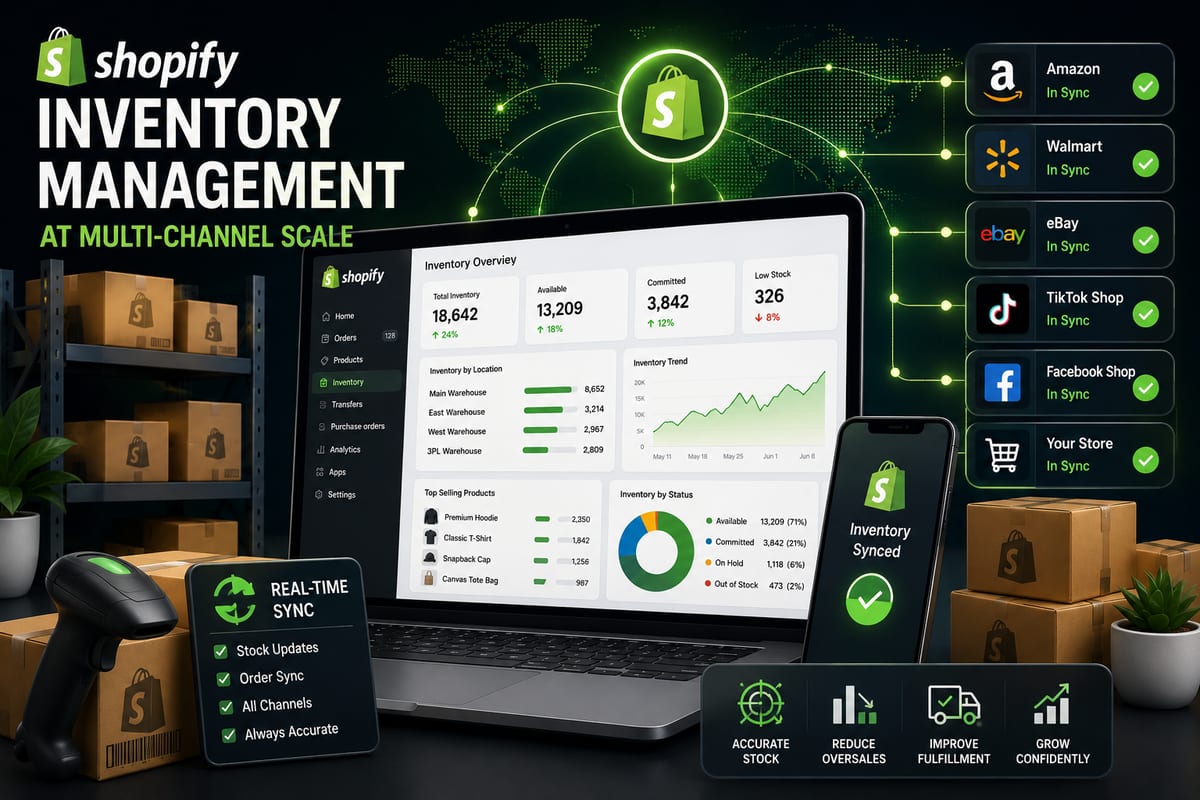
Shopify's native inventory tools are excellent for what they are designed to do, manage stock for a single Shopify store. The moment your operation crosses from Shopify-only to multi-channel selling, the native tools hit a structural ceiling. Stock counts on Shopify stay accurate while Amazon, eBay, Walmart, and other connected channels drift apart. The operational pain of cross-channel reconciliation grows linearly with channel count until Shopify inventory management becomes a constant background drain on the team.
This article walks through what Shopify inventory management actually requires at multi-channel scale, the architectural patterns that make scaling possible, and the practical choices that separate Shopify operations that handle multichannel cleanly from operations that buckle under the complexity.
What Native Shopify Inventory Management Handles Well
Shopify's native inventory system is genuinely good for single-channel operations. It handles:
- Per-product stock tracking with automatic decrement on orders
- Per-variant inventory for variable products
- Location-based inventory for stores with multiple physical locations
- Low-stock notifications and reorder thresholds
- Basic inventory reporting and movement history
For a Shopify store selling exclusively through its own storefront, native inventory tools are sufficient. Many successful Shopify operations run for years on the native tools without needing additional inventory layers.
The native tools start hitting limits at predictable inflection points. Recognizing those inflection points is the difference between proactive upgrading and reactive crisis management.
The Five Inflection Points That Force Upgrade
Native Shopify inventory management stops being enough at specific operational moments. When two or more of these hit simultaneously, the structural limits have arrived.
Inflection 1: Listing the same SKU on a marketplace. The moment the same product exists on Shopify and Amazon (or eBay, Walmart, TikTok Shop, etc.), native inventory cannot keep them synchronized. Cross-channel drift starts accumulating immediately.
Inflection 2: Variation depth past 200 SKUs. Shopify handles variants well, but native bulk operations and reporting strain past 200 variants in active rotation. Variable-product catalogs hit this faster than founders expect.
Inflection 3: Multi-warehouse with intelligent routing. Shopify supports multiple locations, but native routing logic is limited. Operations needing weighted allocation, channel-specific stock pools, or 3PL coordination outgrow native handling.
Inflection 4: Audit trail requirements. Native Shopify shows current state well but provides limited historical event logs accessible to operators. Operations needing detailed audit trails for compliance or debugging hit this limit.
Inflection 5: Order volume creating concurrency issues. Native inventory handles concurrent orders well at low volume but starts producing edge-case inconsistencies at very high concurrent transaction rates.
Most growing Shopify operations hit two of these inflections by month 12 of multi-channel selling. Recognizing them before peak season prevents the reactive scrambling that produces operational damage.
What Multi-Channel Shopify Inventory Management Requires
When Shopify operations add marketplace channels, the inventory management requirements expand beyond what native tools deliver.
Real-time cross-channel sync. Sales on Amazon need to decrement Shopify stock within seconds. Sales on Shopify need to decrement Amazon stock equally fast. The same applies to eBay, Walmart, TikTok Shop, and any other connected channel. For a deeper architectural breakdown, see our guide on inventory sync.
Native channel integrations. Direct API connections to each marketplace rather than middleware-routed integrations. Middleware adds latency and creates failure points that compound across channels.
Variation-level granularity. Each Shopify variant gets tracked as its own SKU with its own stock count and sync rules across all connected channels. Tools that aggregate at the parent product level break for variable catalogs.
Buffer stock configuration. Reserve units invisible to channels as a safety net against brief sync gaps. Critical for high-velocity products on multiple channels.
Order routing automation. Orders from different channels need different fulfillment paths. Automation prevents manual touches that do not scale.
Comprehensive event logging. Every stock change, every order import, every webhook event logs with timestamps and replay capability.
According to Wikipedia's overview of inventory management, centralized data ownership across distributed channels is foundational to operational accuracy. For Shopify operations specifically, this means choosing an inventory platform that owns the cross-channel layer rather than letting each channel maintain its own stock count.
The Three Architectural Patterns Shopify Multichannel Operations Use
Shopify operations expanding to multichannel typically use one of three architectural patterns. Each has predictable strengths and weaknesses.
Pattern A: Channel-Specific Shopify Apps
A separate Shopify app for each connected marketplace. One app for Amazon, another for eBay, another for Walmart. Each app handles its own channel independently.
Strengths: modular, easy to add channels incrementally, channel-specific feature depth.
Weaknesses: apps fight each other for control of Shopify inventory data, conflicts compound over time, cross-channel reconciliation falls to the operations team. This is the most common failure pattern for growing Shopify multichannel operations.
Pattern B: All-in-One Multichannel Apps
One Shopify app that connects to multiple channels through its own multichannel logic. Reduces the plugin stack but creates dependence on one vendor's channel-specific implementations.
Strengths: simpler than stacked apps, fewer surface conflicts.
Weaknesses: channel coverage limited to what the vendor supports, often middleware-routed integrations, vendor lock-in risk.
Pattern C: Unified Cross-Platform Inventory Platforms
A platform that handles inventory for Shopify and all connected channels through native integrations. The Shopify app is a connector to the platform; the platform handles every external channel.
Strengths: clean architecture, scales with channel count, eliminates app conflicts, real-time webhook-driven sync, often supports operations across both Shopify and WooCommerce simultaneously.
Weaknesses: higher upfront setup complexity than Pattern B.
For Shopify operations running on 3+ channels or doing meaningful marketplace volume, Pattern C is almost always the right architectural choice. This is especially true for operations doing significant volume on Amazon, the Amazon-specific consequences of inventory drift make stacked-app architectures dangerous, not just inconvenient. See Amazon inventory management for the Amazon-specific implications.
The Shopify-Specific Challenges Most Tools Do Not Handle Well
A few Shopify-specific complexities trip up multichannel inventory management tools.
Shopify's location model. Shopify supports multiple physical locations with location-specific inventory. Multichannel tools need to understand which locations supply which channels, with appropriate routing logic.
Shopify's webhook delivery patterns. Shopify webhooks have specific delivery semantics, including retry behavior and order-of-events guarantees. Tools that do not handle Shopify webhooks correctly produce subtle data inconsistencies.
Shopify's API rate limits. Shopify's REST and GraphQL APIs have specific rate limit structures. Tools that do not respect them produce throttling cascades during high-volume periods.
Shopify's variant model. Shopify treats variants as first-class entities but with specific constraints on how they are addressed via API. Cross-channel sync tools need to handle Shopify variants correctly without breaking the variation-level granularity required for cross-channel accuracy.
Shopify's order lifecycle complexity. Shopify orders move through multiple states (open, paid, fulfilled, refunded, cancelled). Cross-channel inventory tools need to understand which state transitions trigger which stock adjustments.
Tools built with deep Shopify-specific awareness handle these correctly. Tools that treat Shopify as just another channel produce edge-case failures that show up in production.
How Nventory Handles Shopify Inventory Management
Nventory.io is built specifically for cross-platform multichannel operations. The platform connects Shopify, WooCommerce, and other storefronts to Amazon, eBay, Walmart, TikTok Shop, Etsy, and 30+ other channels through unified webhook-driven sync.
For Shopify operations specifically, install Nventory from the Shopify App Store. The app handles Shopify's location model, webhook delivery patterns, API rate limits, variant model, and order lifecycle correctly. Sync propagation completes in under 5 seconds. Variations track at the SKU level. Every event logs with replay capability accessible to operators.
For operations also running on WooCommerce (common for brands with multiple storefronts), download Nventory free from WordPress.org to connect WooCommerce stores to the same multi-channel platform.
According to Cloudflare's documentation on webhooks, event-driven architectures handle high-velocity inventory changes far more reliably than polling-based alternatives. For Shopify multichannel operations specifically, this is the architectural property that prevents the cross-channel drift that breaks stacked-app setups.
How to Migrate Shopify Inventory Management Cleanly
Migrating from a stacked Shopify app setup to a unified multichannel platform requires deliberate sequencing.
Step 1: Audit your current Shopify app stack. Document every Shopify app currently touching inventory or orders. This is the migration map.
Step 2: Standardize SKUs across Shopify and connected channels. Inconsistent SKU naming is the single most common cause of post-migration sync failures. Fix this before connecting anything new.
Step 3: Set up the unified platform on a Shopify development store. Shopify offers development stores for testing. Use one to validate sync accuracy before touching production.
Step 4: Migrate channels one at a time. Connect the unified platform to your highest-volume marketplace first. Validate accuracy for 7 to 14 days before adding the next channel.
Step 5: Uninstall redundant Shopify apps as they become unnecessary. Do not run old and new systems in parallel, they will fight for inventory control.
Step 6: Cut over on a low-traffic day. Sunday morning transitions beat Friday evening transitions before peak season.
Step 7: Monitor cross-channel accuracy daily for 30 days post-migration. Catch any drift before it compounds into operational damage.
Most Shopify multichannel migrations take 2 to 4 weeks of testing plus a low-traffic cutover weekend.
Common Shopify Inventory Management Mistakes
A few patterns to avoid.
Trusting individual marketplace apps for cross-channel accuracy. Channel-specific apps optimize for their own channel, not for cross-channel consistency. Cross-channel sync needs a system designed for it.
Picking apps based on Shopify App Store ratings alone. High ratings indicate user satisfaction with the specific app's intended use case. They do not indicate the app fits a multichannel architecture.
Ignoring Shopify location handling. Multi-location Shopify operations need apps that understand the location model. Tools that flatten locations into one pool break fulfillment routing.
Skipping the development store test. Shopify provides free development stores specifically for testing app integrations. Skipping this step is the fastest way to produce production-affecting issues.
Underestimating Shopify webhook delivery edge cases. Shopify webhooks have specific retry and ordering semantics. Tools that do not handle them correctly produce subtle data inconsistencies that take weeks to diagnose.
Final Thoughts
Shopify inventory management at multi-channel scale requires deliberate architectural choices that go beyond native Shopify tools. The native inventory system works beautifully for single-channel Shopify operations. The moment multichannel selling enters the picture, the architectural patterns that scale share specific properties: real-time webhook-driven sync, native channel integrations, variation-level granularity, Shopify-aware handling of locations and webhooks, and unified rather than stacked architectures. Operations with these properties scale cleanly. Operations without them eventually hit ceilings that no individual Shopify app can break through.
If you are running Shopify inventory management at multichannel scale and want to test a platform built for cross-channel operations, install Nventory from the Shopify App Store. For operations also running on WordPress and WooCommerce, download Nventory free from WordPress.org. Visit nventory.io to review the platform architecture and Shopify-specific capabilities.
Frequently Asked Questions
Tools with Shopify-specific awareness, native marketplace integrations, and webhook-driven cross-channel sync. Nventory is built for this use case, install from the Shopify App Store. For WordPress/WooCommerce operations, download from WordPress.org.
No. Shopify native inventory handles Shopify-only operations well. Multi-channel sync requires additional apps or platforms designed specifically for cross-channel coordination.
Sub-5-second propagation is the modern standard. Anything slower than 1 minute creates overselling risk during peak periods.
Yes, with the right platform. Nventory treats both as connected channels and synchronizes inventory between them and external marketplaces. This is a common pattern for brands running multiple storefronts.
Well-built apps should not. The architectural advantage of platforms like Nventory is that heavy operations run on external infrastructure rather than on Shopify itself.
Common signals: weekly manual reconciliation, occasional overselling, cross-channel stock disagreements, app conflicts producing data drift. Two of these together usually means structural change is overdue.
Related Articles
View all
Tips on How to Sell on eBay: Operational Practices at Scale
Tips on how to sell on eBay alongside multiple channels. The operational practices that protect seller standing and produce sustainable margin.
Multi Channel Marketing vs Omni Channel: Honest Comparison
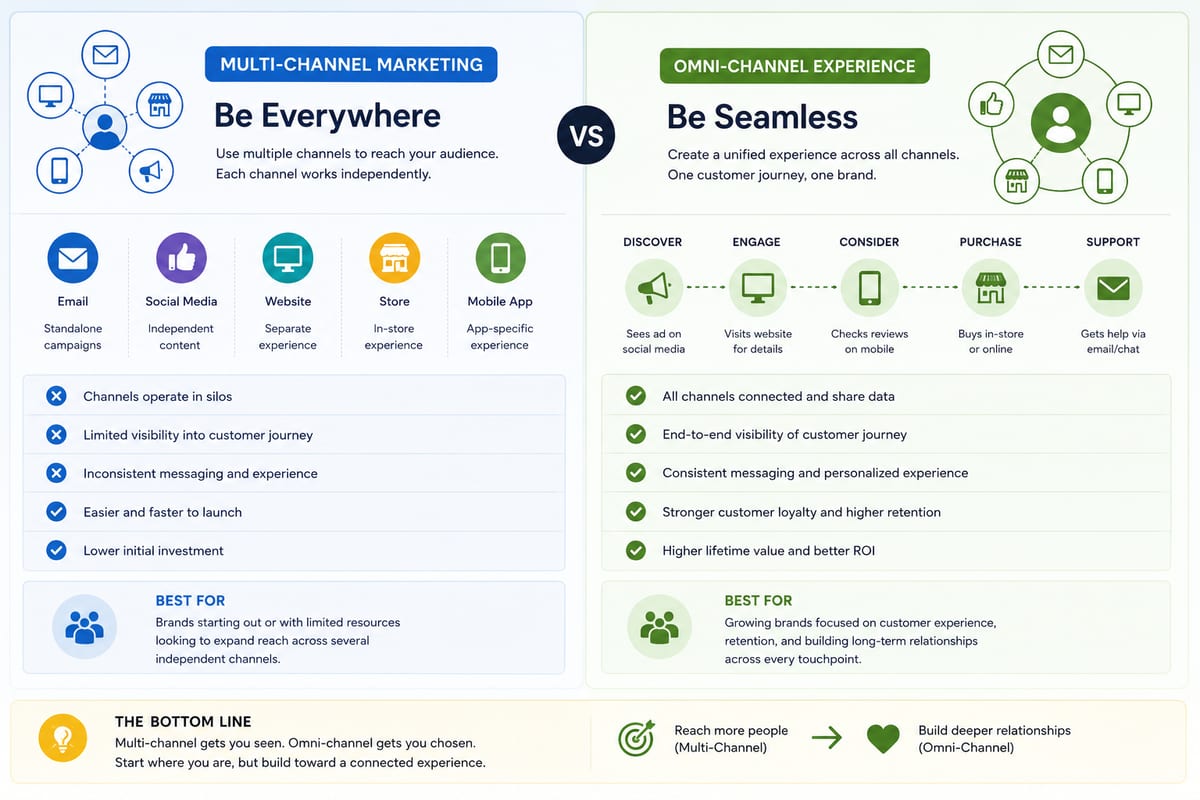
Multi channel marketing vs omni channel breakdown for ecommerce operations. The operational differences that determine which approach fits your business.

ERP Software vs Multi-Channel Platforms: Honest Choice
ERP software comparison for growing ecommerce brands. When ERP fits and when multi-channel platforms produce better outcomes at lower cost.