Squarespace Inventory Sync: Connect to Amazon and eBay

Squarespace powers roughly 16% of US ecommerce sites. It is popular with creative businesses, photographers, and DTC brands because it produces clean, design-forward storefronts with minimal technical overhead. But the moment you want to sell the same products on Amazon or eBay, you hit a wall.
Squarespace has no native inventory sync with any external marketplace. There is no built-in connection to Amazon Seller Central. There is no eBay integration in the Squarespace extensions directory. Every sale that happens on a marketplace requires a manual stock update on your Squarespace store, and every sale on Squarespace requires a manual update on the marketplace.
This guide covers the actual integration options available today, the specific API limitations you need to understand, and a practical architecture for keeping inventory accurate across Squarespace, Amazon, and eBay.
What Squarespace Inventory Tracking Actually Covers
Before looking at sync options, it helps to understand what Squarespace gives you out of the box.
Squarespace's built-in inventory system handles single-store stock tracking:
- Track quantities per product and per variant
- Low-stock email alerts when a product drops below a threshold you set
- Automatic "Sold Out" labels when quantity reaches zero
- Inventory counts visible in the Products panel of the admin dashboard
- Basic inventory data in Squarespace Analytics
That list covers the needs of a single-channel store. It does not cover anything related to multichannel operations.
The gaps become obvious the moment you list your first product on Amazon:
- No API endpoint to receive inbound inventory updates from external systems
- No webhook for real-time stock change notifications to other platforms
- No multi-location inventory (you cannot track warehouse A vs. warehouse B)
- No bundle or kit inventory (selling a set does not deduct from component stock)
- No concept of "available to promise" across channels
"Syncing inventory from my POS to Squarespace is broken. It only updates every 24 hours, and during peak hours, I'm overselling by 10-20 units. Support says 'it's a known issue' but no ETA."
- Squarespace Community Forum, 2024
This is not a criticism of Squarespace. The platform was designed for single-storefront commerce with a focus on design quality. Multichannel inventory operations were never part of the core product vision.
The Squarespace Commerce API: What It Can and Cannot Do
Squarespace introduced a Commerce API that gives third-party tools some level of access to store data. Understanding its capabilities and limits is essential for evaluating sync options.
| Capability | Squarespace Commerce API | Shopify Admin API (for comparison) |
|---|---|---|
| Read product data | Yes | Yes |
| Read inventory quantities | Yes | Yes |
| Write/update inventory quantities | Limited (via order fulfillment events) | Yes (dedicated Inventory API) |
| Webhooks for inventory changes | Limited event types | 40+ webhook topics including inventory |
| Multi-location inventory | No | Yes (native multi-location) |
| Bundle/kit inventory deduction | No | Via apps |
| Real-time order webhooks | Yes (order creation, update) | Yes |
| Product variant structure | Option combinations | Independent variant records |
The critical limitation is write access. The Squarespace Commerce API is read-heavy. Third-party tools can pull product and order data from Squarespace more easily than they can push inventory updates back into it. This creates an asymmetry in sync architecture: getting data out of Squarespace is straightforward, but writing updated stock counts back after an Amazon sale requires workarounds.
"Squarespace extensions don't handle variant sync properly. If I update a size/color on another platform, it doesn't reflect on SS, leading to manual fixes daily."
- r/ecommerce, 2024
The variant structure is another friction point. Squarespace handles variants through option combinations (e.g., Size: Small + Color: Blue) rather than independent variant records with their own IDs. When syncing with Amazon (where each variation maps to its own ASIN) or eBay (where multi-variation listings have independent SKU-level quantities), this creates mapping complexity that a sync tool has to resolve.
Three Integration Methods for Squarespace Multichannel Sync
Given the API constraints, there are three practical approaches to syncing Squarespace inventory with Amazon and eBay. Each has different cost, complexity, and reliability tradeoffs.
Method 1: Manual CSV Export/Import
The simplest approach. Export inventory from your primary platform, adjust the file format, and import it into the other platforms.
- Export product data from Squarespace as CSV
- Reformat columns to match Amazon's Flat File template or eBay's bulk listing format
- Upload to each marketplace
- Repeat in reverse when marketplace sales occur
This works for sellers with fewer than 50 SKUs and low order volume (under 5 orders per day across all channels). Beyond that, the time investment and error rate make it unsustainable. A single missed update during a busy weekend can result in multiple oversold orders.
Method 2: Automation Middleware (Zapier, Make)
Platforms like Zapier and Make can connect Squarespace to Amazon and eBay through multi-step workflows. A typical setup:
- Trigger: New order on Squarespace
- Action: Look up the purchased SKU in a Google Sheet that serves as your inventory master
- Action: Decrement the quantity in the sheet
- Action: Push the updated quantity to Amazon via SP-API
- Action: Push the updated quantity to eBay via Inventory API
This approach costs $20-50/month for the middleware tool and works for sellers with moderate SKU counts (under 200 SKUs). The downsides are meaningful: there is no atomic inventory operation (the Google Sheet is a fragile single point of failure), sync latency depends on Zapier's polling interval (5-15 minutes on most plans), and each additional channel or trigger adds complexity that compounds over time.
"Switched to using Google Sheets + Zapier for inventory sync. Pulls from CSV exports and pushes to Squarespace every 15 mins. Not perfect, but zero oversells since. Free tier works for under 500 SKUs."
- r/Squarespace, 2024
Method 3: Centralized OMS / Inventory Hub
The most reliable approach. A centralized Order Management System connects to Squarespace, Amazon, and eBay via their respective APIs. The OMS becomes the single source of truth for inventory, and all channels read from and write to that central record.
How this works in practice:
- The OMS connects to Squarespace via Commerce API, Amazon via SP-API, and eBay via Inventory API
- When a sale occurs on any channel, the OMS receives the order event and decrements the master inventory count
- The OMS then pushes updated quantities to all other connected channels
- Returns, manual adjustments, and purchase orders all flow through the OMS, keeping every channel aligned
This is the approach that scales. It handles hundreds or thousands of SKUs, supports additional channels (Walmart, Etsy, TikTok Shop) without architectural changes, and provides the audit trail and reporting that a growing business needs. The tradeoff is cost ($50-200/month for most OMS platforms) and initial setup time.
Setting Up Squarespace-Amazon-eBay Sync: Step by Step
Regardless of which method you choose, the setup follows the same logical sequence. Here is the step-by-step process using a centralized OMS approach, which is the most common path for sellers doing more than 10 orders per day.
Step 1: Audit Your Current Catalog
Before connecting anything, reconcile your product data across all three platforms.
- Export your Squarespace product list (Products > Export All)
- Export your Amazon catalog from Seller Central (Inventory > Inventory Reports)
- Export your eBay active listings from Seller Hub
- Map SKUs across all three platforms. Every product needs a consistent SKU that all systems recognize
SKU mapping is where most integrations fail silently. If your Squarespace SKU is "BLK-TEE-SM" and your Amazon FNSKU is "X00A1B2C3D," your sync tool needs an explicit mapping between them. Missing or incorrect mappings mean orders on one channel do not decrement stock on the others.
Step 2: Establish Your Inventory Source of Truth
Decide which system holds the master inventory count. For multichannel sellers, this should be your OMS, not Squarespace and not Amazon. Squarespace's inventory becomes a downstream reflection of the master count, just as Amazon and eBay are downstream reflections.
Import your current accurate stock counts into the OMS. Then configure each channel connection:
- Squarespace: Connect via Commerce API with read/write access
- Amazon: Connect via SP-API with inventory and orders permissions
- eBay: Connect via REST API with Inventory API scope
Step 3: Configure Channel-Level Buffers
Never show 100% of your available stock on any single channel. Each marketplace has different update latency, and a buffer absorbs the gap between when a sale occurs and when all channels reflect the new count.
Recommended starting buffers for Squarespace multichannel sellers:
| Channel | Recommended Buffer | Reason |
|---|---|---|
| Amazon (FBM) | 10-15% of available stock | SP-API has 5-15 minute processing delay. Overselling penalties are severe (account suspension risk). |
| eBay | 8-10% of available stock | Faster update processing (1-3 minutes) but multi-variation listing updates can lag. |
| Squarespace (DTC) | 5% of available stock | You control the storefront. Customer communication is direct if stock issues arise. |
For a product with 100 units in your warehouse, this means Amazon shows 85-90 units, eBay shows 90-92 units, and Squarespace shows 95 units. The total "visible" inventory across channels exceeds your actual stock, but the buffers ensure that normal sync latency does not result in overselling. For more on buffer strategies, see our guide on how to prevent overselling across channels.
Step 4: Test With Low-Risk SKUs First
Do not enable sync across your entire catalog on day one. Start with 5-10 SKUs that have healthy stock levels (50+ units) and moderate sales velocity. Run for one week and check:
- Are inventory counts matching across all three platforms after each sale?
- What is the actual sync latency you are seeing? (Measure time from sale to stock update on other channels)
- Are variant mappings correct? (Test purchasing different variants on each platform)
- Do returns properly increment stock on all channels?
Only after confirming accuracy across your test SKUs should you roll out to the full catalog.
Common Sync Failures and How to Handle Them
Even with a well-configured integration, sync failures happen. The difference between a reliable operation and a chaotic one is how those failures are detected and resolved.
Squarespace API Rate Limits
Squarespace's API has stricter rate limits than Amazon or eBay. If your sync tool hits the limit during a high-volume period, updates queue up and latency increases. The fix: configure your sync tool to batch Squarespace updates and prioritize marketplace updates (where overselling penalties are higher).
Variant Mapping Drift
When you add a new variant to a product on Squarespace (e.g., a new color option), the variant ID changes in ways that can break existing mappings. Monitor for "unmapped variant" errors in your sync tool and revalidate mappings whenever you modify product options on any platform.
Amazon FBA vs. FBM Confusion
If you use Fulfillment by Amazon for some products and Fulfilled by Merchant for others, your sync tool needs to treat these as separate inventory pools. FBA stock is managed by Amazon. Your sync should only update FBM quantities. Mixing the two pools is a common source of phantom stock and double-counting. Our marketplace inventory sync guide covers this in detail.
eBay Out-of-Stock Visibility Setting
eBay has an "Out of Stock" control that hides listings at zero quantity rather than ending them. Make sure this is enabled in your eBay account settings. If it is not enabled and your sync sets a listing to zero quantity, eBay ends the listing entirely. Relisting it later means losing listing history, sales rank, and any accumulated SEO value.
When Squarespace Is (and Is Not) the Right Storefront for Multichannel
After understanding the integration landscape, you may wonder whether Squarespace is the right platform for your multichannel operation. The answer depends on where your priorities sit.
Squarespace is a strong choice if:
- Your brand identity and storefront design are central to your business
- Your DTC store is one channel among several, not the primary revenue driver
- You have fewer than 500 SKUs
- You are willing to use an external OMS as the operations layer
Squarespace is a weaker choice if:
- You need deep native integrations with fulfillment providers, shipping carriers, and marketplaces
- You have a large catalog (1,000+ SKUs) with frequent product changes
- You need multi-location inventory tracking at the storefront level
- Your DTC store is your primary sales channel and needs advanced commerce features (subscriptions, complex discounts, loyalty programs)
The middle path, which many Squarespace sellers adopt successfully, is to keep Squarespace as the storefront and let an OMS handle everything behind the scenes. Squarespace stays responsible for the customer-facing experience. The OMS handles inventory, orders, and channel sync. This lets you keep the design quality that drew you to Squarespace without being limited by its commerce feature set.
For a deeper walkthrough of Squarespace's integration options and limitations, see our Squarespace inventory integrations guide.
"Use a centralized inventory system as middleware. It syncs Squarespace via API in real-time. Costs $50/mo but saved me from manual CSV uploads."
- r/ecommerce, 2023
The core takeaway: Squarespace's inventory limitations are real, but they are solvable. The platform was not designed for multichannel operations, and that is fine. The right integration layer fills the gap without forcing you to abandon the storefront your customers already know.
Frequently Asked Questions
No. Squarespace has no built-in integration with Amazon. There is no native way to push or pull inventory counts between the two platforms. You need a third-party OMS or middleware tool that connects to both Squarespace and Amazon via their respective APIs to keep stock levels in sync.
Not directly. Squarespace does not offer a native eBay integration. To sync inventory between Squarespace and eBay, you need a centralized inventory management system that reads and writes to both platforms. The system should use eBay's Inventory API and Squarespace's Commerce API to keep quantities aligned after every sale, return, or manual adjustment.
When inventory falls out of sync, the most common outcome is overselling. A customer buys a product on Amazon that has already sold out on Squarespace, or vice versa. You then have to cancel the order, which on Amazon increases your Pre-Fulfillment Cancel Rate. If that rate exceeds 2.5%, Amazon issues account health warnings and may suspend your selling privileges.
Not necessarily. Squarespace is a strong storefront for design-focused brands. Rather than migrating, you can keep Squarespace as your DTC storefront and layer a centralized OMS on top to handle inventory sync with Amazon, eBay, and other channels. This approach preserves your storefront design and SEO equity while giving you the multichannel operations layer Squarespace lacks.
For most sellers, event-driven sync (triggered by every sale, return, or stock adjustment) is the target. If event-driven sync is not available, the minimum acceptable polling interval is every 5 minutes. Anything slower than 15 minutes creates a meaningful overselling window, especially for SKUs that sell more than a few units per day.
Related Articles
View all
Inventory Automation That Actually Saves Operations Time
Inventory automation for ecommerce operations past manual reconciliation. The categories that produce compounding labor savings at scale.
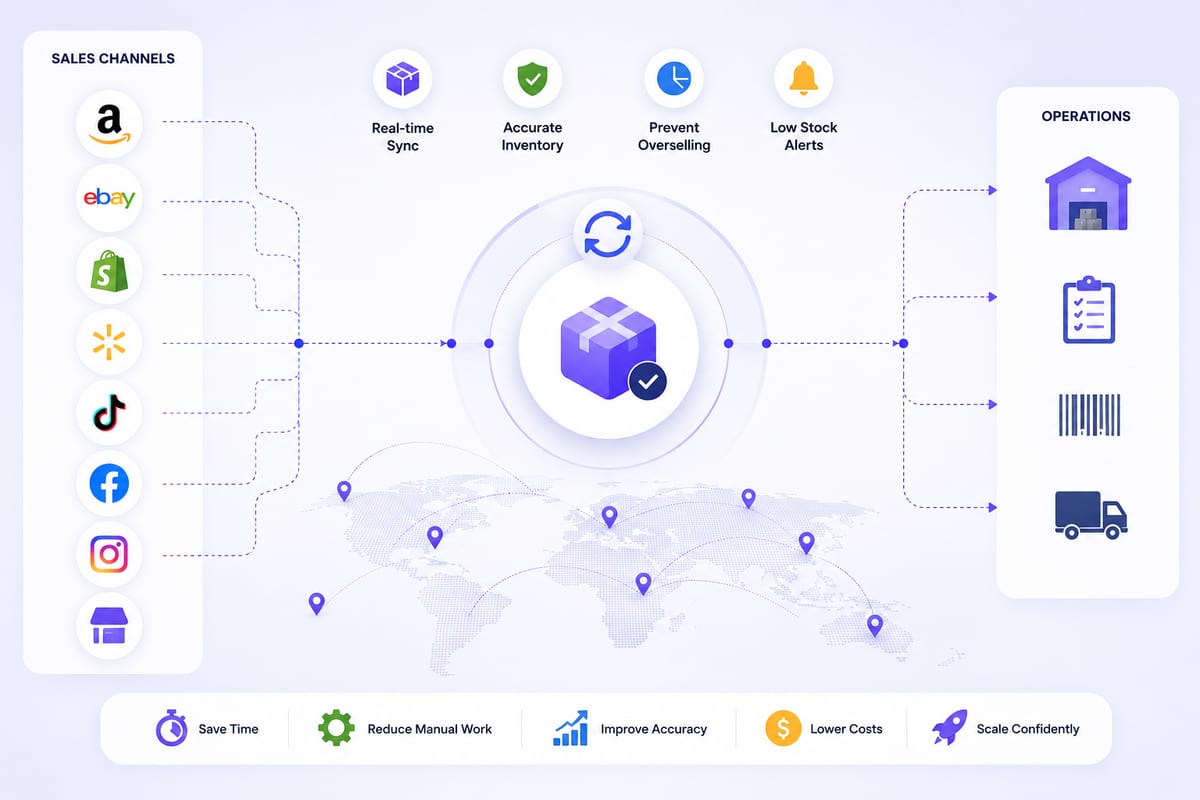
Cross Channel Inventory Management Without the Chaos
Cross channel inventory management for operations running on multiple platforms. The architectural patterns that prevent coordination breakdowns.
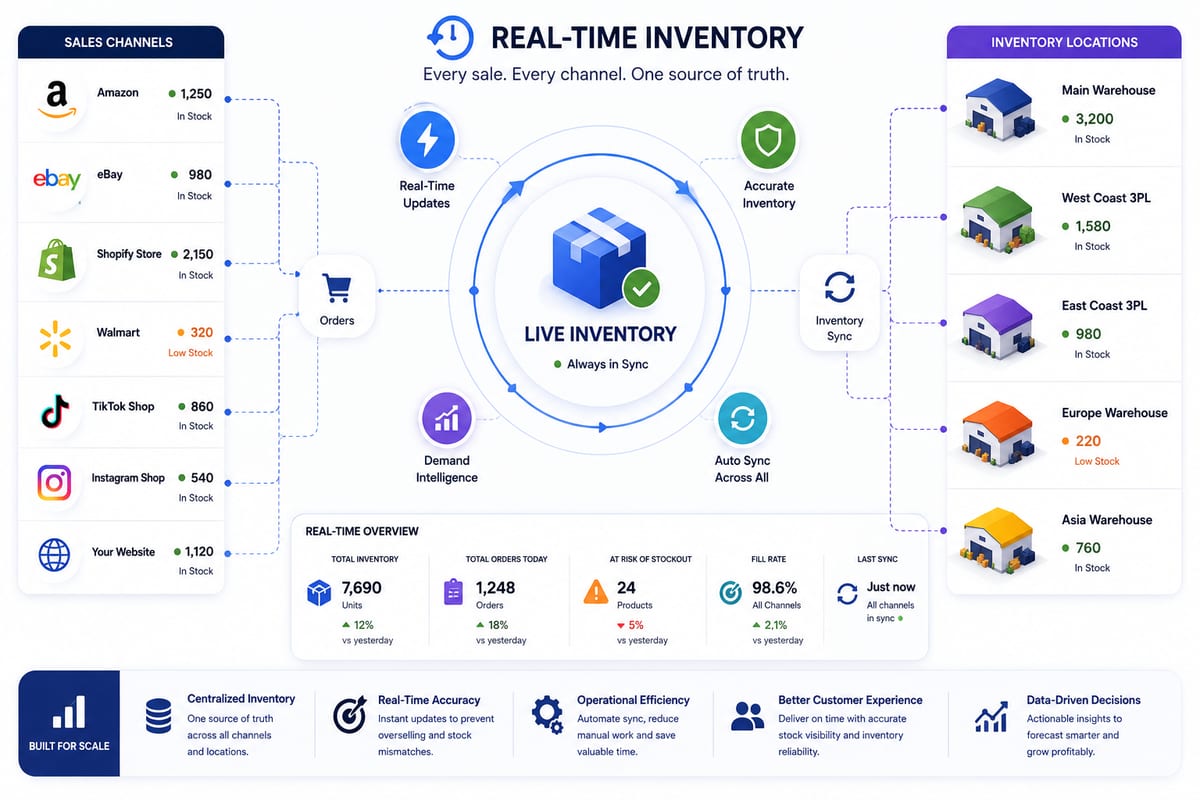
Real Time Inventory Management at Multi-Channel Scale
Real time inventory management requirements for multi-channel ecommerce. The architecture that delivers sub-5-second propagation under load.