Inventory Software: The Architecture Choices That Matter
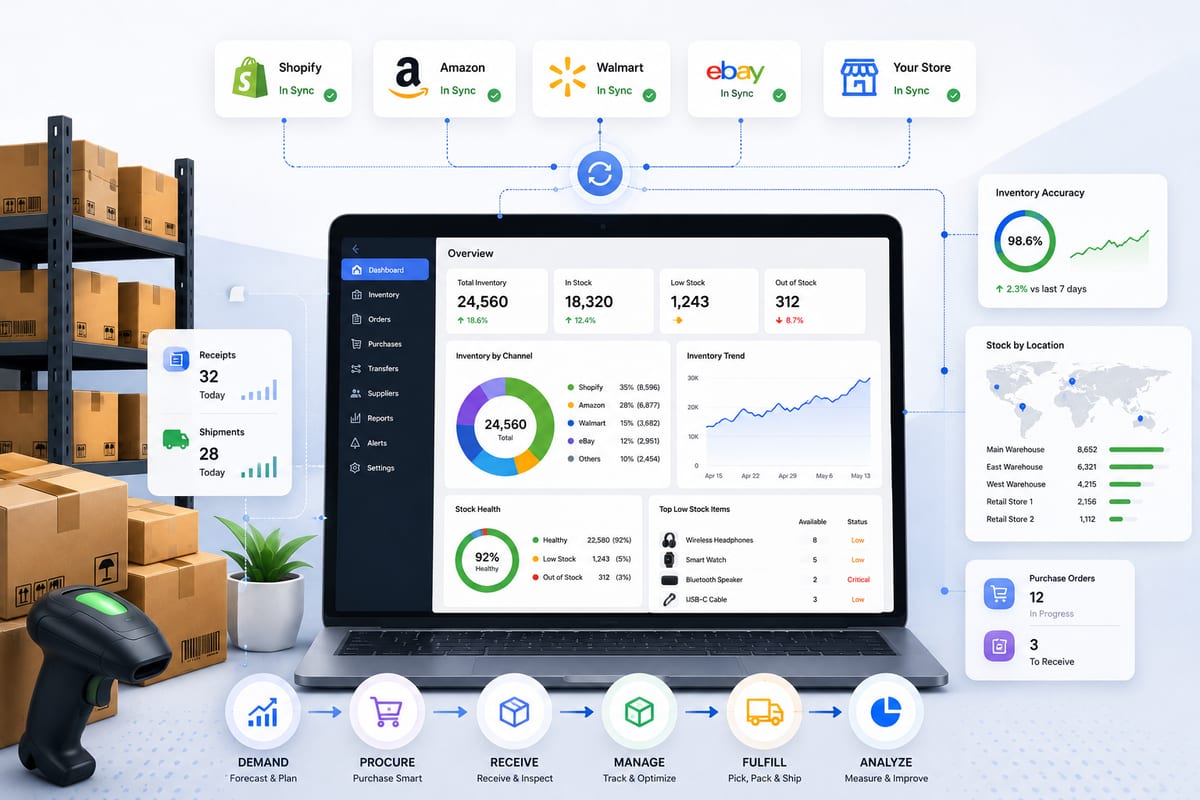
Most inventory software gets compared on features. Real-time sync, multi-channel support, variation tracking. The features look similar across vendors because they all read each other's marketing pages. What separates inventory software that scales from inventory software that fails is not visible on feature lists, it is in the architectural choices the vendor made before any of the features were built. These choices determine reliability, scalability, and total cost of ownership over the lifetime of the deployment.
This article walks through the architectural choices that actually matter when evaluating inventory software, why most buyers focus on the wrong properties, and how to evaluate options based on what determines real-world outcomes.
Why Feature Comparisons Mislead Inventory Software Buyers
Inventory software vendors converge on similar feature lists because feature lists are easy to describe and easy to compare. Every vendor checks the boxes for "real-time sync," "multi-channel support," "variation tracking," and "reporting." Buyers comparing feature lists see similar options and pick based on price or brand recognition.
The problem is that two inventory software products with identical feature lists can have radically different reliability under load. The differences live in architectural choices, how sync is implemented, where data ownership lives, how the platform handles failure, how integrations are structured, that do not show up on feature pages.
This is why operations that pick inventory software based on features often migrate within 12 to 18 months. The chosen tool checks the feature boxes but fails on architecture. The migration to a new tool is the realization that features do not predict scalability, architecture does.
The Five Architectural Choices That Determine Outcomes
When inventory software is evaluated on architecture rather than features, five choices stand out as predictive of long-term outcomes.
Choice 1: Sync Architecture
Webhook-driven or polling-based. This single choice determines whether the inventory software can handle high-velocity multi-channel operations.
Polling-based sync checks each channel for changes every N minutes. Simple to build, predictable to operate, fundamentally limited by interval length. According to Cloudflare's documentation on webhooks, event-driven sync handles high-velocity events far more reliably than polling alternatives.
For multi-channel operations or any meaningful order volume, webhook-driven sync is the only architecture that holds up. Inventory software that still uses polling-based sync is not built for modern ecommerce velocity. For the architectural deep-dive, see our inventory sync guide.
Choice 2: Data Ownership Model
Centralized or distributed. Where does the canonical inventory data live?
Centralized models give one platform ownership of the canonical count. Other systems read from it; nothing else writes directly. According to Wikipedia's overview of inventory management, centralized data ownership is foundational to operational accuracy across distributed sales channels.
Distributed models let multiple systems maintain their own counts. The "stacked plugin" architecture that produces silent stock drift is fundamentally a distributed ownership problem. Inventory software that supports multiple writers without coordination logic accepts drift as a tradeoff.
Choice 3: Integration Type
Native API connections or middleware-routed integrations. The choice determines reliability and latency for connected channels.
Native integrations talk directly to each channel's API. Middleware integrations route through a third-party integration provider that maintains the channel-specific connections. Middleware adds latency and creates failure points that compound across channels.
Inventory software with "200+ integrations" usually achieves the count through middleware. Inventory software with 10 to 30 native integrations to your actual channels usually outperforms it on reliability.
Choice 4: Variation Data Model
Variation-first or parent-first. The choice determines whether the software handles variable products correctly.
Variation-first models treat each variant as its own SKU with its own stock count, its own sync rules, and its own audit history. Parent-first models track stock at the parent product level and divide aggregate counts among variations.
Inventory software with parent-first variation handling breaks for variable catalogs at any meaningful scale. The failure is usually silent, counts on parent products look fine while specific variations show wrong counts on specific channels.
Choice 5: Compute Location
Local or external. Where do the heavy operations run, on the user's storefront infrastructure or on dedicated platform infrastructure?
Local-compute inventory software runs everything inside the storefront installation. Sync logic, reporting, bulk operations all consume the storefront's hosting resources. Scales poorly past 500 to 1,000 SKUs because hosting becomes the bottleneck.
External-compute inventory software delegates heavy operations to dedicated cloud infrastructure. The storefront stays fast regardless of catalog size or sync workload because the work does not happen on the storefront's database.
How These Choices Combine in Production
The five architectural choices are not independent. They combine in specific patterns that predict real-world behavior.
Pattern A: Polling + Distributed + Middleware + Parent-First + Local. The worst-case combination. Inventory software with this profile produces stock drift, scaling problems, and reliability issues at any meaningful scale. Most legacy inventory software falls into this category, the architecture made sense when it was built and has not been rewritten since.
Pattern B: Webhook + Centralized + Native + Variation-First + External. The optimal combination. Inventory software with this profile scales cleanly across channel count, catalog size, and order volume. The architectural choices compound to produce reliability under load.
Pattern C: Mixed. Most inventory software falls between these poles, making good choices on some dimensions and bad choices on others. The mixed cases require specific evaluation against your operation's specific needs.
The goal of inventory software evaluation is not to find Pattern B perfection, it is to identify which mixed patterns produce acceptable outcomes for your specific operation and which fall short.
How to Verify Architectural Choices Before Committing
Vendor marketing pages rarely describe architectural choices accurately. Buyers need to verify these choices through direct testing and specific questioning.
Verification 1: Sync architecture. Ask the vendor: "Is your sync webhook-driven or polling-based, and what is the average propagation latency?" Vendors with strong webhook architectures answer confidently. Vendors with weak architectures dodge or obfuscate.
Verification 2: Data ownership. Ask: "Where does canonical inventory data live, and what other systems can write to it?" Strong centralized models have clear single-writer semantics. Weak distributed models accept multiple writers without coordination.
Verification 3: Integration type. Ask: "Which of your integrations are native API connections and which route through middleware partners?" Reputable vendors disclose this. Vendors hiding the answer usually have predominantly middleware integrations.
Verification 4: Variation handling. Test on staging. Create a variable product with 12+ variations. Sell out 3 specific variations. Verify every channel reflects the change correctly without affecting siblings. Tools that fail this test should be eliminated.
Verification 5: Compute location. Ask: "Do heavy operations run on my infrastructure or on dedicated platform infrastructure?" Verify by checking how the dashboard performs at your catalog size, if it slows down noticeably with larger catalogs, the compute is probably local.
The verification process takes about 90 minutes total and eliminates most wrong-fit options decisively. Operations that skip verification usually pay for the shortcut later with migration cost.
How Nventory Maps to the Architectural Framework
Nventory.io is built around Pattern B architectural choices across all five dimensions.
Sync architecture: Webhook-driven with sub-5-second propagation. Not polling-based.
Data ownership: Centralized canonical layer. Other systems read from the platform; the platform owns the canonical count.
Integration type: Native API connections to 30+ channels including WooCommerce, Shopify, BigCommerce, Amazon, eBay, Walmart, TikTok Shop, Etsy, and more. Not middleware-routed.
Variation data model: Variation-first. Each variant tracked as its own SKU with its own stock count and sync rules.
Compute location: External. Heavy operations run on dedicated cloud infrastructure rather than the user's storefront.
For WordPress and WooCommerce stores, download Nventory free from WordPress.org. For Shopify operations, install Nventory from the Shopify App Store. Both versions connect to the same multi-channel platform with the same architectural properties.
The free tier includes the core functionality without subscription cost. The architectural choices are the same in free and paid tiers, paid tiers add features like multi-warehouse routing rather than upgrading the underlying architecture.
This is the kind of platform the architectural framework points toward when evaluating inventory software for serious operations. For the broader operational context, see inventory management and multichannel ecommerce.
Common Architectural Anti-Patterns to Recognize
A few patterns to recognize as red flags during inventory software evaluation.
"Real-time sync" without specific latency numbers. Real real-time means sub-5-second propagation with verifiable measurements. Marketing real-time often means 5 to 15 minute polling presented as "near real-time."
"All-in-one platforms" with shallow integrations. Tools that claim to handle 50+ channels usually do so through middleware that limits depth on each channel. Specialized native integrations on 15 to 30 channels typically outperform broad middleware coverage.
"Easy setup" as a primary value proposition. Easy setup usually means architectural simplification that limits long-term flexibility. Good inventory software is initially complex but pays back the setup investment over years.
"Lifetime free" with feature paywalls. Real free tiers include core architectural functionality. Marketing free tiers cripple features that matter and create upgrade pressure quickly.
"Built for [specific platform]" without multi-platform support. Single-platform tools force migration when the operation expands. Cross-platform tools support growth without rebuilding the stack.
Common Mistakes in Inventory Software Selection
A few specific mistakes that produce expensive migrations later.
Picking based on feature checklist completion. All vendors check most boxes. Architecture matters more than feature breadth.
Trusting G2 ratings without specific context. Ratings reflect user satisfaction with intended use cases. They do not reveal whether the tool fits your specific architectural needs.
Buying for current scale only. Tools that handle 500 SKUs may break at 5,000. Buy for 18 months out, not for today.
Underestimating data portability. Tools that lock data create expensive future migrations regardless of current quality.
Skipping the staging trial. No amount of demo viewing replaces actual hands-on testing with your specific data and channels.
Final Thoughts
Inventory software evaluation framed around architectural choices produces dramatically better outcomes than evaluation framed around features. Five specific architectural dimensions, sync architecture, data ownership, integration type, variation data model, and compute location, combine to predict real-world reliability. Operations that evaluate inventory software through this framework select tools that scale with growth. Operations that evaluate through feature comparisons end up migrating within 12 to 18 months when the architectural problems become undeniable.
If you want to test inventory software built around the architectural choices that produce reliability at scale, install Nventory on your platform of choice. For WordPress and WooCommerce stores, download Nventory free from WordPress.org. For Shopify stores, install Nventory from the Shopify App Store. Visit nventory.io to review platform architecture documentation and see how each of the five architectural dimensions is implemented.
Frequently Asked Questions
Five choices: sync architecture (webhook vs polling), data ownership (centralized vs distributed), integration type (native vs middleware), variation data model (variation-first vs parent-first), and compute location (external vs local). The combinations predict real-world outcomes.
Ask specific questions during vendor evaluation, then verify on staging. Vendors that answer confidently and demonstrate on staging have probably made the architectural investments. Vendors that dodge or refuse staging trials probably have not.
Because two products with identical feature lists can have radically different architectures. Architecture determines reliability under load, not feature breadth.
For multi-channel operations or any meaningful order volume, yes. For single-channel operations at very low volume, polling can work. The architecture determines the scale ceiling.
Quality. Native API integrations to your actual channels outperform middleware integrations to channels you do not use. Ten rock-solid native integrations beat 200 middleware-routed ones.
For WordPress and WooCommerce stores, download Nventory free from WordPress.org. For Shopify operations, install Nventory from the Shopify App Store.
Related Articles
View all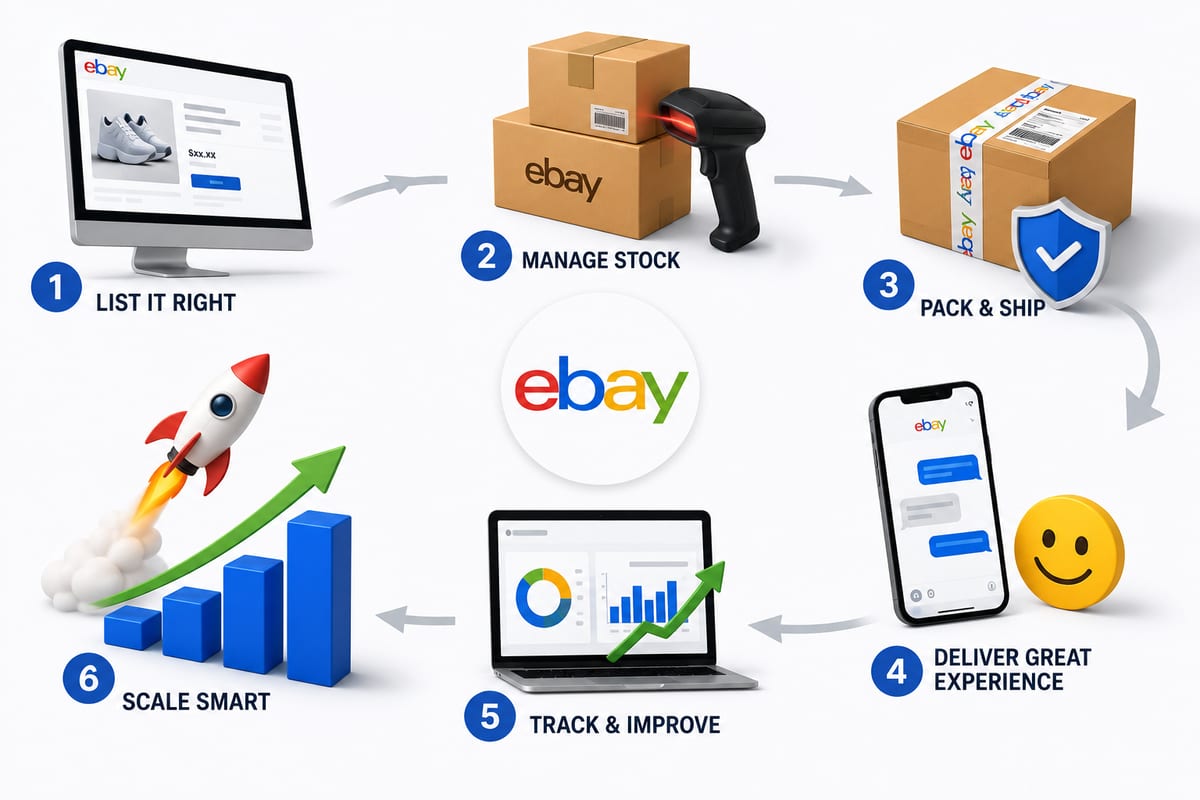
Tips on How to Sell on eBay: Operational Practices at Scale
Tips on how to sell on eBay alongside multiple channels. The operational practices that protect seller standing and produce sustainable margin.
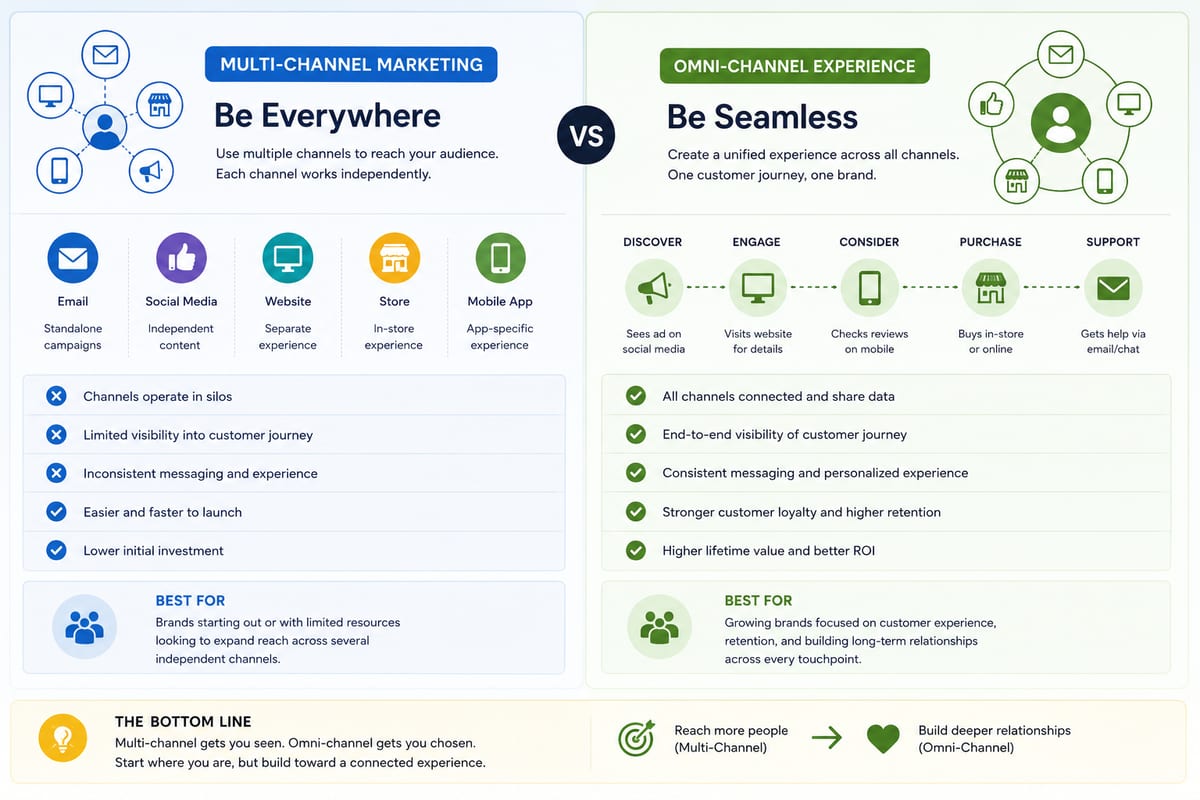
Multi Channel Marketing vs Omni Channel: Honest Comparison
Multi channel marketing vs omni channel breakdown for ecommerce operations. The operational differences that determine which approach fits your business.
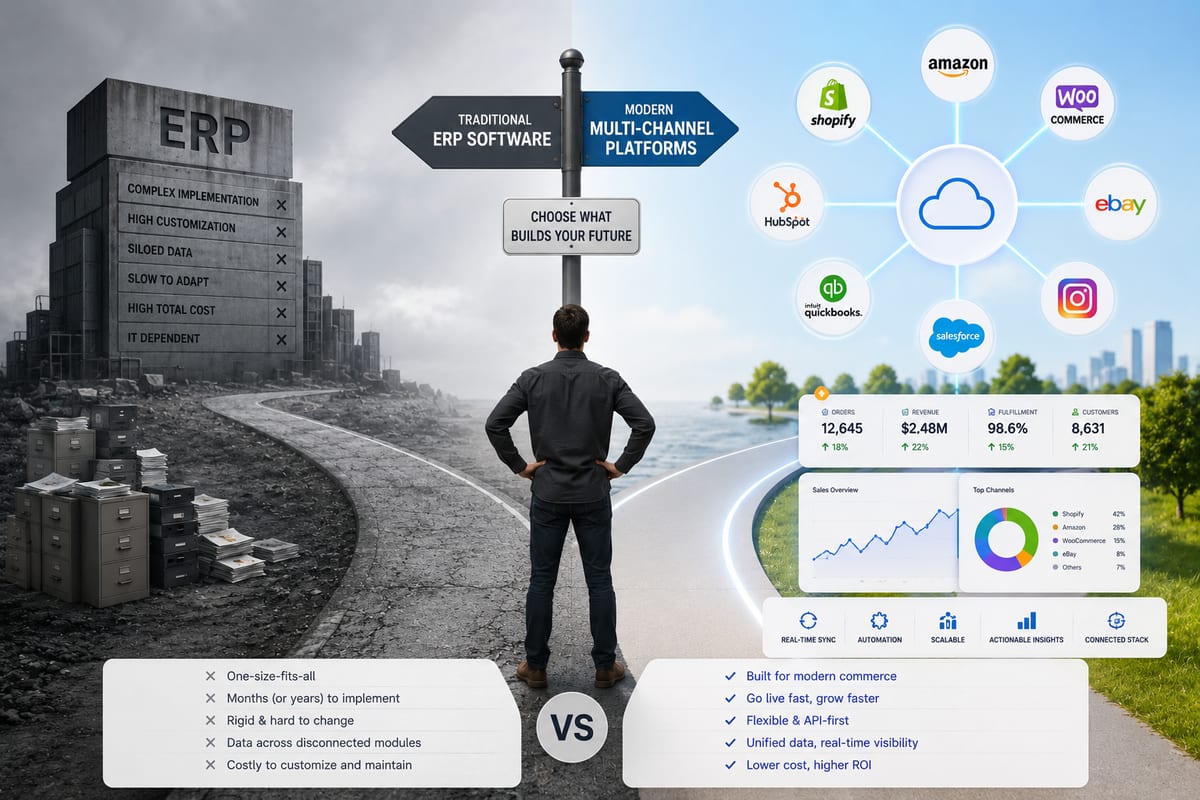
ERP Software vs Multi-Channel Platforms: Honest Choice
ERP software comparison for growing ecommerce brands. When ERP fits and when multi-channel platforms produce better outcomes at lower cost.