Ecommerce Automation: What Actually Compounds in 2026
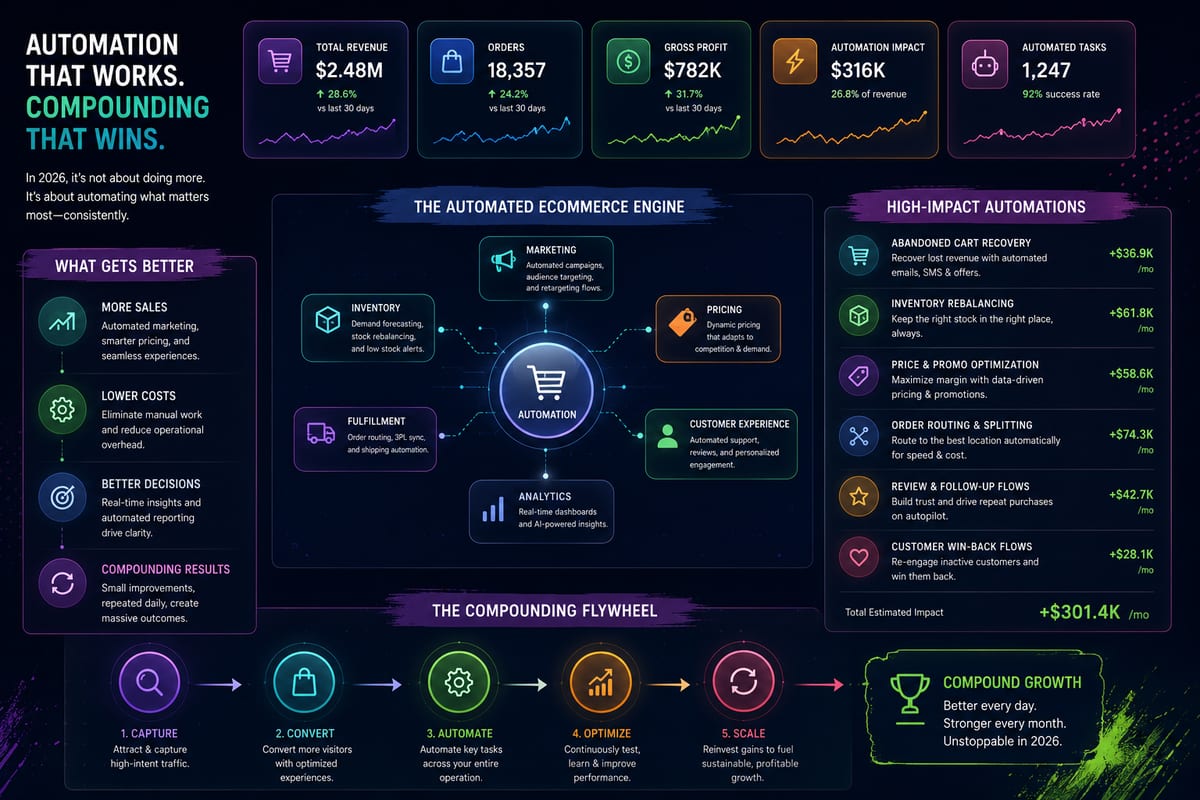
Most articles about ecommerce automation read like vendor brochures. They list 30 categories you should automate, promise transformative results, and somehow forget to mention that most of those automations either do not work in practice or produce so little value they are not worth the integration cost. The reality is narrower and more useful. A small number of ecommerce automation categories actually compound over time into operational leverage. Most of the rest are demo material, they look impressive but produce minimal real savings.
This article walks through the ecommerce automation categories that genuinely matter, the ones that do not, and the practical decisions that separate operations that benefit from automation from operations that just accumulate tool subscriptions.
What Ecommerce Automation Actually Means
The phrase covers a wide range of operational tools. At the broadest definition, ecommerce automation is any software that handles work humans would otherwise do manually. That definition is too loose to be useful for planning.
The narrower definition that matters: ecommerce automation eliminates specific operational tasks that scale with business volume. The work does not grow when sales grow because the software absorbs the load. This is the kind of automation that produces compounding leverage rather than just one-time labor savings.
Examples that fit this definition:
- Multi-channel inventory sync that updates stock counts across channels automatically
- Order routing that decides fulfillment paths without human intervention
- Refund processing that triggers stock restoration without manual touches
- Customer email automations that send order confirmations and shipping updates
- Tax calculation that handles jurisdiction-specific rules without lookups
- Pricing rules that adjust automatically to competitor or supplier price changes
Examples that do not fit:
- One-time bulk imports that do not recur
- Reporting dashboards that automate display but not action
- Marketing analytics that surface data without taking action on it
- AI content generation that needs human review before use
Real ecommerce automation produces work-the-system-does-not-need-humans-for. Demo automation produces dashboards that look impressive.
The Four Categories That Actually Compound
After watching dozens of ecommerce operations implement automation programs, four categories consistently produce compounding leverage. The other 26 categories most articles mention produce marginal or zero impact.
Category 1: Inventory and Stock Sync Automation
The highest-impact category for almost every operation. When stock changes anywhere in the operation, every connected channel should know within seconds without human intervention. According to Cloudflare's documentation on webhooks, event-driven sync handles this far more reliably than polling-based alternatives.
The compounding effect: as channel count and order volume grow, the manual work this automation would otherwise consume scales non-linearly. An operation with 2 channels and 50 orders/day has manageable manual reconciliation. The same operation at 5 channels and 500 orders/day has impossible manual reconciliation. The automation absorbs the entire scaling burden. For the architectural deep-dive, see inventory sync.
Category 2: Order Routing Automation
When an order arrives, software decides which warehouse fulfills it, generates the appropriate label, and pushes tracking back to the customer, all without human touches. The complexity scales fast with warehouse count, channel rules, and product-specific shipping requirements.
The compounding effect: routing one order manually takes a minute. Routing 1,000 orders manually takes nearly 17 hours of focused work. Routing 10,000 orders manually is not possible. Operations that automate routing scale without growing fulfillment ops headcount linearly.
Category 3: Refund and Returns Automation
Refund processing that triggers stock restoration, customer communication, and accounting entries automatically. Most ecommerce operations have manual refund workflows that consume real customer service time and produce inventory drift when stock restoration fails.
The compounding effect: return rates in ecommerce average 10 to 30% depending on category. Operations without refund automation spend significant team time on routine processing. Automation reduces this to exception handling, humans only touch returns that fall outside standard patterns.
Category 4: Customer Communication Automation
Order confirmations, shipping notifications, delivery updates, review requests, and post-purchase sequences all happening automatically based on order state changes. Quality matters more than quantity, the right messages at the right times rather than constant marketing emails.
The compounding effect: customer expectations include immediate confirmation, real-time shipping updates, and proactive issue resolution. Operations without communication automation cannot meet these expectations at scale. Automation makes the operation feel attentive to customers without requiring human attention per customer.
The Categories That Look Good But Do Not Compound
A few automation categories appear constantly in ecommerce automation articles but produce limited compounding value in practice.
Marketing dashboard automation. Tools that aggregate marketing data into nice dashboards. Useful for reporting but rarely take action on the data automatically. The dashboard automation does not reduce the work of acting on insights.
AI content generation for product descriptions. Generates descriptions automatically but requires human review and editing for quality. The total time saved is smaller than vendors claim because humans still do significant work per product.
Chatbot automation for customer service. Handles simple FAQ responses but escalates complex issues to humans. Reduces simple ticket volume but does not compound because complex tickets dominate customer service time.
Inventory forecasting automation. Predicts future demand based on historical patterns. Useful when working but breaks down during demand volatility (viral products, seasonality changes, supply disruptions). Provides insights but does not actually take action.
Social media posting automation. Schedules posts across platforms. Saves the operational task of clicking publish but does not address the actual work, creating good content that produces engagement.
These categories are not worthless. They are just not where compounding leverage lives. Operations focusing automation investment here often look impressive but do not produce meaningful operational change.
How to Prioritize Ecommerce Automation Investments
For operations evaluating where to invest automation effort, here is the practical priority order based on compounding potential.
Priority 1: Multi-channel inventory and stock sync. Highest impact for any operation with 2+ channels. The labor savings compound dramatically as channel count grows. This connects directly to broader multichannel ecommerce operational patterns.
Priority 2: Order routing and fulfillment. Second-highest impact for operations with multi-warehouse or 3PL relationships. Single-warehouse operations get less leverage here.
Priority 3: Refund and returns processing. Third priority for any operation with meaningful return rates (most ecommerce). Often combined with Priority 1 because inventory restoration is part of refund workflows.
Priority 4: Customer communication. Fourth priority because customer expectations now demand it. Less about labor savings, more about meeting baseline customer experience requirements.
Lower priorities: Marketing dashboards, content generation, social media scheduling, advanced forecasting. These have value but lower compounding impact.
Operations that follow this priority order produce significantly better automation ROI than operations that automate based on what is marketed loudest.
The Architecture That Makes Automation Actually Work
Ecommerce automation only delivers value when the underlying architecture supports it. Three architectural properties separate automation that compounds from automation that breaks.
Event-driven foundation. Automation triggered by events (orders placed, stock changed, refunds processed) rather than scheduled jobs (cron tasks running every N minutes). Event-driven automation responds in seconds; scheduled automation has inherent latency.
Comprehensive logging. Every automated action logs with timestamps, source attribution, and replay capability. When automations fail (and they will), the audit trail enables fast diagnosis. Without logging, automation failures produce mysteries.
Idempotent operations. Automated actions can run multiple times without producing wrong results. Critical because retry logic and webhook delivery semantics produce duplicate executions in normal operation.
According to Wikipedia's overview of inventory management, centralized data ownership and event-driven propagation are foundational properties of accurate operations at scale, and ecommerce automation builds on these foundations.
How Nventory Implements Compounding Automation
Nventory.io handles the highest-impact ecommerce automation categories, multi-channel inventory sync, order routing, and refund-restoration, through a unified webhook-driven platform. The architecture is event-driven, comprehensively logged, and idempotent by design.
The platform connects WooCommerce, Shopify, and other storefronts to Amazon, eBay, Walmart, TikTok Shop, Etsy, and 30+ other channels. Sync propagation completes in under 5 seconds. Order routing handles multi-warehouse and channel-specific rules. Refund workflows trigger stock restoration automatically.
For WordPress and WooCommerce stores, download Nventory free from WordPress.org. For Shopify operations, install Nventory from the Shopify App Store. Both versions implement the same automation architecture.
The free tier includes the core ecommerce automation functionality without subscription cost. Paid tiers add advanced routing logic for operations with specific multi-warehouse or fulfillment workflows. The labor savings from Priority 1 and Priority 2 automation typically pay for any paid tier subscription within the first month.
For broader operational context, see how this automation fits within the inventory tracking discipline that surfaces issues before they cost money.
Common Ecommerce Automation Mistakes
A few patterns to avoid when planning automation programs.
Automating before standardizing. Automation amplifies what already exists. Automating chaotic workflows just produces faster chaos. Standardize SKUs, processes, and rules before automating them.
Picking tools based on integration count. "Connects to 200+ services" sounds impressive but does not predict whether the automation actually works for your specific stack. Native integrations to your actual channels matter more than broad coverage.
Automating low-impact tasks first. It is tempting to start with easy wins like social media scheduling. But the compounding leverage lives in higher-priority categories. Start with inventory sync, not Instagram automation.
Skipping the failure-mode planning. Every automation will fail occasionally. Plan how failures surface to operators, how recoveries work, and what manual fallbacks exist. Automations without failure handling produce silent damage.
Over-automating customer touch points. Some customer interactions benefit from human judgment. Aggressive chatbot automation that frustrates customers costs more than the labor it saves.
Final Thoughts
Ecommerce automation that actually compounds lives in four specific categories: multi-channel inventory sync, order routing, refund and returns processing, and customer communication. Most other automation categories produce limited compounding value despite vendor marketing. Operations that prioritize automation investment based on compounding potential produce dramatically better ROI than operations that automate based on what looks impressive. The architectural foundation, event-driven, comprehensively logged, idempotent, determines whether automation delivers on its promise or breaks under load.
If you want to implement the highest-impact ecommerce automation categories on a platform built around the right architecture, install Nventory on your platform of choice. For WordPress and WooCommerce stores, download Nventory free from WordPress.org. For Shopify stores, install Nventory from the Shopify App Store. Visit nventory.io to review the platform architecture and see how the automation handles real-world ecommerce workflows.
Frequently Asked Questions
Multi-channel inventory and stock sync, for operations selling on 2+ channels. The labor savings compound dramatically as channel count grows. Nventory implements this, available on WordPress.org and the Shopify App Store.
For operations implementing Priority 1 through Priority 4 automations correctly: typically 15 to 40 hours of operational labor per week eliminated as channel count and order volume grow. The savings compound over time as the business scales.
Yes, but selectively. Single-channel operations under 100 orders/day benefit primarily from customer communication automation. Multi-channel operations need inventory sync automation from day one.
Marketing dashboard automation, AI content generation, and aggressive chatbot automation. These look impressive in vendor demos but produce limited compounding leverage in practice.
Yes, when the underlying architecture supports it. The free Nventory tier handles core multi-channel inventory automation without subscription cost. Real free tiers exist; marketing free tiers do not.
For Priority 1 automations: typically 30 days to show clear labor savings. For Priority 2 and 3: 60 to 90 days. For lower priorities: often 6+ months or never, depending on operational fit.
Related Articles
View all
Inventory Automation That Actually Saves Operations Time
Inventory automation for ecommerce operations past manual reconciliation. The categories that produce compounding labor savings at scale.
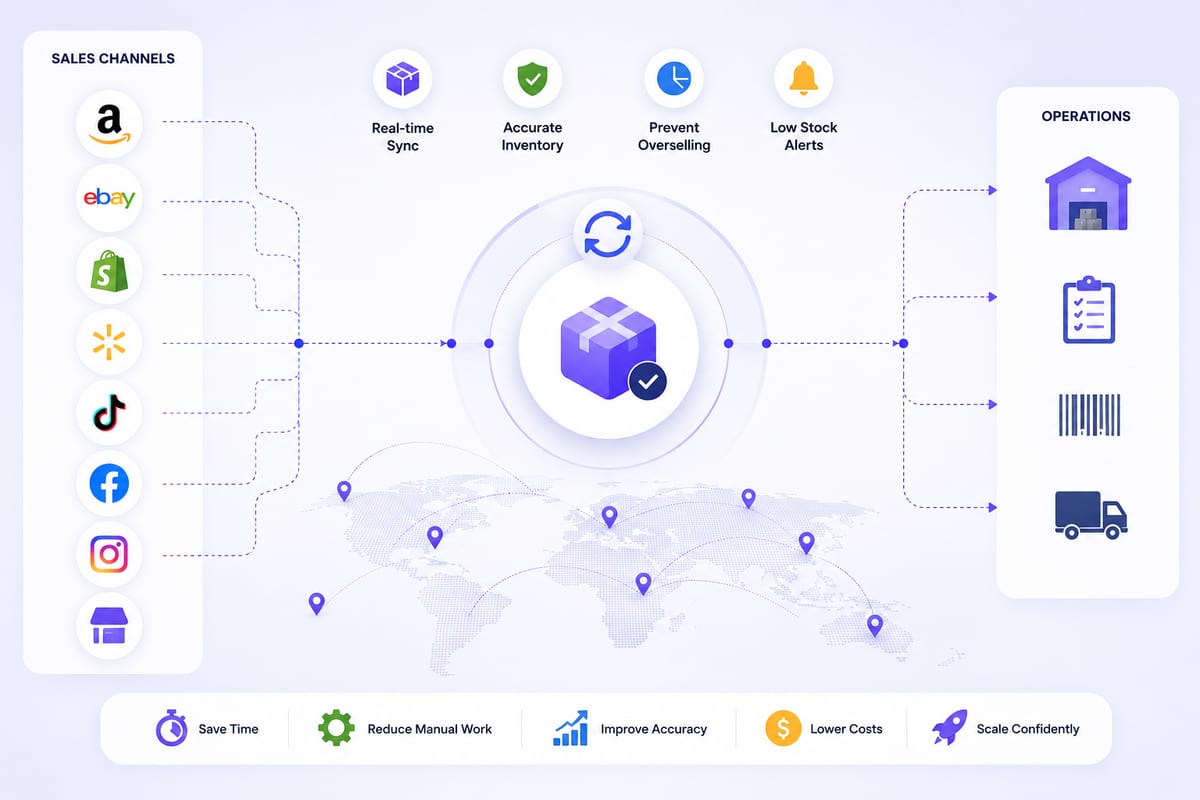
Cross Channel Inventory Management Without the Chaos
Cross channel inventory management for operations running on multiple platforms. The architectural patterns that prevent coordination breakdowns.
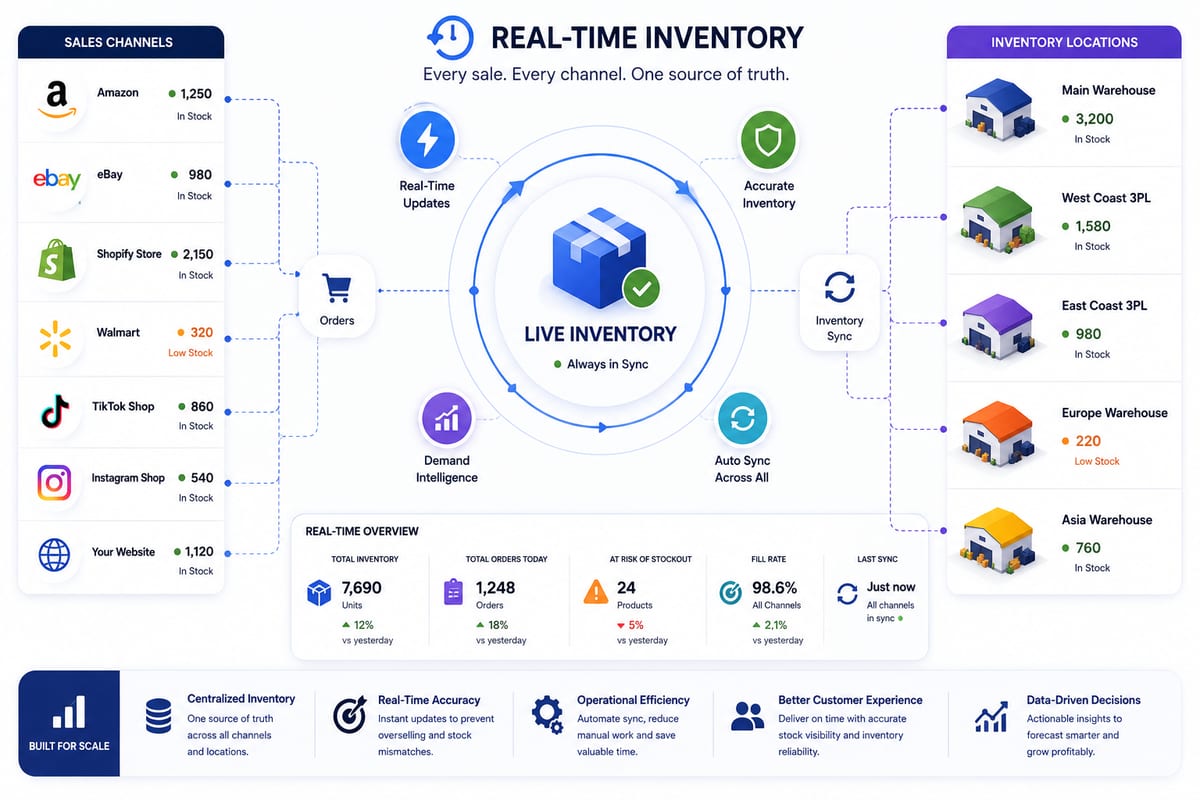
Real Time Inventory Management at Multi-Channel Scale
Real time inventory management requirements for multi-channel ecommerce. The architecture that delivers sub-5-second propagation under load.